
How Smart Home Automation Works in 2026: A Complete Guide
By Wanderson Nogueira Martins
Smart home automation has crossed a turning point. If you tried setting one up three or four years ago and gave up because nothing talked to nothing, the situation in 2026 is genuinely different. The arrival of the Matter protocol — paired with Thread mesh networking and Wi-Fi 7 — means you can now buy a smart bulb, a door lock, and a motion sensor from three separate brands and have them working together in under ten minutes. This guide explains how all of that actually works, what each piece does, and what still isn’t perfect.
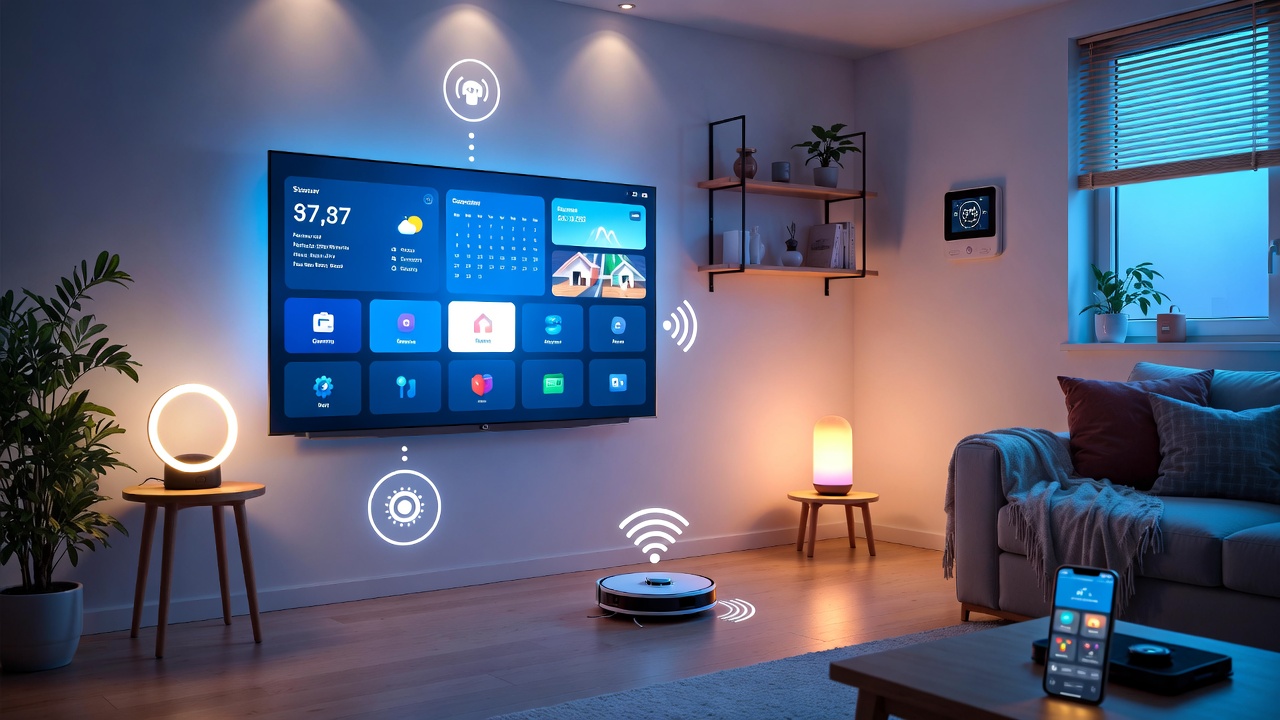
The Three Pillars: Matter, Thread, and Wi-Fi 7
Before getting into specific devices, it helps to understand the three layers that make a modern smart home run. Think of them as different jobs, not competing options.
Matter is the application-layer standard — the common language. It was developed by an alliance that includes Apple, Google, Amazon, and Samsung, and it defines how a lock tells a thermostat you’ve arrived home, or how a motion sensor triggers lights from a different manufacturer. Matter runs over IP, which means devices using it are first-class citizens on your home network. You scan a QR code, the device pairs via Bluetooth LE, and from that point it joins your network and is visible across whichever ecosystems you use. One device can be connected to Apple Home, Amazon Alexa, and Google Home simultaneously — this is called multi-admin, and it’s a real feature, not a marketing promise.
Thread is the radio protocol that battery-powered devices use to get online. It runs on the IEEE 802.15.4 standard at 2.4 GHz — the same radio layer as Zigbee — but unlike Zigbee, Thread devices are IPv6-addressable, which is why they work so naturally with Matter. Thread creates a self-healing mesh: every mains-powered Thread device (a smart plug, a light) acts as a relay node, strengthening the network as you add more devices. For a door lock that needs 18–24 months of battery life, Thread is the right transport. For a smart plug that’s always powered and near your router, regular Wi-Fi works fine.
Wi-Fi 7 handles the high-bandwidth devices — cameras, video doorbells, smart displays — and acts as the backbone for the whole network. Its Multi-Link Operation (MLO) feature lets devices transmit across multiple frequency bands simultaneously, which eliminates most of the latency problems that plagued smart home setups in earlier years.
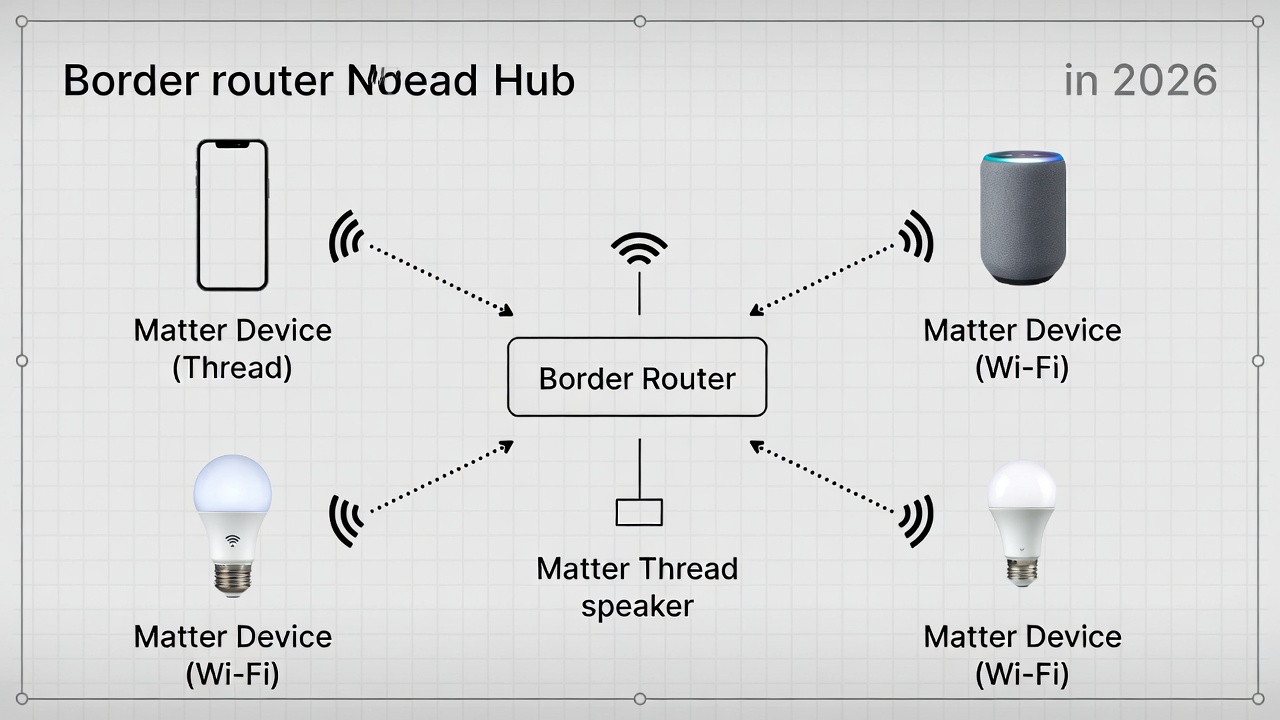
A Thread border router is the bridge between these worlds. Devices like the Apple TV 4K, Nest Hub (2nd gen), and the SmartThings Station all include built-in Thread border routers. They forward traffic from Thread devices onto your main IP network so everything is reachable. You need at least one. If you have a recent Apple TV or Nest Hub, you likely already have it.
💡 Save this guide for later — it covers everything you need to go from zero to a working smart home setup.
How Automations Actually Work
The difference between a “connected home” and a “smart home” is what happens without you touching anything. Automations are pre-programmed if/then rules. Your motion sensor detects movement at 11 PM → lights turn on at 20% brightness. Your door lock reports it’s been unlocked → thermostat sets to your preferred temperature. You leave home → all lights turn off, doors lock, camera arm.
These rules live inside your chosen ecosystem app — Apple Home, Google Home, Amazon Alexa, or SmartThings — and run locally on your hub or border router. Local execution is important. It means automations still fire when your internet is down, and they respond in under 100 milliseconds instead of the 1–3 second delay you’d get routing commands through a cloud server.
Scenes work differently from automations. A scene is a preset configuration — “Movie Night” dims lights to 15%, closes the blinds, and turns the TV to HDMI 2. You trigger scenes manually, through voice, or as part of an automation sequence. Most ecosystems let you nest them.
The more capable platforms for complex automations in 2026 are Amazon Alexa (widest routine library), SmartThings (fastest to implement new Matter spec features), and Home Assistant (fully local, open-source, no subscription required but requires more setup time). Google Home has improved significantly since its 2024 app redesign, but it still doesn’t surface some device categories from Matter 1.2 and above in the interface.
If you want more detail on which voice assistant handles automation best for your setup, check out our breakdown over at smart home voice assistants.
Choosing Your Ecosystem
Your ecosystem is basically the app and hub you’ll use as the central command. In 2026, Matter means you’re not locked in the way you used to be — a Matter-compatible device works across platforms — but your ecosystem still determines how sophisticated your automations can get, how private your data is, and how reliably edge cases behave.
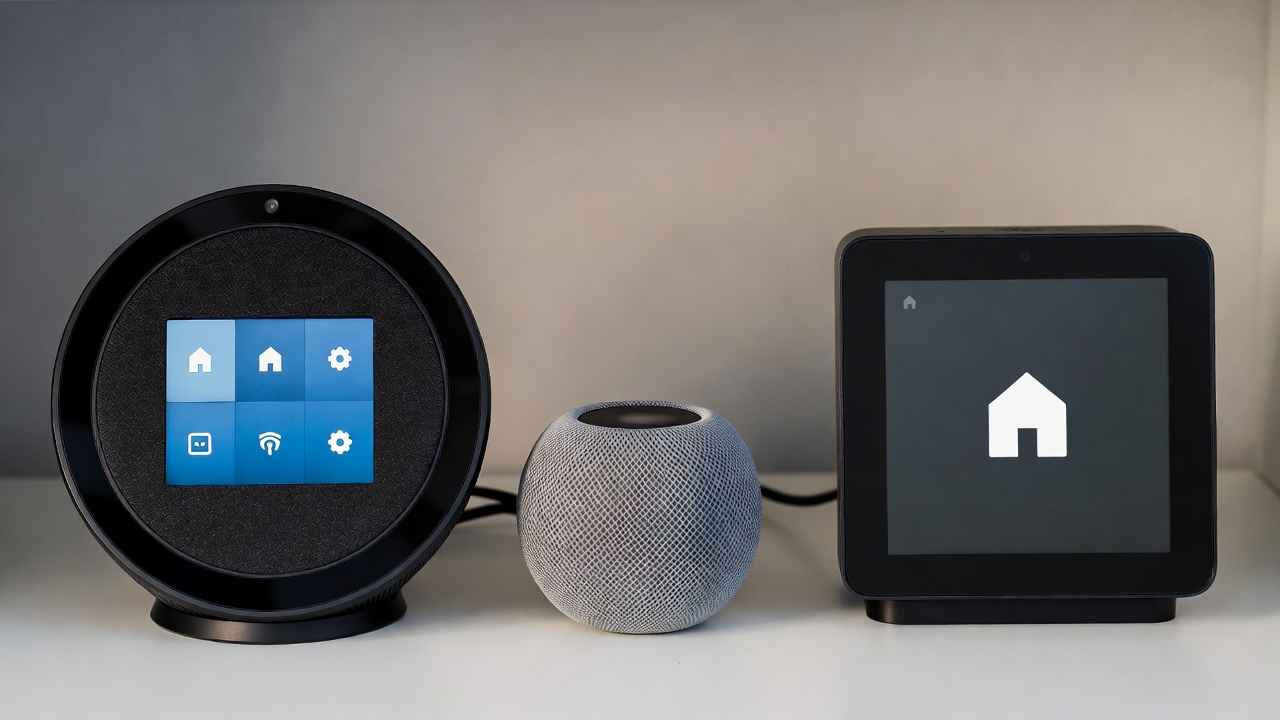
Amazon Alexa + Echo Hub (~$150): Best for voice-first households and users who want the largest device compatibility library. The Echo Hub gives you a wall-mounted touchscreen dashboard. Trade-off: Amazon’s automation engine is less visual and harder to debug for complex multi-step routines, and the platform leans heavily on cloud processing.
Apple HomeKit (HomePod mini $99 / Apple TV 4K $129): Best for households where everyone uses an iPhone. Privacy-first — data is encrypted end-to-end and processed locally. The Apple TV 4K doubles as a Thread border router, which is useful. Trade-off: fewer compatible devices than Alexa, and some newer Matter 1.4 device categories (heat pumps, solar systems) aren’t fully supported yet.
SmartThings Station (~$130): Fastest platform to implement new Matter spec versions — SmartThings announced Matter 1.5 support within weeks of its release. Supports Zigbee, Z-Wave, Thread, and Matter from a single hub, making it the best option if you have older devices you want to keep. Slightly more technical than Apple or Amazon.
Home Assistant (SkyConnect/ZBT-1 dongle, ~$35 + a Raspberry Pi or Home Assistant Green ~$99): Open-source, fully local, no subscription, no cloud dependency. Best for users who want maximum privacy and control and are willing to invest a few hours in setup. Supports Matter, Thread, Zigbee, and Z-Wave. Not for people who want something working out of the box in ten minutes.
Honest summary: no single platform in early 2026 fully implements the complete Matter specification. SmartThings is closest. Apple is the most polished consumer experience. Google works well for Android users but lags on certain device types. Amazon is the most accessible entry point but has ceiling limitations for power users.
What Devices Should You Start With?
The order you add devices matters more than most guides admit. Starting with lighting and then adding sensors, then locks and security, is the most reliable path — both because it’s the lowest-cost entry and because it builds out your Thread mesh before you add devices that depend on that mesh being robust.
Smart lighting: IKEA’s Dirigera hub supports Matter and Thread, and their bulbs average $8–$15 each — among the most affordable Matter-certified options. Philips Hue remains the benchmark for color accuracy and has moved to Matter compatibility with their Hue Bridge v2. IKEA is the better value; Hue is better if color rendering matters to you.
Smart plugs: These are the easiest win. Plug them in, pair them in under two minutes, and instantly add voice and automation control to anything that draws power. Look for Thread-capable plugs (not just Wi-Fi) to strengthen your mesh at the same time. Eve Energy and SONOFF Matter plugs are reliable at $20–$35 per plug.
Smart locks: Matter-over-Thread locks are now the standard recommendation over older Wi-Fi locks that drained batteries and lagged. Schlage Encode Plus and Yale Assure Lock 2 both support Thread and Matter. Expect $150–$200. Before installing any smart lock, make sure your door frame is properly aligned — a deadbolt that requires force to latch will jam any motorized lock regardless of how smart it is.
Motion and contact sensors: These are the inputs for most automations. Aqara’s FP300 multi-sensor supports both Zigbee and Thread (at a battery life trade-off — roughly 3 years on Zigbee, closer to 2 years on Thread per Aqara’s own spec sheet). Eve Motion and the Aqara P2 are solid Thread options in the $25–$40 range.
For a broader look at what’s worth buying right now, check out the home automation section of the site, and the smart lighting and security roundups.
❤️ Bookmark this post to try these ideas later — setting up a smart home works best in stages, and this will be here when you’re ready for the next one.
What Still Isn’t Perfect
It would be misleading to present 2026 smart home automation as a solved problem. Matter has improved things enormously, but a few real frustrations remain.
Ecosystem inconsistency: The major platforms implement Matter at different speeds and sometimes differently. Google Home still doesn’t surface some generic switches from the original Matter 1.0 release. Apple’s Thread 1.4 rollout is expected with tvOS 26 but hasn’t shipped as of early 2026. If you buy a new IKEA Bilresa remote, it won’t work in the Google ecosystem right now.
Parallel Thread networks: If you have multiple Thread border routers from different brands, they can create separate mesh networks instead of joining a unified one. This was a major source of connectivity problems. Thread 1.4, now the minimum for certification as of January 2026, standardizes how border routers share access credentials, which should reduce this. SmartThings has already implemented it; others are still rolling out.
Battery life on Thread vs. Zigbee: Thread is newer, and current-generation Thread chips consume slightly more power than mature Zigbee hardware. The gap is closing with newer silicon like Nordic Semiconductor’s nRF54 series, but if you’re replacing a Zigbee sensor that ran for three years, a Thread equivalent may need a battery swap after two.
Initial setup complexity: Matter’s QR code pairing is genuinely simple for straightforward devices. For anything involving Thread border routers, IPv6 network configuration, or older devices behind protocol bridges, there’s still meaningful technical friction. Home Assistant, in particular, requires attention to IPv6 multicast settings that casual users are unlikely to be comfortable with.
Conclusion: Is 2026 the Right Time to Set Up a Smart Home?
For most people, yes. The practical answer is that the compatibility nightmare that made smart homes frustrating three years ago is largely resolved for common device categories — lights, plugs, locks, thermostats, sensors, and basic cameras all work well across Matter-compatible ecosystems. Prices for entry-level devices have dropped to the point where a basic starting setup (hub, a few bulbs, two smart plugs, one sensor) costs $150–$200.
The main reasons to wait are: if you want cutting-edge device types like heat pumps, solar monitors, or commercial-grade security cameras under the Matter umbrella — those are still being integrated into the spec. If you’re an Android user who relies on Google Home, check current compatibility for the specific devices you want before buying.
If you’re starting today, the clearest path is: pick one ecosystem based on what phones you use, get a hub with a built-in Thread border router, buy Matter-certified devices from that point forward, and add sensors once you have a solid mesh. Start with lighting. Automate one thing well before trying to automate everything.
For the technical standard documentation and certification details, the official source is the Connectivity Standards Alliance Matter page.
📌 Don’t forget to save this post — as Matter spec versions continue rolling out through 2026, this guide will be a useful reference point for checking where each platform stands.
- How to Set Up Smart Lighting at Home
 How to Set Up Smart Lighting at Home: Complete Beginner’s Guide (2026) How to Set Up Smart Lighting… Read more: How to Set Up Smart Lighting at Home
 - IoT Devices for Beginners
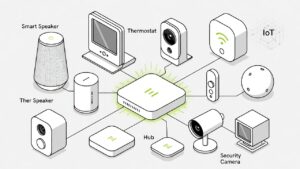 Best IoT Devices for Beginners in 2026: Where to Start Best IoT Devices for Beginners in 2026: Where… Read more: IoT Devices for Beginners
 - Best Smart Smoke Detector 2026
 Best Smart Smoke Detector 2026: Which One Actually Protects Your Home? By Sanso Uka Let’s be honest—most of… Read more: Best Smart Smoke Detector 2026
 - How to Control Your Smart Home with Your Phone
 How to Control Your Smart Home with Your Phone: A Practical Setup Guide By Sanso Uka Learning how… Read more: How to Control Your Smart Home with Your Phone
 - Best Smart Lock 2026
 Best Smart Lock 2026: Which One Actually Keeps Your Home Secure? By Sanso Uka A smart lock is… Read more: Best Smart Lock 2026
 - Smart Home Privacy Risks
 Smart Home Privacy Risks: What Your Devices Are Actually Collecting and How to Stop It By Sanso Uka… Read more: Smart Home Privacy Risks
 - Best Robot Vacuum 2026
 Best Robot Vacuum 2026: Which One Should You Actually Buy? By Sanso Uka Robot vacuums have officially reached… Read more: Best Robot Vacuum 2026
 - Google Home vs Amazon Echo 2026
 Google Home vs Amazon Echo 2026: Which Should You Buy? Google Home vs Amazon Echo 2026: Which Should… Read more: Google Home vs Amazon Echo 2026
 - Smart Home Worth It in 2026
 Is a Smart Home Worth It in 2026? Honest Pros, Cons & Real Costs Is a Smart Home… Read more: Smart Home Worth It in 2026
 - Smart Home Automation
 How Smart Home Automation Works in 2026: A Complete Guide How Smart Home Automation Works in 2026: A… Read more: Smart Home Automation
 - Best Smart Doorbell 2026
 Best Smart Doorbell 2026: Which One Actually Secures Your Front Door? By Sanso Uka Your front door is… Read more: Best Smart Doorbell 2026
 - How Smart Home Automation
 How Smart Home Automation Works in 2026: A Complete Guide How Smart Home Automation Works in 2026: A… Read more: How Smart Home Automation