
How to Start a Smart Home on a Budget in 2026: A Room-by-Room Guide
By Sanso Uka
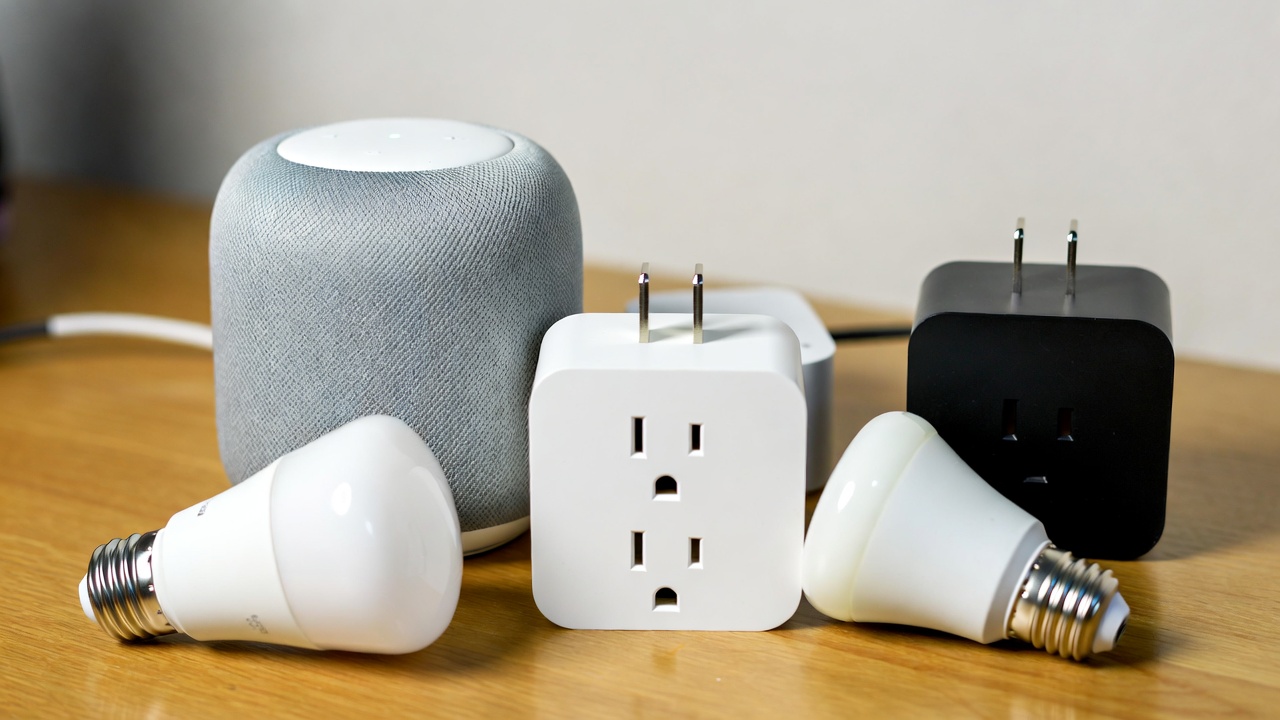
You want a home that responds to your voice, automates the boring stuff, and saves you a bit on energy—but you don’t want to spend a month’s rent to get there. The good news is that how to start a smart home on a budget in 2026 is easier than ever. You can build a reliable system for well under $150 if you know which devices actually deliver and which are just unnecessary frills. After testing dozens of budget gadgets over the past year at Sanso Uka Tech, I’ve put together a practical, room-by-room approach that won’t leave you with a pile of expensive paperweights.
Why Starting Small Beats Buying a Bundle
Those all-in-one starter kits look tempting, but they usually include one device you’ll actually use and three you’ll never touch again. A smarter approach is to identify one or two pain points in your daily routine and solve those first. Maybe you’re tired of getting out of bed to check if you locked the front door, or perhaps you want your living room lights to turn on automatically before you get home from work. Starting with specific needs keeps your spending focused and your setup simple.
📌 Don’t forget to save this post — I’ll link to specific product recommendations from our home automation archive as we go.
The Foundation: A Hub (or Not)
Here’s the first money-saving decision you need to make. You do not need a dedicated smart home hub like a Samsung SmartThings or Hubitat to get started. In fact, most budget-friendly devices are designed to work directly with voice assistants you probably already own: Google Home or Amazon Alexa. If you have a Google Nest Mini (often found for $20–$30) or an Echo Dot, you already have a hub. For iPhone users, Apple HomeKit tends to require more expensive gear, so unless you’re deeply invested in the Apple ecosystem, stick with Google or Alexa for the best budget options.
- Best budget voice assistant: Nest Mini or Echo Dot — both frequently on sale for under $20.
- Wi-Fi matter: Make sure your router is reasonably modern (Wi-Fi 5 or 6). An old, spotty router will ruin the experience no matter what you spend.
Living Room: The Easiest Wins
Smart Plugs — The $10 Hero
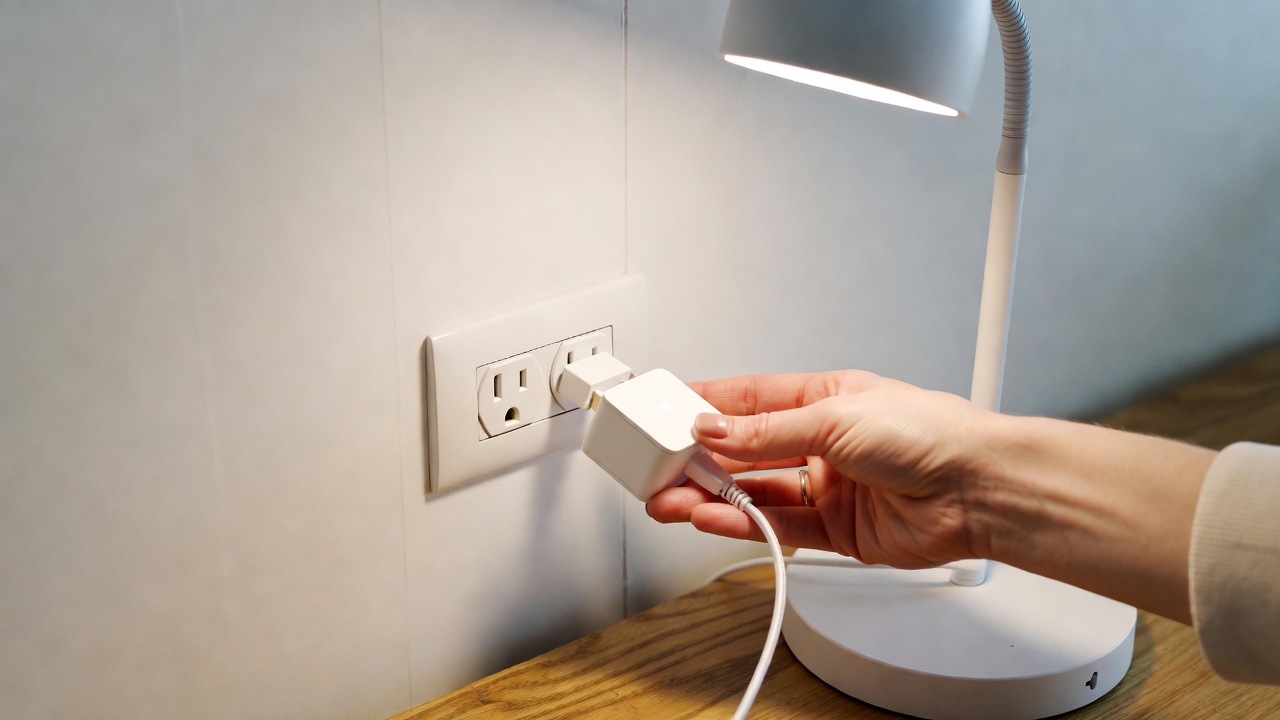
A smart plug is the single best entry point for a budget smart home. You plug a lamp, a fan, or even a coffee maker into it, and suddenly you can control that device with your voice or an app. The Kasa Smart Plug Mini (HS103) regularly sells for $8–$10 and is rock-solid. It doesn’t need a hub, it works with both Google and Alexa, and it’s one of the few budget devices I’ve never had drop offline. What it doesn’t do: monitor energy usage in real-time with high accuracy (for that you need the more expensive KP115 model).
Smart Bulbs — Ambiance on the Cheap
If you want color-changing lights, be prepared to spend a bit more ($15–$20 per bulb). But if you just want dimmable, schedule-controlled white light, the Wyze Bulb at around $6–$8 is unbeatable. It’s bright (800 lumens), dims smoothly, and doesn’t require a separate hub. The limitation: Wyze bulbs only work with Alexa and Google, not Apple HomeKit. For a full breakdown of lighting options, check out our smart lighting guide.
Bedroom: Comfort and Convenience
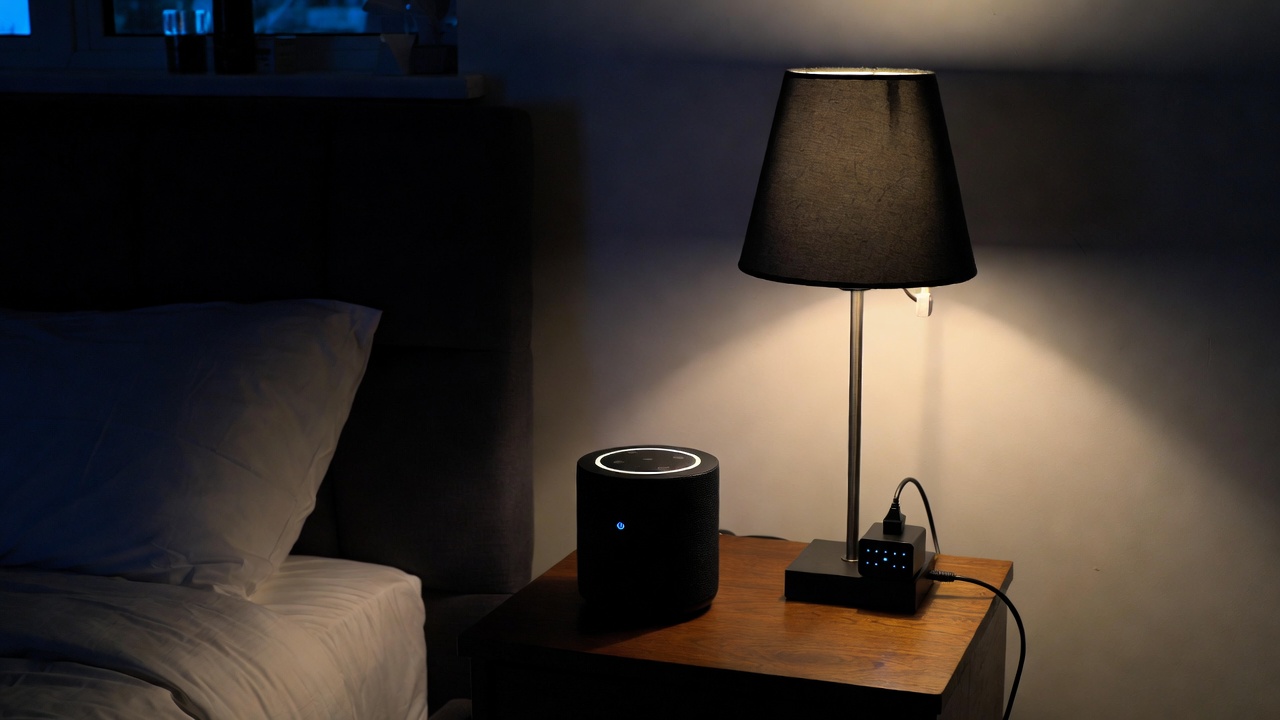
Start with a smart plug for your bedside lamp. Set a routine so the light turns on slowly 15 minutes before your alarm — it’s a much gentler way to wake up than a blaring alarm. Add a smart speaker if you don’t already have one; the Echo Dot with Clock ($35–$40) is perfect for a nightstand because it shows the time without you reaching for your phone. You can also ask it to play rain sounds while you sleep.
One thing I wouldn’t bother with for the bedroom: smart blinds. Quality smart blinds start around $150 per window, and cheap retrofit motors are frustratingly loud and unreliable. Stick to curtains until the tech matures and drops in price.
💡 Save this guide for later — we update it every few months as new budget gear hits the market.
Kitchen: Practical Automation
The kitchen is where smart tech can actually save you money. A smart plug with energy monitoring (like the Kasa KP115, around $15–$18) on your coffee maker or electric kettle lets you schedule them to turn off automatically so you’re not wasting electricity keeping them hot all morning. The energy monitoring feature also lets you see exactly how much power older appliances like a second fridge are drawing — sometimes enough to justify replacing them.
Skip the smart fridge. Seriously. A $30 thermometer/hygrometer sensor (like the Govee ones, which connect to your phone via Bluetooth) will tell you if your current fridge is failing, and it costs a fraction of a new “smart” refrigerator.
Entryway and Security: Peace of Mind
Smart Doorbell on a Dime
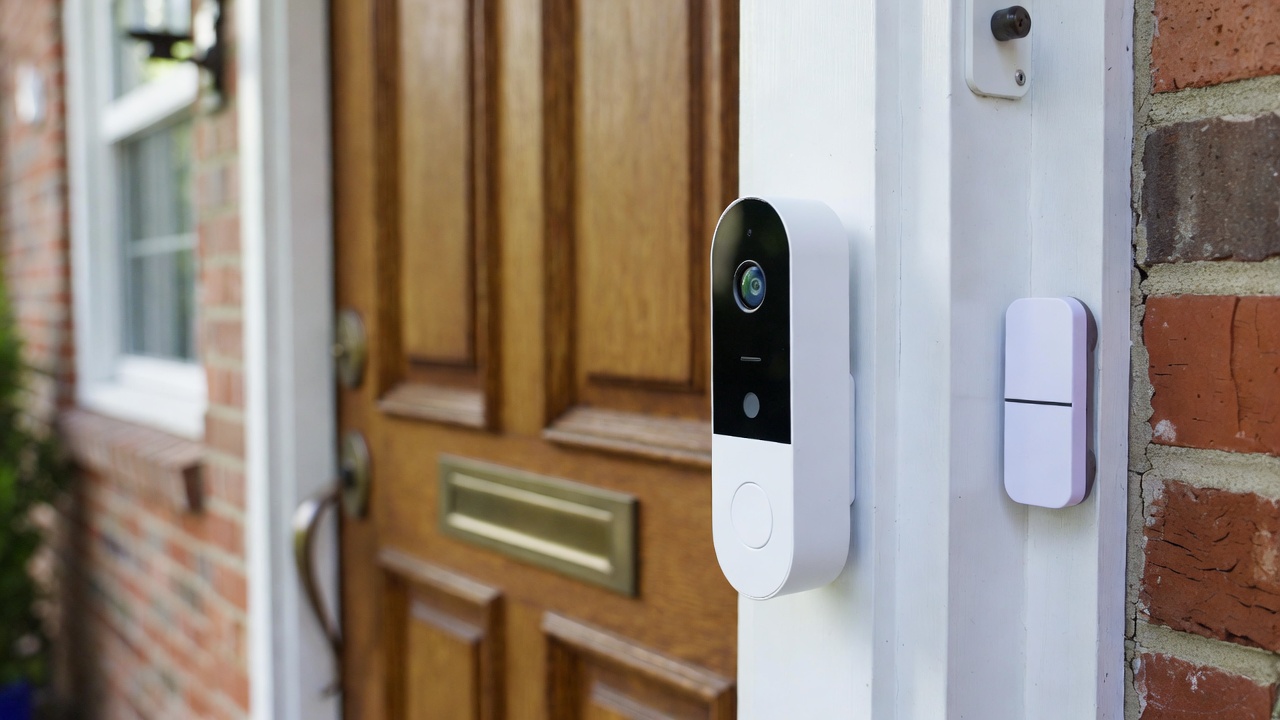
You don’t need a $200 video doorbell to see who’s at the door. The Wyze Video Doorbell Pro ($35–$40) does 2K video, package detection, and records events (with a cheap microSD card) without requiring a monthly subscription. The catch: it’s wired only, so you’ll need existing doorbell wires. If you’re in an apartment without wiring, the Eufy Security Battery Doorbell (around $60 on sale) is the cheapest reliable battery option, though you’ll need to recharge it every few months.
Entry Sensors
A simple contact sensor on your front door or sliding patio door costs about $15–$20 and can trigger lights to turn on when you open the door at night, or send you an alert if the door opens when you’re not home. The Aqara Door and Window Sensor is a solid choice, but be aware it requires the Aqara Hub ($30) — so factor that in. If you don’t want another hub, look for Zigbee sensors that work with Amazon Echo Plus or certain Eero routers, but that gets messy fast. For most people, sticking with one ecosystem (like all Kasa or all Wyze) keeps things simple and cheap.
For more security setups, browse our voice assistant guides to see how they integrate with alarms.
The Real Cost: A Realistic Breakdown
Let’s say you want to automate the essentials in a small apartment or starter home. Here’s what a sensible, no-regrets starter pack looks like in early 2026 dollars:
- 1x Smart speaker (Echo Dot or Nest Mini): $20–$25
- 2x Smart plugs (for lamps and coffee maker): $20
- 1x Smart bulb (for a frequently used light): $8
- 1x Video doorbell (wired Wyze): $35
- Total: $83–$88
That’s less than a typical dinner out for two, and it genuinely improves your daily routine. Add a contact sensor later if you want, but you’ve already got a solid foundation.
What to Avoid (Even If It’s Cheap)
- No-name Wi-Fi devices from unknown brands: They often use insecure cloud servers in countries with lax data laws, and when the company goes under (which happens fast), your device becomes a brick. Stick to established budget brands like Wyze, Kasa (TP-Link), Govee, or Aqara.
- Smart locks under $60: A deadbolt is the only thing between your stuff and the outside world. Cheap smart locks often have flimsy construction, poor battery life, and unreliable wireless connections. Save up for a Schlage Encode or August Wi-Fi lock (usually $150–$200) if you need smart access.
- Any device that requires a subscription to work fully: Some budget cameras hide basic features like person detection behind a paywall. Read the fine print before buying.
Final Takeaway: Start Simple, Expand Smart
You now know exactly how to start a smart home on a budget without falling for overpriced bundles or unreliable junk. Begin with one or two smart plugs and a voice assistant. Live with them for a week. You’ll quickly figure out what other tasks you want to automate, and more importantly, what you don’t actually need.
My recommendation: grab a two-pack of Kasa smart plugs and a Wyze bulb to start. Set up a few routines—like having the living room light turn on at sunset—and see how it feels. Odds are, you’ll be hooked, but your wallet will still be happy. For more hands-on reviews of specific gadgets, head over to our home automation section—we test everything before we recommend it.
❤️ Bookmark this post to try these ideas later — and if you found it helpful, share it with a friend who’s been putting off their smart home setup.
- What Is Quantum Computing
 What Is Quantum Computing? A Practical Guide (2026) | Sanso Uka Tech What Is Quantum Computing? A Practical Guide… Read more: What Is Quantum Computing
 - Best AI Image Generators in 2026
 Best AI Image Generators in 2026: Which One Is Actually Worth It? Best AI Image Generators in 2026: Which… Read more: Best AI Image Generators in 2026
 - Is AI Replacing Jobs
 Is AI Replacing Jobs? The 2026 Data on What’s Actually Happening By Sanso Uka The question of whether AI… Read more: Is AI Replacing Jobs
 - Tech Trends 2026
 Tech Trends to Watch in 2026: What’s Actually Worth Your Attention Tech Trends to Watch in 2026: What’s Actually… Read more: Tech Trends 2026
 - Best Free AI Tools 2026
 Best Free AI Tools 2026: My Honest Stack for $0 By Sanso Uka Let’s cut through the noise. I’ve… Read more: Best Free AI Tools 2026
 - What Is Generative AI
 What Is Generative AI? A Plain-English Guide for 2026 What Is Generative AI? A Plain-English Guide for 2026 By… Read more: What Is Generative AI
 - Future of Artificial Intelligence 2026
 Future of Artificial Intelligence 2026: From Chatbots to Personal Agents By Sanso Uka If 2025 was the year we… Read more: Future of Artificial Intelligence 2026
 - Best AI Tools 2026
 Best AI Tools 2026: ChatGPT, Claude, Gemini & More Compared Updated · March 2026 Best AI Tools 2026:The Ones… Read more: Best AI Tools 2026
 - How to Set Up Smart Lighting at Home
 How to Set Up Smart Lighting at Home: Complete Beginner’s Guide (2026) How to Set Up Smart Lighting at… Read more: How to Set Up Smart Lighting at Home
 - IoT Devices for Beginners
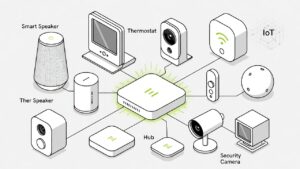 Best IoT Devices for Beginners in 2026: Where to Start Best IoT Devices for Beginners in 2026: Where to… Read more: IoT Devices for Beginners
 - Best Smart Smoke Detector 2026
 Best Smart Smoke Detector 2026: Which One Actually Protects Your Home? By Sanso Uka Let’s be honest—most of us… Read more: Best Smart Smoke Detector 2026
 - How to Control Your Smart Home with Your Phone
 How to Control Your Smart Home with Your Phone: A Practical Setup Guide By Sanso Uka Learning how to… Read more: How to Control Your Smart Home with Your Phone