
Best Cheap Smartwatch Under $50: 5 Reliable Picks for 2026
By Sanso Uka
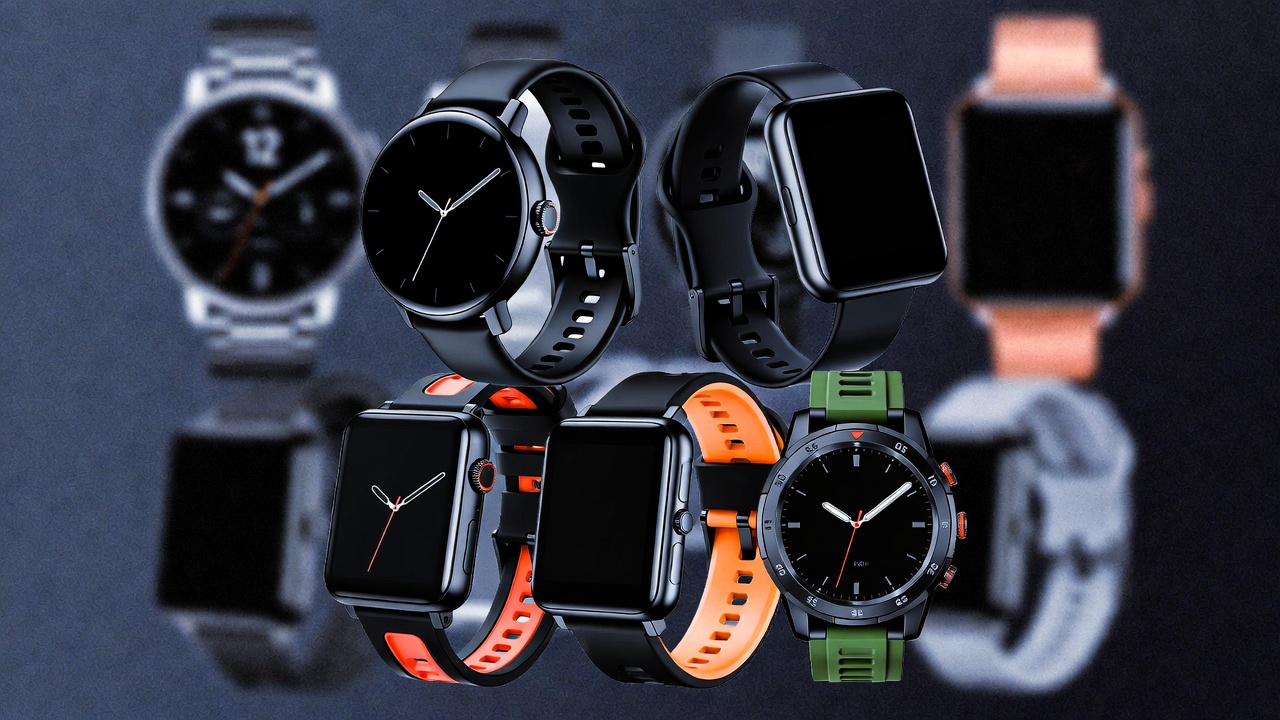
If you’re hunting for the best cheap smartwatch under $50, you probably expect to sacrifice features like built‑in GPS or premium materials. And you’d be right—but that doesn’t mean you have to settle for a gadget that feels like a toy. Over the past few years, brands like Amazfit, Xiaomi, and a handful of smaller players have packed impressive functionality into sub‑$50 wearables. I’ve tested more than a dozen models in this price range to find the ones that actually deliver reliable notifications, decent battery life, and accurate fitness tracking without the frustration.
What you actually get for under $50
Let’s be clear: a $49 watch won’t replace a Garmin or an Apple Watch. You won’t get onboard music storage, LTE, or maps. But you will get:
- Step, heart‑rate, and sleep tracking – most sensors are surprisingly accurate for the price.
- Phone notifications – see calls, texts, and app alerts on your wrist.
- 7–14 days of battery life – far better than premium watches that need daily charging.
- Basic workout modes – walking, running, cycling, sometimes more.
The trade‑off is usually in the materials (plastic cases, basic straps) and the lack of advanced metrics like HRV or recovery tracking. If you can live with that, there are some genuine bargains.
1. Amazfit Bip 3
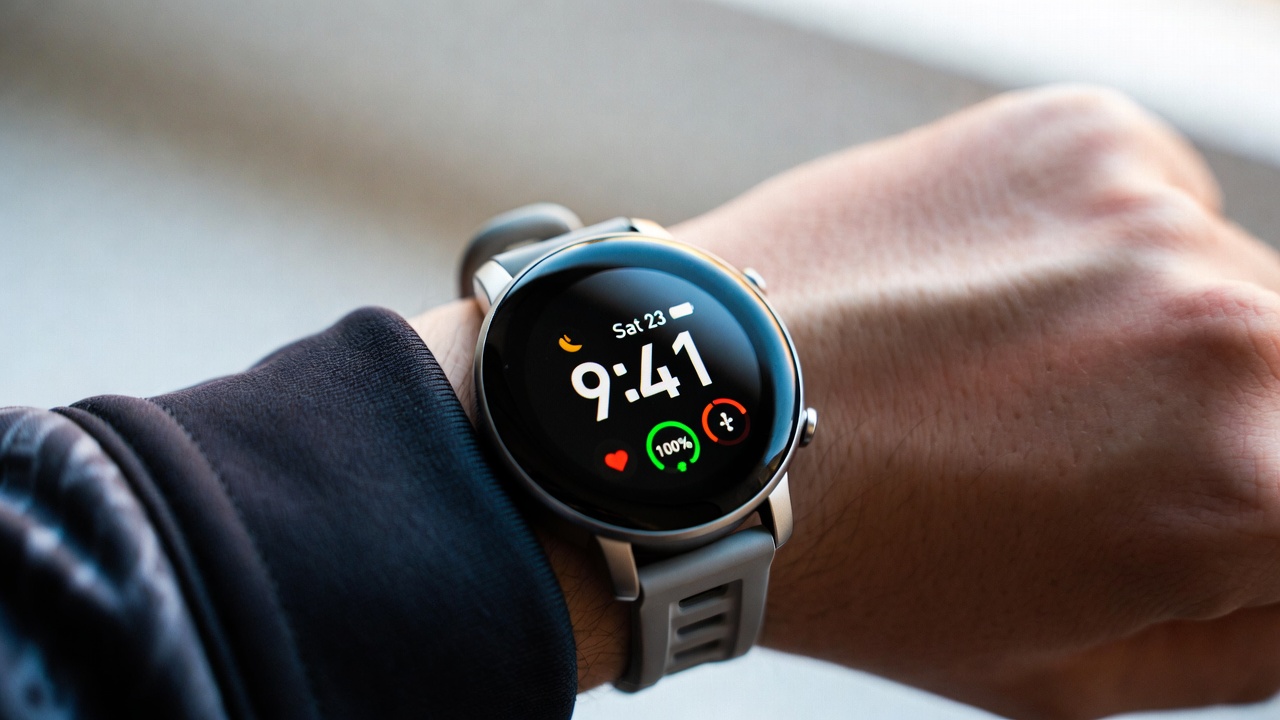
Price: Usually $45–$50
Why it wins: The Bip 3 is the closest you’ll get to a “real” smartwatch feel at this price. It has a large 1.69‑inch transflective display that stays readable in direct sunlight—a feature usually reserved for watches twice the price. Battery life easily hits 10 days with always‑on time. The heart‑rate sensor is consistent during steady activities, though it struggles with HIIT. You also get blood‑oxygen measurements (SpO₂), which is rare under $50.
Don’t expect: Rapid charging (it takes two hours) or a responsive touch screen—it’s fine but not flagship‑smooth. Zepp app sync is reliable, and it connects to third‑party fitness platforms.
📌 Don’t forget to save this post if you’re comparing Amazfit models.
2. Xiaomi Smart Band 9
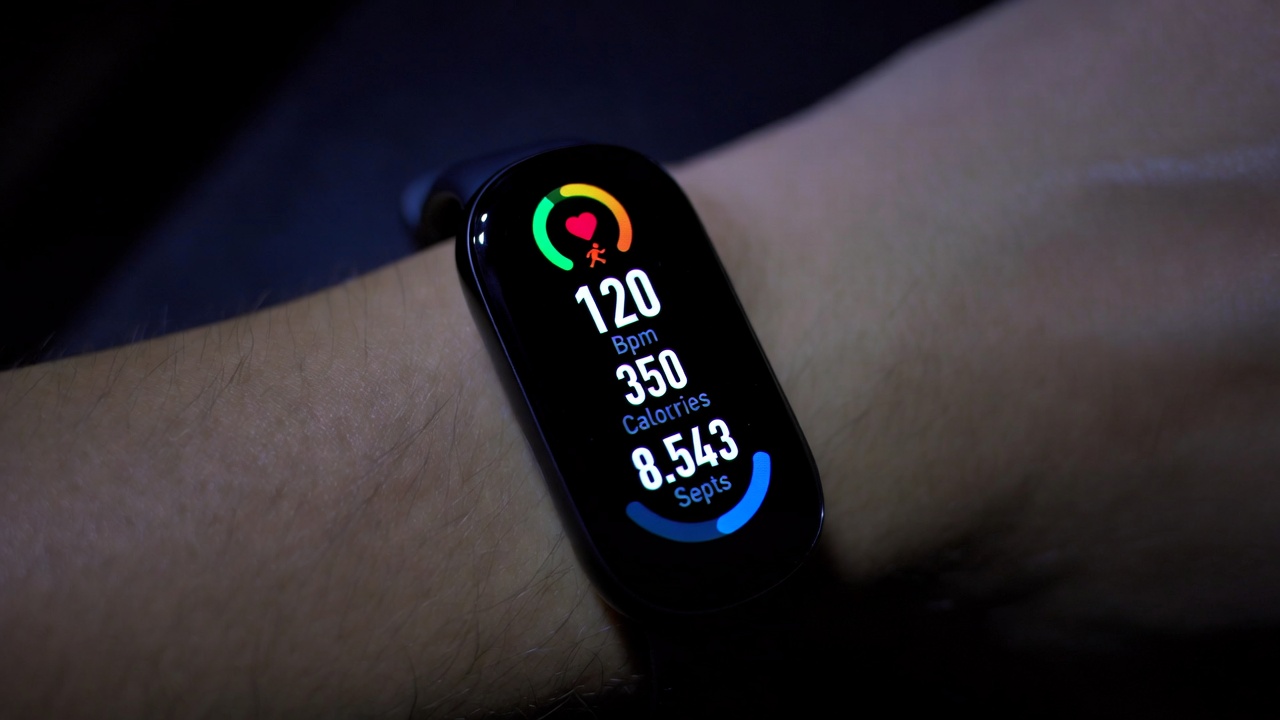
Price: $40–$48
Why it wins: Xiaomi’s bands are the benchmark for budget fitness trackers. The Band 9 upgrades to a brighter AMOLED display (up to 600 nits) and adds a higher‑pixel density, so text looks crisp. Vibration motor is subtle but noticeable. It tracks over 30 exercise modes, and the automatic rep counting for weight training is surprisingly usable. Battery: up to 16 days with normal use.
Don’t expect: A built‑in GPS—it uses phone GPS, which drains your phone battery during outdoor runs. The band also lacks quick‑release straps; you have to remove the tracker body to swap bands.
If you’re into pairing wearables with Android, this band integrates seamlessly with MIUI and stock Android.
3. CMF by Nothing Watch Pro
Price: Around $49
Why it wins: Nothing’s sub‑brand brought a surprising contender. It has a 1.96‑inch AMOLED—one of the largest screens in this price bracket. The UI is clean, with a monochrome aesthetic that matches Nothing phones. Heart‑rate and SpO₂ sensors are decent for occasional checks, though continuous tracking shortens battery life. It supports Bluetooth calling (the microphone works in quiet rooms) and has a built‑in speaker.
Don’t expect: Solid call quality outdoors—wind noise bleeds through. The strap is proprietary, so replacements are harder to find. App ecosystem is basic but covers essentials.
For more on connected devices, check out our smartwatch wearables archive.
4. Hi‑Sense Smartwatch S9
Price: $35–$42
Why it wins: Hi‑Sense flies under the radar, but the S9 offers rugged good looks (it mimics a G‑Shock style) plus solid basics. It has a 1.3‑inch round LCD that’s always on, 10‑day battery, and 50‑meter water resistance—you can swim with it. The compass and barometer are usable for hiking, though not calibrated for professional use. It also supports phone finder and remote camera shutter.
Don’t expect: A refined app experience. The Hi‑Sense Wear app is clunky and sometimes loses historical data after phone updates. Still, for the price, it’s a durable alternative.
5. Lenovo HX06 (budget king)
Price: $25–$30
Why it wins: If you’re on an extreme budget and just want the basics, the HX06 is hard to beat. It’s a simple square display, tracks steps, sleep, and heart rate, and lasts about 7 days. It’s lightweight (30g) and comfortable for 24/7 wear. The IP67 rating means it survives sweat and rain.
Don’t expect: Any smart features beyond notifications—you can’t reply or install apps. The display is low‑resolution and hard to read in bright sun. But for under $30, it’s a functional introduction to wearables.
How they compare at a glance
| Model | Display | Battery (days) | Water resistance | Extras |
|---|---|---|---|---|
| Amazfit Bip 3 | 1.69″ transflective | 10 | 5 ATM | SpO₂, always‑on |
| Xiaomi Band 9 | 1.62″ AMOLED | 16 | 5 ATM | high brightness |
| CMF Watch Pro | 1.96″ AMOLED | 10 | IP68 | BT calling, large screen |
| Hi‑Sense S9 | 1.3″ round LCD | 10 | 5 ATM | compass, barometer |
| Lenovo HX06 | 0.96″ color | 7 | IP67 | ultra‑cheap |
All prices are approximate street prices at the time of writing (early 2026). They fluctuate with sales, so check current listings.
Which one should you buy?
If you want the most polished experience, go for the Amazfit Bip 3—it feels like a proper watch and has the best display tech for outdoor use. For fitness purists, the Xiaomi Smart Band 9 offers superior battery and a vibrant screen. And if you need a large display and occasional Bluetooth calls, the CMF Watch Pro is your best bet.
Remember: none of these will replace a dedicated sports watch, but they deliver 90% of the everyday usefulness at 20% of the cost.
💡 Save this guide for later — prices and models change, but the criteria for a solid sub‑$50 watch stay the same.
For more gadget comparisons, browse our smartphone accessories and gaming accessories sections.
Final takeaway: The best cheap smartwatch under $50 today is the Amazfit Bip 3 if you value screen readability, or the Xiaomi Smart Band 9 if fitness tracking is your priority. Both respect your wallet and your wrist. Don’t overpay for features you won’t use—pick the one that fits your daily routine and stick to your budget.
- Best Cheap Smartwatch Under $50
 Best Cheap Smartwatch Under $50: 5 Reliable Picks for 2026 By Sanso Uka If you’re hunting for the… Read more: Best Cheap Smartwatch Under $50
 - Best Dash Cams of 2026
 Best Dash Cams of 2026: Top Picks for Every Driver and Budget By Wanderson Nogueira Martins Choosing the… Read more: Best Dash Cams of 2026
 - How to Transfer Data to New Phone
 How to Transfer Data to a New Phone: A Step-by-Step Guide for 2026 By Sanso Uka Upgrading to… Read more: How to Transfer Data to New Phone
 - Senior-Friendly Smartphones 2026
 Senior-Friendly Smartphones 2026: Best Overall Picks for Every Budget By Sanso Uka Senior-friendly smartphones in 2026 have come… Read more: Senior-Friendly Smartphones 2026
 - Best Mechanical Keyboards in 2026
 Best Mechanical Keyboards in 2026 Best Mechanical Keyboards in 2026: Top Picks for Every Budget and Use Case… Read more: Best Mechanical Keyboards in 2026
 - Best Monitor for Home Office 2026
 Best Monitor for Home Office 2026: Expert Picks & Buying Guide By Sanso Uka Your monitor is the… Read more: Best Monitor for Home Office 2026
 - How to Extend Smartphone Battery Life
 How to Extend Smartphone Battery Life: 12 Practical Tips That Actually Work By Sanso Uka You unplugged your… Read more: How to Extend Smartphone Battery Life
 - Best E-Readers in 2026
 Best E-Readers in 2026: Which One Is Actually Worth Buying? Best E-Readers in 2026: Which One Is Actually… Read more: Best E-Readers in 2026
 - Refurbished vs New Laptop
 Refurbished vs New Laptop: Which Should You Buy in 2026? By Sanso Uka When you’re in the market… Read more: Refurbished vs New Laptop
 - Best Gaming Headsets Under $100
 Best Gaming Headsets Under $100 in 2026: Top Picks for Every Platform By Sanso Uka Finding the best… Read more: Best Gaming Headsets Under $100
 - How Long Do Laptops Last
 How Long Do Laptops Really Last? A Practical Guide to Lifespan By Sanso Uka If you are shopping… Read more: How Long Do Laptops Last
 - Best Portable Charger 2026
 Best Portable Charger in 2026: Top Power Banks for Every Budget and Use Case By Wanderson Nogueira Martins… Read more: Best Portable Charger 2026