High-Performance PC Components List: Complete 2026 Build Guide
Building a system with the right high-performance PC components can mean the difference between a computer that barely keeps up and one that dominates every task you throw at it. Whether you’re a gamer chasing maximum frame rates, a content creator rendering 4K video, or a professional running intensive simulations, choosing quality components ensures your investment delivers years of powerful performance.
I’ve been building custom PCs for over a decade, and the landscape in 2026 has never been more exciting. The gap between mid-range and high-performance components has narrowed in some areas while widening dramatically in others. Knowing where to invest your budget makes all the difference between a balanced powerhouse and an expensive disappointment.
This comprehensive guide breaks down every essential component category, highlights the best options currently available, and helps you understand which specifications actually matter for your specific use case. By the end, you’ll have the knowledge to build a truly high-performance system tailored to your needs.

Essential High-Performance CPU Options
The processor serves as your system’s brain, and high-performance PC components start with choosing the right CPU for your workload. In 2026, both AMD and Intel offer compelling options, each with distinct advantages depending on your priorities.
For pure gaming performance, Intel’s Core i9-14900KS leads the pack with exceptional single-threaded speed and boost clocks reaching 6.2GHz. It delivers consistently high frame rates in demanding titles and pairs beautifully with high-refresh-rate monitors. However, it runs hot and requires robust cooling solutions.
AMD’s Ryzen 9 7950X3D counters with impressive efficiency and gaming performance thanks to 3D V-Cache technology. This CPU excels in cache-sensitive games while maintaining excellent multi-threaded performance for content creation. I recently upgraded to one for my editing workstation, and the rendering improvements over my previous 5950X were immediately noticeable.
Content creators handling heavy rendering, 3D work, or complex simulations should seriously consider AMD’s Threadripper 7980X or Intel’s Core i9-14900K. These processors offer massive core counts (up to 64 cores for Threadripper) that slash rendering times dramatically. The price premium is significant, typically $1,500-$5,000, but professional time savings justify the investment.
- Intel Core i9-14900KS: Best for gaming enthusiasts, 24 cores, 6.2GHz boost, around $699. Requires high-end cooling but delivers unmatched single-thread performance.
- AMD Ryzen 9 7950X3D: Best all-rounder, 16 cores, 3D V-Cache, around $599. Excellent gaming plus strong productivity performance with better power efficiency.
- AMD Ryzen 9 7950X: Best value high-end, 16 cores, 5.7GHz boost, around $549. Outstanding multi-threaded work without the gaming-specific optimizations.
- AMD Threadripper 7980X: Best for professionals, 64 cores, around $4,999. Dominates heavy rendering, simulation, and parallel workloads.
When selecting from these high-performance PC components, match your CPU choice to your primary use case. Gamers prioritizing high refresh rates benefit most from Intel’s speed, while creators balancing multiple workloads appreciate AMD’s efficiency and core count advantages.
Top Graphics Cards for Maximum Performance
Graphics cards represent the single most important investment for gaming performance and GPU-accelerated creative work. The difference between mid-range and high-performance PC components in this category is dramatic, often doubling or tripling frame rates in demanding games.
NVIDIA’s RTX 4090 remains the undisputed performance king in 2026, delivering incredible 4K gaming experiences and exceptional ray tracing capabilities. With 24GB of GDDR6X memory, it handles the most demanding games at maximum settings while maintaining playable frame rates. The $1,599 price tag stings, but for enthusiasts wanting the absolute best, nothing else comes close.
AMD’s RX 7900 XTX offers compelling value at $899-999, delivering roughly 85-90% of the RTX 4090’s performance for significantly less money. It excels in traditional rasterization and provides excellent 4K gaming, though ray tracing performance trails NVIDIA’s offerings. For creators using AMD-optimized software, it’s an outstanding choice.
The RTX 4080 Super sits in a sweet spot for many builders, priced around $999 and delivering exceptional 1440p and solid 4K performance. I recommend this card to clients who want high-end gaming without the RTX 4090’s extreme cost and power requirements.

Memory: How Much RAM You Actually Need
RAM requirements have climbed steadily, and high-performance PC components must include adequate memory for smooth multitasking and demanding applications. The question isn’t whether you need fast RAM, but rather how much and what speed makes practical sense.
For gaming-focused builds, 32GB of DDR5 RAM at 6000MHz represents the current sweet spot. This capacity handles any modern game while leaving room for background applications, streaming software, and browser tabs. Faster speeds beyond 6000MHz show diminishing returns in most gaming scenarios, typically improving performance by only 1-3%.
Content creators should start at 64GB minimum, especially when working with 4K video, large Photoshop files, or 3D rendering. I upgraded from 32GB to 64GB last year, and the ability to keep multiple projects open simultaneously without slowdowns transformed my workflow efficiency.
Professional workstations running simulations, extensive databases, or virtual machines benefit from 128GB or even 256GB configurations. While expensive, the productivity gains from eliminating RAM bottlenecks justify the $600-2,000 investment for serious professionals.
- G.Skill Trident Z5 RGB (32GB, 6000MHz): Excellent gaming choice, around $139. Perfect balance of capacity, speed, and reliability for enthusiast builds.
- Corsair Dominator Platinum (64GB, 5600MHz): Creator favorite, around $249. Premium build quality with excellent stability for demanding workloads.
- Kingston Fury Beast (32GB, 6400MHz): Performance leader, around $179. Top-tier speeds for those chasing maximum benchmarks.
- Crucial Pro (128GB, 5600MHz): Professional workhorse, around $449. Massive capacity for heavy productivity without breaking the bank.
Storage Solutions: NVMe and Beyond
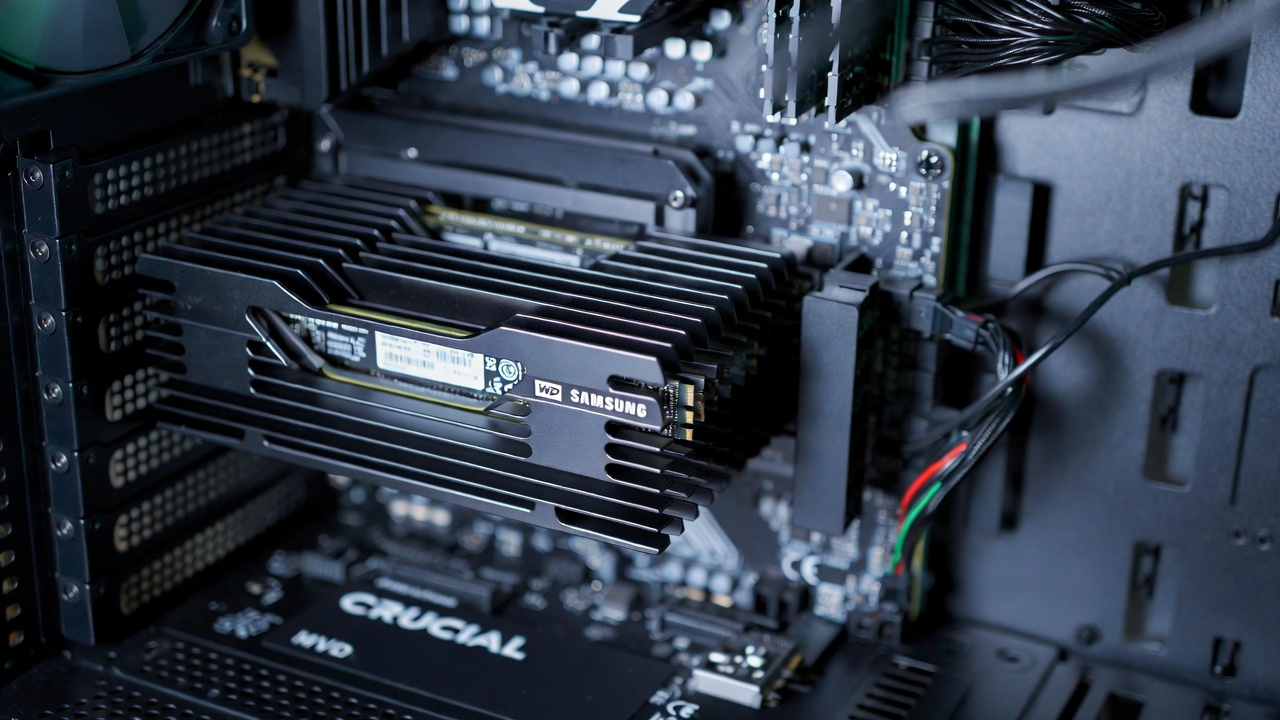
Storage represents one area where high-performance PC components have made incredible leaps recently. The transition to PCIe 4.0 and now PCIe 5.0 NVMe drives has eliminated storage bottlenecks for most users, though choosing the right capacity and speed tier still matters.
For your primary boot drive, a 1TB PCIe 4.0 NVMe SSD provides excellent performance at reasonable prices, typically $80-120. Drives like the Samsung 990 Pro or WD Black SN850X deliver read speeds exceeding 7,000MB/s—more than fast enough for operating system tasks and application loading.
PCIe 5.0 drives offer bleeding-edge speeds up to 12,000MB/s but cost significantly more and generate considerable heat requiring dedicated cooling. Unless you’re transferring massive files constantly, the real-world benefits rarely justify the premium. Save your money for capacity instead.
Game libraries and media storage benefit from large secondary drives. A 2TB or 4TB PCIe 3.0 NVMe drive offers excellent value, providing ample space for your complete game library at speeds still far exceeding traditional SATA SSDs. I use a 4TB drive for games and it’s been wonderful not juggling installations anymore.
Content creators working with video should consider dedicated scratch disks—fast drives specifically for project files and cache. A separate 2TB PCIe 4.0 drive for active projects, combined with slower but massive storage for archives, creates an efficient workflow that doesn’t break the budget.
Motherboard Selection for Stability and Features
Choosing the right motherboard from available high-performance PC components ensures your system runs reliably and supports future upgrades. This isn’t a component to cheap out on—a quality motherboard provides better power delivery, superior cooling, and features that matter daily.
For Intel builds, Z790 chipset motherboards offer full overclocking support and extensive connectivity. The ASUS ROG Maximus Z790 Hero (around $629) represents the premium choice with exceptional VRM design, robust cooling, and extensive RGB options. More budget-conscious builders can find excellent Z790 boards from MSI and Gigabyte in the $250-350 range.
AMD users building with Ryzen 7000 series processors need X670E or B650E motherboards for full PCIe 5.0 support. The MSI MEG X670E Ace (around $499) delivers outstanding performance and features without the extreme pricing of flagship boards. It’s what I’m currently running, and the BIOS stability has been flawless.
Pay attention to VRM quality when selecting motherboards for high-end CPUs. Insufficient power delivery causes throttling under load, negating the performance you paid premium prices to obtain. Check reviews specifically testing VRM temperatures under stress—quality boards maintain reasonable temps even when pushing processors hard.
Consider future-proofing features like multiple M.2 slots, USB4/Thunderbolt support, and adequate fan headers. You might not need four M.2 slots today, but two years from now when storage prices drop further, you’ll appreciate the expandability.
Power Supply Requirements and Efficiency
Power supplies often get overlooked when planning high-performance PC components, but choosing inadequate wattage or poor quality units creates serious problems. Modern high-end graphics cards spike power draw dramatically, and cheap PSUs can’t handle the transient loads.
For RTX 4090-based builds, 1000W represents the recommended minimum, with 1200W providing comfortable headroom for overclocking and component upgrades. Don’t just look at total wattage—rail configuration and transient response matter equally. Quality units from Corsair, Seasonic, and EVGA handle power spikes gracefully without triggering protection shutdowns.
80 Plus efficiency ratings indicate how much power gets wasted as heat. Gold-rated units (87-90% efficient) represent the sweet spot for most builders, while Platinum and Titanium ratings provide marginal improvements at significant cost increases. The electricity savings rarely justify the premium unless you’re running systems 24/7.
Modular cables make builds cleaner and improve airflow by eliminating unused wires. Fully modular PSUs cost slightly more but make cable management dramatically easier, especially in compact cases. I’ll never go back to non-modular after experiencing the difference firsthand.
- Corsair RM1000x (1000W, 80 Plus Gold): Excellent mainstream choice, around $179. Reliable, quiet, and sufficient for most high-end builds including RTX 4090 systems.
- Seasonic Prime TX-1300 (1300W, 80 Plus Titanium): Premium efficiency, around $399. Top-tier unit for extreme builds and 24/7 operation where efficiency matters.
- EVGA SuperNOVA 1000 G6 (1000W, 80 Plus Gold): Value leader, around $149. Great performance at competitive pricing with solid 10-year warranty.
- be quiet! Dark Power Pro 12 (1200W, 80 Plus Titanium): Quietest option, around $349. Perfect for noise-sensitive environments without sacrificing performance.
Cooling Solutions: Air vs Liquid
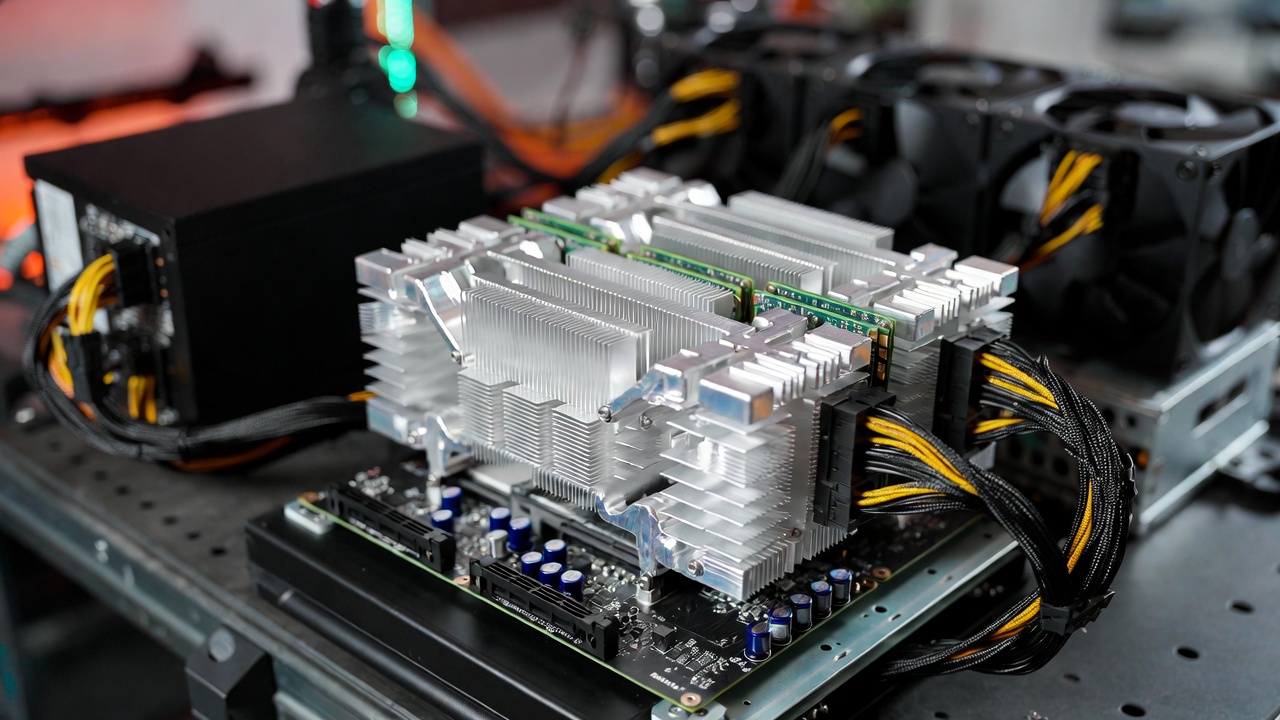
Adequate cooling separates stable high-performance PC components from thermal throttling disappointments. Modern processors and graphics cards generate tremendous heat, and managing temperatures directly impacts performance, noise levels, and component longevity.
High-end air coolers like the Noctua NH-D15 (around $109) or be quiet! Dark Rock Pro 4 (around $89) handle even flagship processors admirably. They’re reliable, maintenance-free, and surprisingly quiet under load. I run a NH-D15 on my secondary system, and it keeps a 7950X perfectly cool even during extended rendering sessions.
All-in-one (AIO) liquid coolers provide superior cooling potential and cleaner aesthetics but require more careful installation. A quality 360mm AIO like the Arctic Liquid Freezer II (around $129) or Corsair iCUE H150i (around $179) offers excellent thermal performance with minimal noise.
Custom liquid cooling loops represent the ultimate solution for extreme overclockers and enthusiasts, typically costing $500-1,500 for complete systems. The performance improvements over good AIOs are modest, but the aesthetic appeal and building experience attract dedicated hobbyists.
Don’t forget case fans when planning cooling. Three quality 120mm or 140mm fans configured for proper airflow (intake at front, exhaust at rear and top) dramatically improve overall system temperatures. Spending $60-80 on quality fans yields better results than skimping and dealing with heat issues later.
Building a Balanced High-Performance System
The secret to maximizing high-performance PC components lies in creating balanced builds where no single component bottlenecks others. A $2,000 graphics card paired with insufficient RAM or slow storage wastes money and performance potential.
For gaming-focused builds around $2,500-3,000, prioritize graphics card budget (roughly 40-45% of total), followed by CPU (20-25%), with remaining budget distributed across other components. This allocation ensures you’re not overspending on processors while underinvesting in the GPU that directly determines gaming performance.
Content creation workstations reverse these priorities, dedicating more budget to CPU and RAM while selecting graphics cards based on specific software requirements. Video editors benefit from CUDA cores and VRAM, while photographers can often use more modest GPUs and invest savings in storage and RAM.
Professional workstations for CAD, simulation, or scientific computing need different optimization strategies entirely. These builds often require workstation-grade components like Threadripper CPUs, professional GPUs, and ECC memory—different from consumer high-performance PC components but following similar balancing principles.
Consider upgrade paths when selecting components. Choosing a motherboard with extra RAM slots or M.2 connections provides flexibility to expand later without replacing the entire platform. That forward thinking extends your system’s useful life and spreads investment over time.
Conclusion
Selecting the right high-performance PC components requires balancing your specific needs, budget constraints, and future requirements. The components highlighted in this guide represent the best options available in 2026, each excelling in different scenarios and use cases.
Remember that the “best” component list changes based on your priorities. Gamers chasing maximum frame rates make different choices than video editors rendering 8K footage or developers compiling massive codebases. Identify your primary use case, then build around that while maintaining overall system balance.
Take time researching specific components before purchasing. Read professional reviews, watch build guides, and join enthusiast communities to learn from others’ experiences. The knowledge you gain prevents expensive mistakes and helps you build a system that exceeds expectations. For more technology guides and detailed component reviews, visit our comprehensive resource center covering everything from beginner builds to advanced overclocking.
🛒 Recommended Products for High-Performance PC Components
Based on the high-performance PC components discussed in this article, we’ve curated a selection of top-rated products that deliver exceptional performance and value. These recommendations are carefully chosen to help you implement the solutions that best fit your needs and budget.