
Complete Guide to Fast Charging Cables and Adapters in 2026
Choosing the right fast charging cables and adapters can feel overwhelming when you’re staring at endless options in a store or online. Whether you’re sick of waiting hours for your phone to charge or want to maximize efficiency across your devices, understanding fast charging technology is more important than ever. This guide walks you through everything you need to know about selecting quality charging solutions that actually work.
I’ve spent years testing different fast charging cables and adapters across various devices, and I’ve learned that not all chargers are created equal. Some deliver exactly what they promise, while others overheat or fail after a few months. The good news? Once you understand what to look for, finding reliable fast charging equipment becomes straightforward.
Let’s explore the different charging standards, help you understand wattage ratings, and show you how to choose fast charging cables and adapters that will last and perform reliably for all your devices.
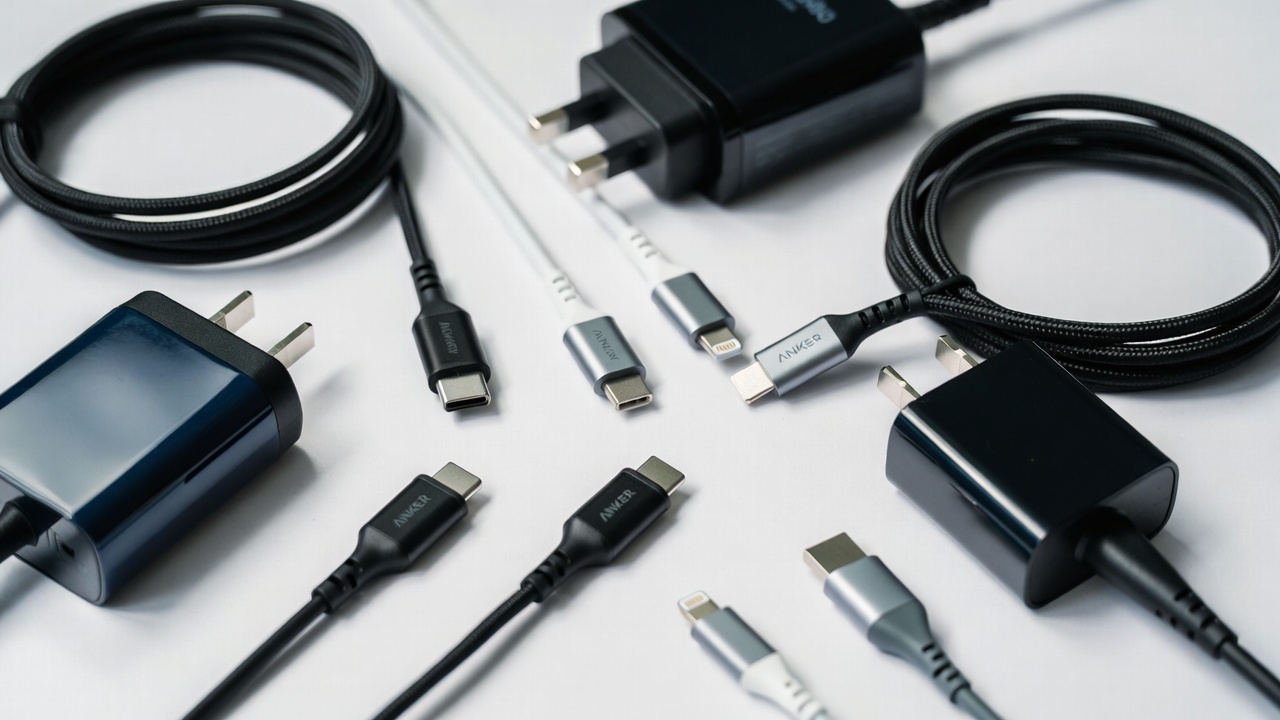
Understanding Fast Charging Standards and Technology
Fast charging isn’t just about plugging in any random cable. It’s a technology standard that requires coordination between your device, the cable, and the power adapter. Think of it like a conversation between three components that need to speak the same language.
The most common fast charging standards today are USB Power Delivery (USB-PD), Qualcomm Quick Charge, and proprietary systems from manufacturers like Samsung and Apple. Each has different wattage capabilities and compatibility requirements. USB Power Delivery, for example, can deliver up to 240 watts through a single cable, while older Quick Charge systems max out around 18-27 watts.
What makes fast charging different from regular charging? It’s about voltage and amperage. A standard 5W charger provides 5 volts at 1 amp. A fast charger might deliver 20 volts at 3 amps (60W total). Your device negotiates with the charger to determine the optimal settings, protecting the battery from damage. This negotiation happens in milliseconds through the USB protocol.
The key insight here is that you need matching standards on both your cable and adapter. A 65W USB-C power adapter won’t deliver fast charging through a low-quality cable—the cable becomes the bottleneck. This is why I always recommend investing in certified cables, not the cheapest options available.
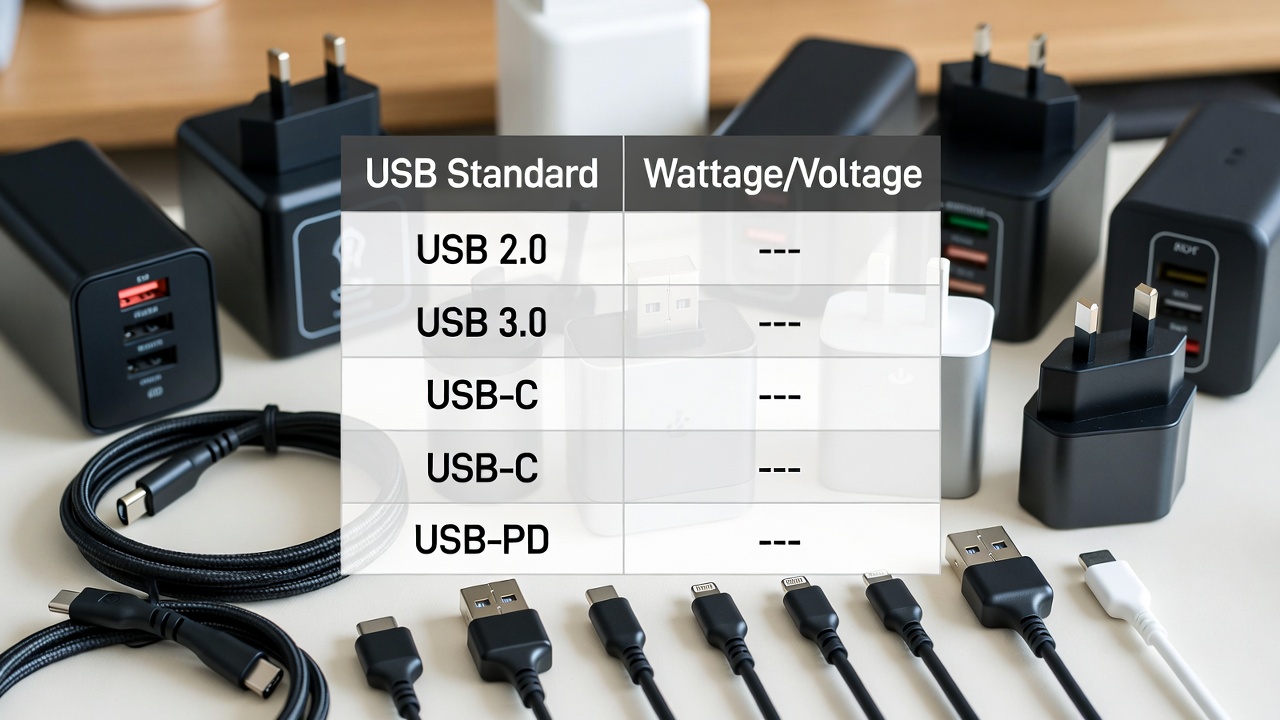
Types of Fast Charging Cables and Their Specifications
Not all USB cables are the same, and this is where many people make expensive mistakes. A cable that looks identical to another might have completely different internal components and capabilities.
USB-C has become the standard for modern fast charging cables. Unlike older Micro-USB connectors, USB-C is reversible, supports higher wattages, and is rapidly becoming universal across phones, tablets, and laptops. When shopping for USB-C fast charging cables, look for cables rated for at least 60W (3A at 20V) if you’re charging phones and tablets, or 100W (5A at 20V) if you need to charge laptops.
Anker, Belkin, and Apple’s official cables consistently perform well in durability tests. I keep Anker cables in my car, office, and home because they’re affordable and rarely fail. A quality USB-C cable typically costs $10-$20, and the investment pays off through reliability and longevity.
For Apple devices, Lightning cables are still necessary, though Apple is slowly transitioning to USB-C on newer models. If you have iPhones or older iPads, you’ll need MFi-certified Lightning cables. The official Apple cables are expensive but durable, while third-party options from Anker or Belkin offer better value without sacrificing quality.
- USB-C to USB-C Cables: Best for modern Android phones, tablets, and laptops. Support up to 240W with proper certification. Usually under $20 for reliable brands.
- Lightning Cables: Required for Apple devices. MFi certification ensures compatibility and quality. Official Apple cables cost $25-$30, while certified alternatives run $10-$15.
- Micro-USB Cables: Older standard found on budget phones and accessories. Still useful for legacy devices but avoid for new purchases. They support lower wattages (around 15W maximum).
- Multi-port Cable Options: Some cables have USB-C on one end and Lightning or Micro-USB on the other. Convenient for multi-device households but generally more expensive than single-type cables.
The quality difference between a $3 cable and a $15 cable is substantial. Cheap cables often have poor internal connections, inadequate shielding, and fail within months. I learned this the hard way after my first “bargain” cables started overheating and wouldn’t charge at proper speeds.
When purchasing, always check for certification marks. Look for “USB-IF certified,” “MFi certified” (for Apple products), or brand verification from reputable manufacturers. These certifications mean the cable has been tested and meets safety standards.
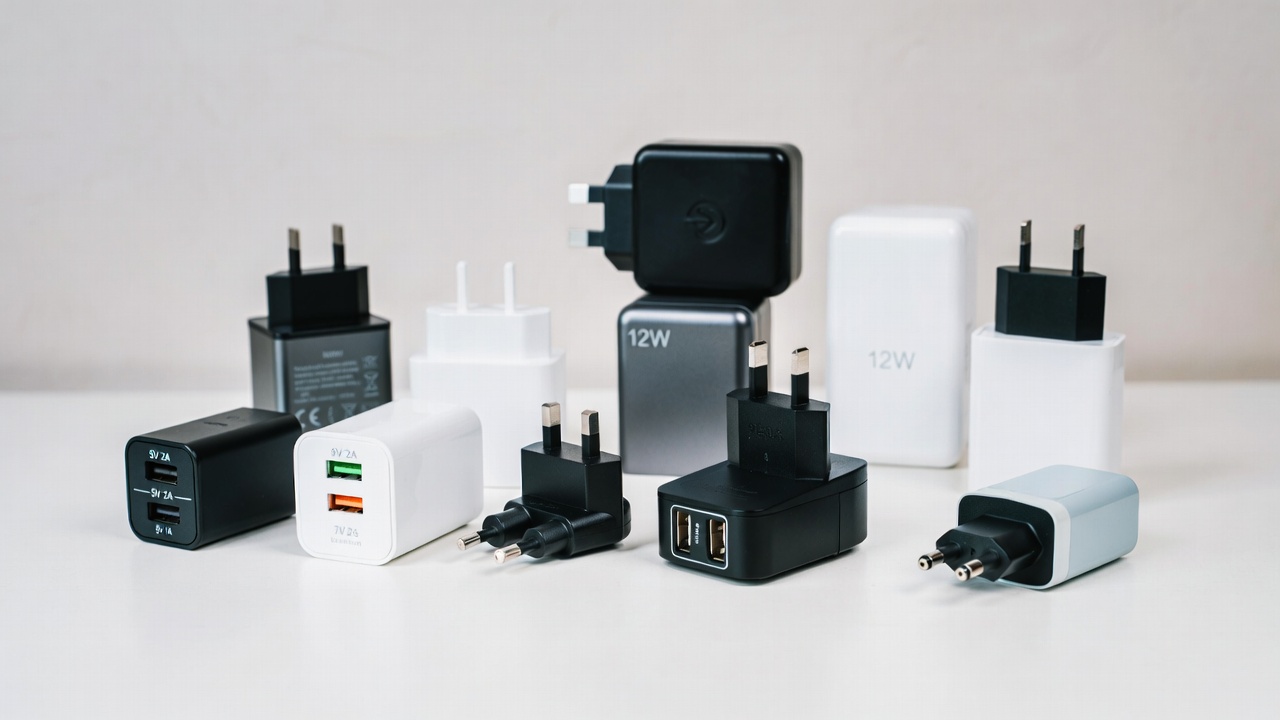
Selecting the Right Power Adapter for Your Needs
Your power adapter is just as important as your cable. A 20W adapter will charge your phone faster than a 5W adapter, but there’s a limit to how much wattage your device can actually use. Understanding these limits prevents you from overpaying for unnecessary power.
Smartphone charging needs vary by model. A basic iPhone or Samsung phone typically charges at 20-25W maximum. If you buy a 65W power adapter, your phone only draws the power it needs—in this case, about 20W. The extra capacity sits unused, making it a waste of money unless you also charge laptops or larger devices.
Here’s my practical recommendation: get a 30-35W adapter for phones and tablets. This single adapter covers most everyday charging needs efficiently. If you’re also charging a laptop, jump to 65-100W USB-C Power Delivery. These higher-wattage adapters often have multiple ports, allowing you to charge several devices simultaneously.
Anker, Belkin, and Baseus make excellent multi-port fast charging adapters. A dual-port 65W adapter typically costs $30-$50 and can charge a laptop on one port while simultaneously charging a phone on another. For frequent travelers or anyone with multiple devices, these are game-changers.
Watch out for cheap knock-off adapters claiming 65W or higher wattage. Counterfeit chargers are common online and pose real safety risks—they can overheat, damage your devices, or even cause fires. If a deal seems too good to be true, it probably is. Buy from established retailers and stick with known brands.
Common Fast Charging Problems and Solutions
You know the frustration when your “fast charger” suddenly stops being fast. Your phone takes twice as long to charge, and you wonder what went wrong. Usually, it’s one of a few common issues, and they’re easily fixable.
The most frequent problem is using a low-wattage adapter with a high-capability cable. Your phone might support 30W charging, but if you’re using a 5W adapter, it’ll charge slowly no matter what. The bottleneck isn’t the cable—it’s the power source. Always match your adapter wattage to your device’s charging capability.
Cable degradation is another common culprit. USB-C connectors wear out from repeated insertion and removal. I’ve had cables that worked perfectly for a year suddenly stop charging reliably. If your charging speed suddenly drops, try a different cable before assuming the adapter failed. Usually, it’s the cable.
Temperature is critical for fast charging performance. Phones that get too hot during charging automatically reduce charging speed to protect the battery. If you notice slower charging accompanied by device heat, try removing any thick phone case during charging, or use a charger in a cooler environment. Some cables and adapters generate more heat than others—if yours gets excessively warm, replace it immediately.
One solution I’ve found effective is using low-wattage charging overnight. Instead of always using 30W fast charging, overnight charging at 10-15W extends battery lifespan significantly. Lithium batteries prefer slow, gentle charging. Fast charging is convenient, but it’s slightly harder on your battery long-term. If you leave your phone charging overnight, switch to a lower-wattage adapter or enable battery optimized charging if your device offers it.
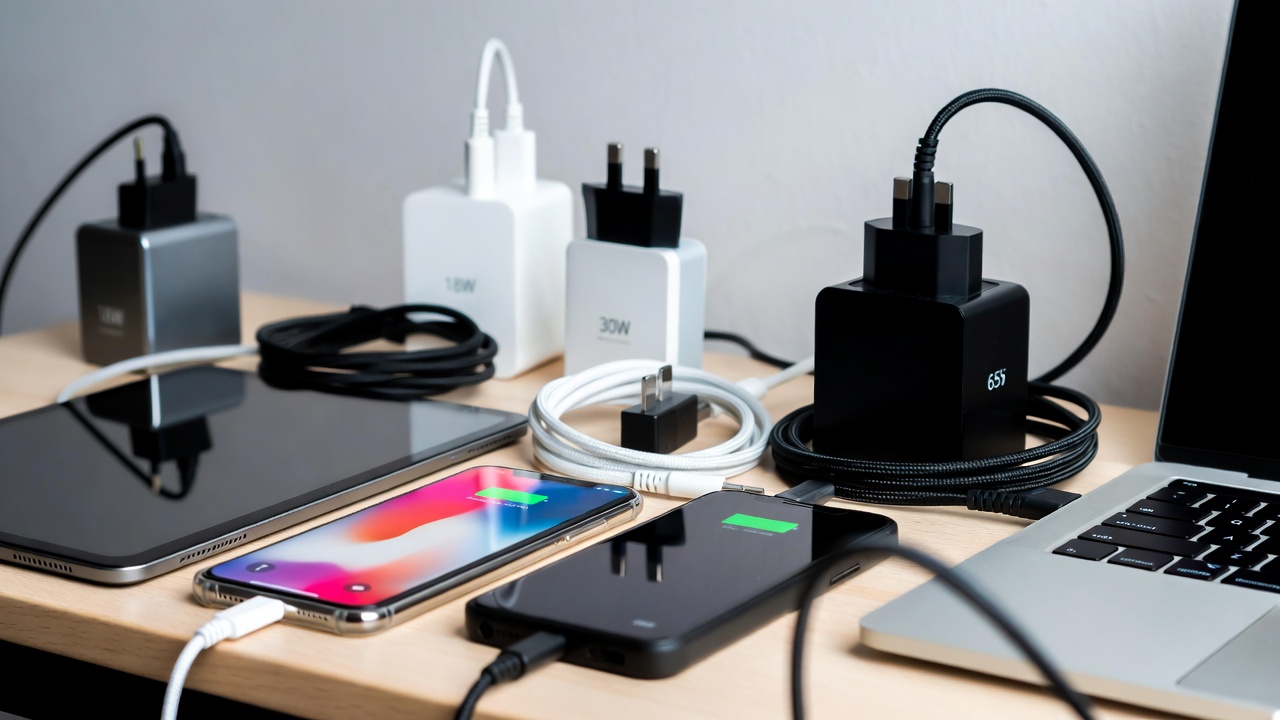
Multi-Device Charging: Building Your Charging Ecosystem
If you’re like most people, you probably have a phone, tablet, smartwatch, and maybe a laptop. That’s potentially four different charging setups, which becomes complicated and expensive quickly. Building an efficient multi-device charging ecosystem saves space, money, and frustration.
The smart approach is investing in one or two quality multi-port fast charging adapters. A 65-100W dual-port USB-C adapter can charge your laptop and phone simultaneously. A 30W single-port adapter works perfectly for phones and tablets. By consolidating to a few adapters, you reduce clutter and have more flexibility about where you charge.
Keep quality cables in strategic locations. One in your car, one at the office, and one or two at home. Having cables readily available eliminates the need to unplug and move cables constantly. It might seem extravagant, but quality cables cost $10-$20, and the convenience and reduced wear on each cable extends their lifespan.
For travel, I recommend a compact 30W fast charging cable and a smaller travel adapter. Brands like Anker Nano and Belkin BoostCharge offer space-saving options that weigh just a few ounces. They’re perfect for business trips or vacations when you want everything in a small bag.
Consider your device ecosystem when choosing adapters. If you use iOS devices, you’ll need Lightning cables in addition to USB-C. Android users can standardize on USB-C across phones, tablets, and laptops. Planning this out prevents buying incompatible cables later.
Safety Considerations and Certification Standards
Cheap, uncertified chargers aren’t just ineffective—they’re genuinely dangerous. I take this seriously because I’ve seen the consequences of failed chargers: damaged devices, burned homes, and in extreme cases, injuries.
Legitimate fast charging adapters undergo rigorous testing. They include overcharge protection, short-circuit protection, and thermal management systems. When you buy certified products, you’re buying peace of mind knowing safety measures are built in.
Look for these certification marks when shopping: UL certification (for North America), CE marking (for Europe), and FCC certification (for wireless devices in the US). If a charger doesn’t display any certifications, avoid it entirely.
Battery quality varies significantly. Cheap cables use substandard wiring and connectors prone to failure. When they fail, it’s often spectacularly—generating heat and potentially damaging your device’s charging port. Investing $15 in a quality cable prevents $400+ in device damage. The math is straightforward.
Temperature is a safety indicator. If your charger gets uncomfortably hot to the touch during normal use, unplug it immediately. A slight warmth is normal, but if you can’t hold it comfortably, something is wrong. Quality chargers stay cool during operation.
Budget-Friendly Fast Charging Solutions
You don’t need to spend a fortune building a fast charging setup. Strategic purchases give you quality and reliability without breaking the bank.
Start with one good 30W dual-port USB-C adapter ($30-$40) and two quality USB-C cables ($15-$20 each). That’s roughly $70-$80 total and covers phone and tablet charging for most people. This is the bare minimum I recommend.
If you also charge a laptop, add a 65W USB-C Power Delivery adapter ($40-$60). This single adapter replaces multiple charging bricks and simplifies your tech life significantly. You can find excellent options from brands like Anker, Baseus, and Belkin in this price range.
For budget-conscious shoppers, buying during sales helps. Black Friday and Prime Day typically offer 30-40% discounts on reputable brands. I stock up on cables and adapters during these events, knowing I’ll use them eventually.
Avoid the cheapest options available. A $2 cable might seem like a bargain, but when it fails after two weeks, you’ve wasted money and your time. Spending $15 on a reliable cable that lasts three years is far better value than buying five cheap cables that each fail after a few months.
Future-Proofing Your Fast Charging Setup
Technology evolves quickly. Standards change, new devices arrive, and your charging needs might shift. Future-proofing your setup means choosing solutions that adapt rather than become obsolete.
USB-C is the clear winner for future-proofing. More devices adopt it every year, and it’s increasingly becoming the universal standard. Even Apple now uses USB-C on iPad Pro and is gradually transitioning iPhones. If you’re buying new cables today, prioritize USB-C.
USB Power Delivery is the universal standard for high-wattage fast charging. Any USB-C Power Delivery adapter you buy today will work with future devices. This isn’t a proprietary technology owned by one manufacturer—it’s an open standard that ensures compatibility across brands and models.
Buy quality adapters and cables that you can grow into. A 65W USB-C Power Delivery adapter might seem excessive for just a phone today, but when you upgrade to a laptop or get another high-power device, it’s ready. Quality components also last longer, reducing the need for replacements.
Check out resources like our smart home and gadgets sections for reviews on the latest charging technology and compatible devices. Staying informed helps you make better purchasing decisions and avoid outdated technology.
Conclusion
Fast charging cables and adapters are investments in convenience and device longevity. While it’s tempting to grab the cheapest option, quality chargers protect your devices, last longer, and actually save money over time.
Start by identifying what you actually need—your device’s maximum charging wattage, how many devices you charge regularly, and your lifestyle (home-based versus frequent traveler). Then invest in quality cables and adapters from reputable brands that match these needs.
Remember: a good fast charging setup doesn’t require spending a fortune. A couple of quality adapters and a few reliable cables simplify your life and eliminate the frustration of slow charging. Your future self will thank you when your devices charge quickly and reliably, year after year.
🛒 Recommended Products for Fast Charging Cables and Adapters
Based on the fast charging cables and adapters discussed in this article, we’ve curated a selection of top-rated products that deliver exceptional performance and value. These recommendations are carefully chosen to help you implement the charging solutions that best fit your needs and budget.




- Best Cheap Smartwatch Under $50
 Best Cheap Smartwatch Under $50: 5 Reliable Picks for 2026 By Sanso Uka If you’re hunting for the best cheap… Read more: Best Cheap Smartwatch Under $50
 - Best Dash Cams of 2026
 Best Dash Cams of 2026: Top Picks for Every Driver and Budget By Wanderson Nogueira Martins Choosing the best dash… Read more: Best Dash Cams of 2026
 - How to Transfer Data to New Phone
 How to Transfer Data to a New Phone: A Step-by-Step Guide for 2026 By Sanso Uka Upgrading to a new… Read more: How to Transfer Data to New Phone
 - Senior-Friendly Smartphones 2026
 Senior-Friendly Smartphones 2026: Best Overall Picks for Every Budget By Sanso Uka Senior-friendly smartphones in 2026 have come a long… Read more: Senior-Friendly Smartphones 2026
 - Best Mechanical Keyboards in 2026
 Best Mechanical Keyboards in 2026 Best Mechanical Keyboards in 2026: Top Picks for Every Budget and Use Case By Sanso… Read more: Best Mechanical Keyboards in 2026
 - Best Monitor for Home Office 2026
 Best Monitor for Home Office 2026: Expert Picks & Buying Guide By Sanso Uka Your monitor is the window to… Read more: Best Monitor for Home Office 2026
 - How to Extend Smartphone Battery Life
 How to Extend Smartphone Battery Life: 12 Practical Tips That Actually Work By Sanso Uka You unplugged your phone at… Read more: How to Extend Smartphone Battery Life
 - Best E-Readers in 2026
 Best E-Readers in 2026: Which One Is Actually Worth Buying? Best E-Readers in 2026: Which One Is Actually Worth Buying?… Read more: Best E-Readers in 2026
 - Refurbished vs New Laptop
 Refurbished vs New Laptop: Which Should You Buy in 2026? By Sanso Uka When you’re in the market for a… Read more: Refurbished vs New Laptop