
Best Tablet for Drawing in 2026: Top Picks for Every Budget
By Sanso Uka
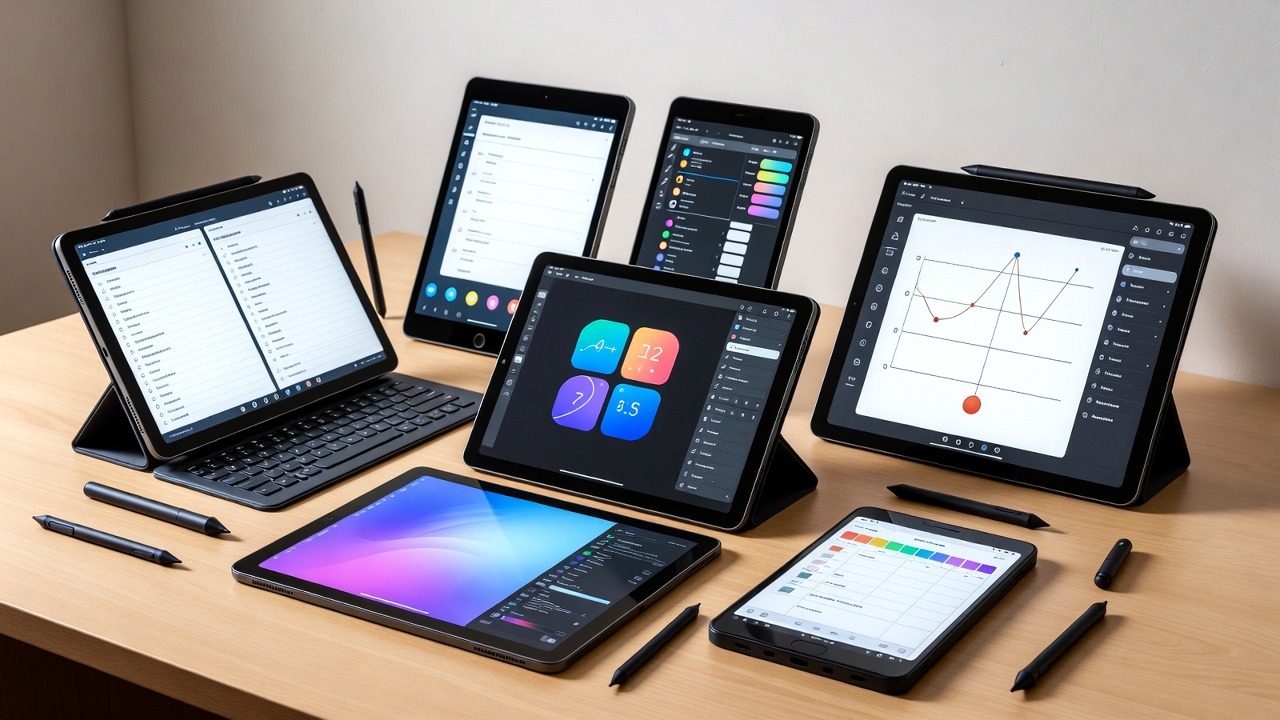
Finding the best tablet for drawing in 2026 comes down to three things that actually matter in practice: how the stylus feels on the screen, how much lag you get between stroke and render, and whether the app you want is actually available on that platform. Everything else — processor benchmarks, speaker quality, camera specs — is secondary. This guide cuts through the noise and focuses on the tablets that artists and illustrators are genuinely using right now, from budget-friendly options to professional powerhouses.
There are two types of drawing tablets worth understanding before you spend money. Standalone tablets (iPad, Samsung Galaxy Tab, etc.) run apps directly and work without a computer. Pen displays (Wacom Cintiq, XPPen Artist) connect to your PC or Mac and show your desktop on a screen you draw directly on. Each has its place, and this guide covers both.
The Best Overall: Apple iPad Pro M4 (or M5)
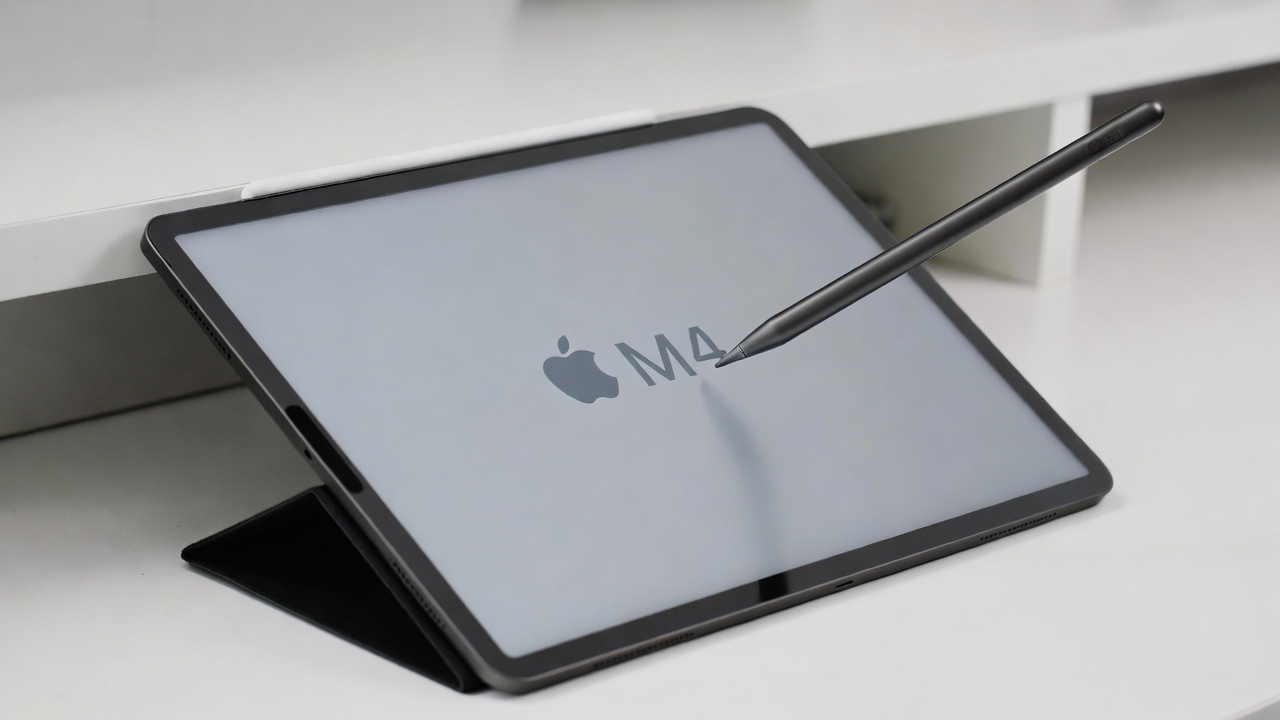
For most artists who want a standalone drawing tablet, the iPad Pro with Apple Pencil Pro is the benchmark everything else gets measured against. The 11-inch M4 model starts at $999, and the 13-inch at $1,299 — the Apple Pencil Pro is another $129 on top of that. It’s not cheap, but the total package is hard to match.
What makes it stand out for drawing specifically is the tandem OLED display. Both M4 and M5 generations deliver up to 1,600 nits peak brightness and a 120Hz ProMotion refresh rate, which means strokes appear nearly instantaneously as you draw. The 2,000,000:1 contrast ratio makes colors and shading pop in a way LCD tablets simply can’t replicate. If color accuracy matters to your work — say you’re creating illustrations for print or client work — this screen makes a real difference.
The Apple Pencil Pro introduced barrel roll (twist the pen to rotate brush orientation) and a squeeze gesture for tool switching, plus haptic feedback that confirms each tap with a subtle physical click. In practice, these aren’t gimmicks — barrel roll genuinely speeds up calligraphy and brush work, and the squeeze shortcut means fewer interruptions mid-stroke to change tools. You can also add a nano-texture glass option that gives the screen a paper-like drag, though it does slightly soften colors and costs more.
The honest limitation: the iPad Pro is an iPad. You’re locked into iPadOS, and while Procreate, Clip Studio Paint, and Adobe Fresco are excellent, if your workflow depends on desktop Photoshop or Illustrator you’ll hit friction. File management can also feel clunky for heavy professional workflows. If your creative process lives entirely in Procreate or Clip Studio, you’ll likely never notice. If you need the full desktop toolchain, consider a Surface or a pen display instead.
The M5 version (released late 2025) offers a chip upgrade but little else new for artists. The M4 Pro, if you find it at a discount — often around $700–$800 refurbished — is the better value for most people.
For more on tablets across different use cases, including the best non-drawing options, that guide covers the broader landscape.
Best Value Pick: iPad Air M4 (2026)
Apple just launched the iPad Air with the M4 chip in March 2026, keeping the starting price unchanged at $599 for the 11-inch and $799 for the 13-inch. This is significant because the M4 chip — the same generation used in the iPad Pro — now arrives in a mid-range body with 12GB of unified memory and support for the Apple Pencil Pro, including barrel roll and squeeze gestures.
What you give up compared to the Pro: no OLED display (this is a Liquid Retina LCD), no nano-texture glass option, and slightly less GPU headroom. For drawing, the LCD is genuinely fine — it’s bright, sharp, and color-accurate enough for illustration and concept art. The difference only really shows up when comparing them side by side in a dark room. If you’ve never owned an OLED iPad, you won’t miss it.
At $599 plus $129 for the Apple Pencil Pro, you’re at $728 all-in — roughly $400 less than the entry iPad Pro with Pencil. For beginners or artists who don’t need the absolute best display, this is the most sensible purchase in the Apple lineup right now.
Best Android Option: Samsung Galaxy Tab S11 Ultra
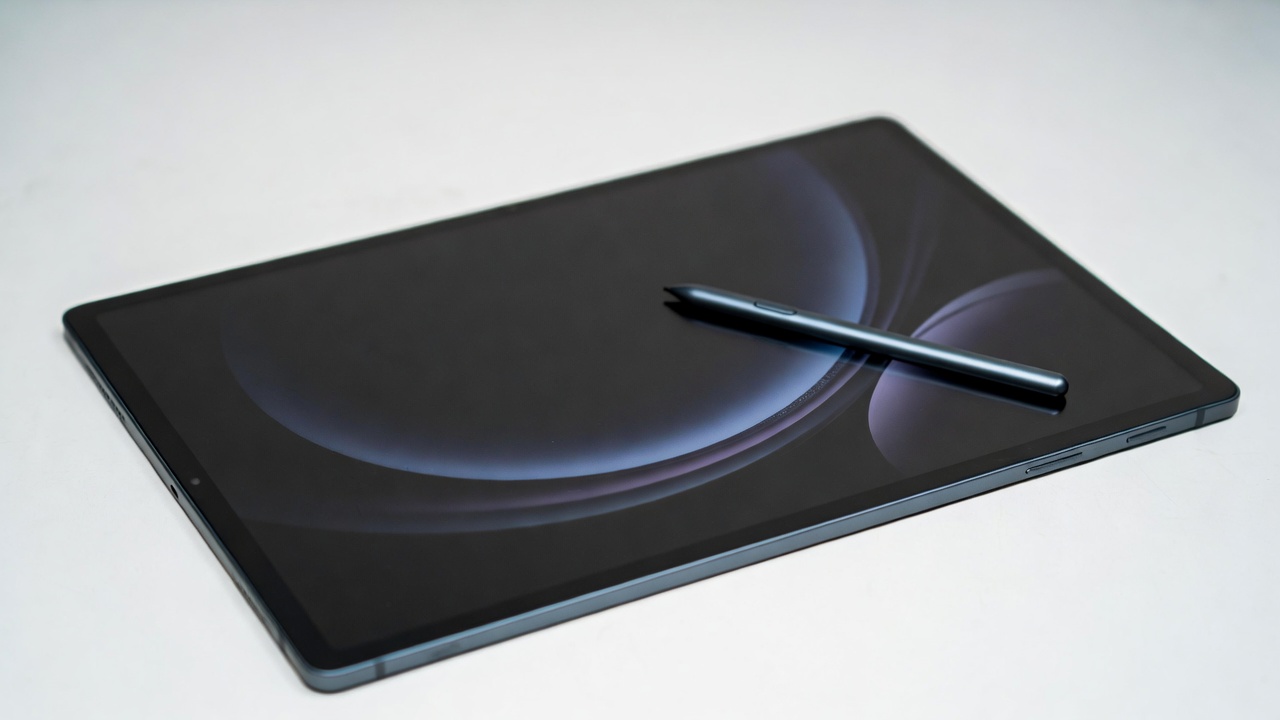
If you’re in the Android ecosystem or simply prefer Samsung’s approach, the Galaxy Tab S11 Ultra is the best drawing tablet in the Android space. It comes with an S Pen included — no separate stylus purchase required — and the pen uses Wacom’s EMR technology, meaning it has no battery to charge and delivers solid pressure sensitivity. The 14.6-inch Dynamic AMOLED display at 2960 x 1848 resolution gives you a large canvas that holds up well for detailed work.
The S Pen’s soft tip is something a number of artists actually prefer over the Apple Pencil Pro’s harder feel — it’s a personal preference thing, but worth noting. Samsung’s drawing app ecosystem has improved considerably, with Clip Studio Paint and Sketchbook both working well. The main limitation compared to iPad is app availability: some specialized design apps (particularly for vector work, typography, and layout) still have more capable versions on iOS.
The Tab S11 Ultra runs a MediaTek Dimensity 9400+ processor with 12GB or 16GB of RAM, which handles demanding art apps without issue. The starting price sits around $1,099, and unlike Apple’s stylus, the S Pen is in the box.
Best Budget Standalone: iPad (11th Gen, 2025) or Samsung Tab S6 Lite
Not everyone needs a $1,000 drawing tablet. The standard iPad (11th Gen, 2025) starts at $349, supports the Apple Pencil 1 (around $69), and runs Procreate just fine for sketching, illustration, and casual art. The display isn’t laminated — there’s a slight gap between the pen tip and where the mark appears — which bothers some artists but becomes invisible quickly once you’re in the flow of drawing.
On the Android side, the Samsung Galaxy Tab S6 Lite sells for around $199 and supports the S Pen, making it the cheapest entry point into pressure-sensitive drawing on a real tablet. Performance is limited — don’t expect to run dozens of layers in a large canvas — but for students, beginners, and hobbyists it gets the job done without breaking the bank.
Best for Desktop Artists: Wacom Cintiq and XPPen Artist Ultra 16
If you’re working at a desk with a PC or Mac and want the most direct drawing experience possible, a pen display that connects to your computer is worth considering. You draw directly on the screen while running full desktop software — proper Photoshop, Illustrator, Clip Studio, whatever you use.
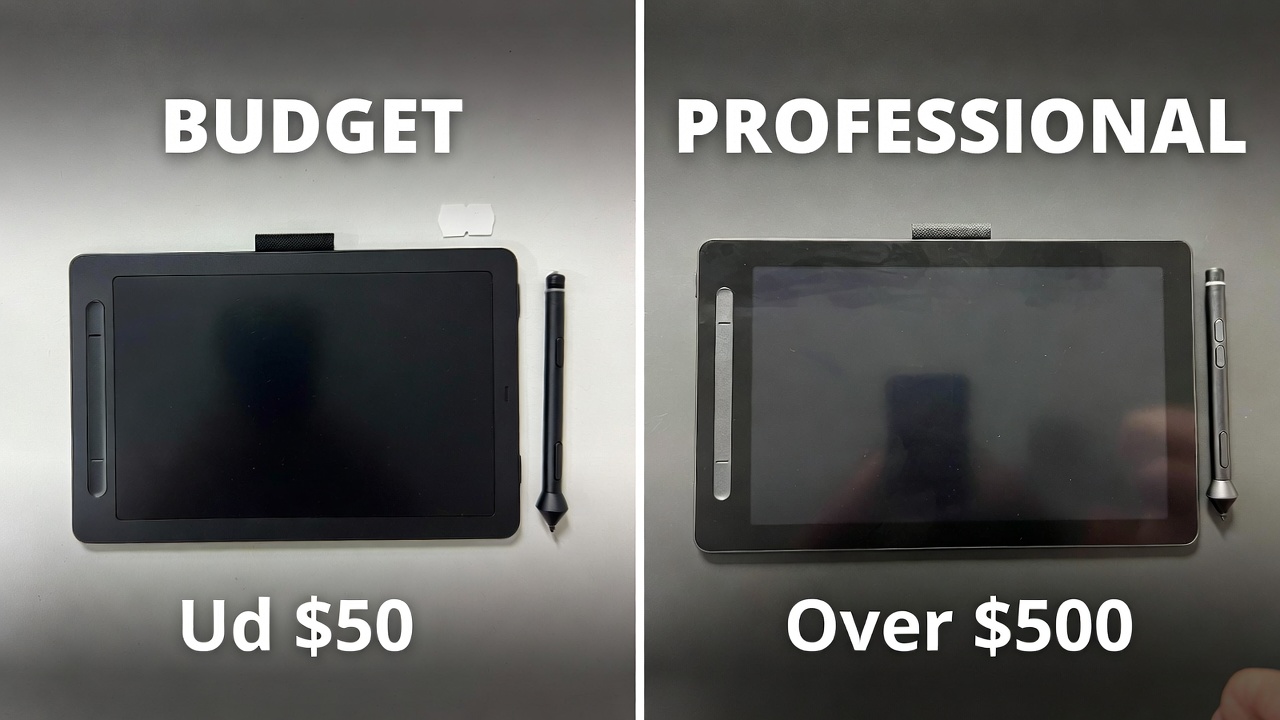
Wacom’s Cintiq Pro remains the industry reference. The Pro Pen 3 offers 8,192 levels of pressure sensitivity and 60-degree tilt recognition. It’s the tool professionals in animation studios and game art pipelines have standardized on. The trade-off is price: Cintiq Pro models range from $499 to well over $900 depending on size and resolution variant.
The XPPen Artist Ultra 16 offers a compelling alternative at a lower price point, with a 15.6-inch 4K OLED display, 1ms response time, and the X3 Pro stylus with 16,384 pressure levels. Color accuracy is strong, and the 100,000:1 contrast ratio is genuinely impressive for the price. Driver stability has historically been the area where XPPen and Huion trail Wacom — if rock-solid reliability for professional production matters, the Cintiq earns its premium. If you’re a freelancer or hobbyist who can tolerate occasional driver tweaks, XPPen saves you hundreds of dollars for nearly equivalent drawing performance.
For artists who need a laptop-and-tablet combo, the Microsoft Surface Pro 11 (Snapdragon X Plus/Elite chip) is worth a look — it runs full Windows with Surface Slim Pen 2 support, bridging the gap between pen display and portable workstation.
What to Actually Look For When Buying
A few specs matter more than anything in spec sheets. Pressure sensitivity at 4,096 levels is the practical minimum — 8,192 levels gives you finer gradations for shading and line weight but the difference is subtle at normal drawing speeds. Display lamination (where the glass sits directly on the LCD/OLED with no air gap) reduces parallax between pen tip and mark — non-laminated displays feel slightly disconnected. Latency is harder to benchmark from a spec sheet; reading artist reviews from people who actually draw on a device is more reliable than manufacturer claims.
App availability should drive platform choice more than hardware. If you want Procreate, you need an iPad — it’s iOS-only. If you need desktop Adobe CC or professional 3D software, a Windows device or a pen display connected to your existing computer makes more sense. Clip Studio Paint is available on everything.
You can find more guidance on accessories that pair well with creative setups if you’re building out a full studio configuration.
Quick Comparison by Budget
- Under $300: Samsung Galaxy Tab S6 Lite (~$199 + S Pen included) or iPad 11th Gen (~$299 on sale) with Apple Pencil 1
- $400–$700: iPad Air M4 (from $599) + Apple Pencil Pro ($129) — best all-around value in 2026
- $700–$900: iPad Pro M4 refurbished ($700–$800), Samsung Galaxy Tab S11 Ultra (~$1,099 but S Pen included)
- $900–$1,300+: iPad Pro M5 (from $999), Wacom Cintiq Pro, XPPen Artist Ultra 16
Final Recommendation
For most people asking about the best tablet for drawing in 2026, the answer is the iPad Air M4 with Apple Pencil Pro. At $728 total, you get a capable M4 chip, full Apple Pencil Pro features including barrel roll and squeeze gestures, and access to the best drawing app ecosystem available on any mobile platform. It doesn’t have an OLED screen like the Pro, but for the vast majority of artists that won’t be a deciding factor.
If budget is the priority, the entry iPad at $349 with a first-generation Apple Pencil at $69 is a legitimate starting point — Procreate runs fine, and you can always upgrade later. If you’re a professional illustrator who needs the best possible display and color accuracy, the iPad Pro M4 or M5 with the optional nano-texture glass is the current peak of what a portable drawing tablet can do. And if you work on a desktop and want full software freedom, the XPPen Artist Ultra 16 pen display delivers excellent value for the money without requiring you to leave your existing tools behind.
- Best Cheap Smartwatch Under $50
 Best Cheap Smartwatch Under $50: 5 Reliable Picks for 2026 By Sanso Uka If you’re hunting for… Read more: Best Cheap Smartwatch Under $50
 - Best Dash Cams of 2026
 Best Dash Cams of 2026: Top Picks for Every Driver and Budget By Wanderson Nogueira Martins Choosing… Read more: Best Dash Cams of 2026
 - How to Transfer Data to New Phone
 How to Transfer Data to a New Phone: A Step-by-Step Guide for 2026 By Sanso Uka Upgrading… Read more: How to Transfer Data to New Phone
 - Senior-Friendly Smartphones 2026
 Senior-Friendly Smartphones 2026: Best Overall Picks for Every Budget By Sanso Uka Senior-friendly smartphones in 2026 have… Read more: Senior-Friendly Smartphones 2026
 - Best Mechanical Keyboards in 2026
 Best Mechanical Keyboards in 2026 Best Mechanical Keyboards in 2026: Top Picks for Every Budget and Use… Read more: Best Mechanical Keyboards in 2026
 - Best Monitor for Home Office 2026
 Best Monitor for Home Office 2026: Expert Picks & Buying Guide By Sanso Uka Your monitor is… Read more: Best Monitor for Home Office 2026
 - How to Extend Smartphone Battery Life
 How to Extend Smartphone Battery Life: 12 Practical Tips That Actually Work By Sanso Uka You unplugged… Read more: How to Extend Smartphone Battery Life
 - Best E-Readers in 2026
 Best E-Readers in 2026: Which One Is Actually Worth Buying? Best E-Readers in 2026: Which One Is… Read more: Best E-Readers in 2026
 - Refurbished vs New Laptop
 Refurbished vs New Laptop: Which Should You Buy in 2026? By Sanso Uka When you’re in the… Read more: Refurbished vs New Laptop
 - Best Gaming Headsets Under $100
 Best Gaming Headsets Under $100 in 2026: Top Picks for Every Platform By Sanso Uka Finding the… Read more: Best Gaming Headsets Under $100
 - How Long Do Laptops Last
 How Long Do Laptops Really Last? A Practical Guide to Lifespan By Sanso Uka If you are… Read more: How Long Do Laptops Last
 - Best Portable Charger 2026
 Best Portable Charger in 2026: Top Power Banks for Every Budget and Use Case By Wanderson Nogueira… Read more: Best Portable Charger 2026