
Best Free AI Tools 2026: My Honest Stack for $0
By Sanso Uka
Let’s cut through the noise. I’ve spent the last month hammering on every free AI tool I could get my hands on—testing their limits, finding their weaknesses, and figuring out which ones actually deserve a spot in your workflow. The best free AI tools 2026 aren’t just watered-down trials anymore. They’re genuinely useful, and in some cases, they’re all most people will ever need.
Why Free AI Is Better Than Ever in 2026
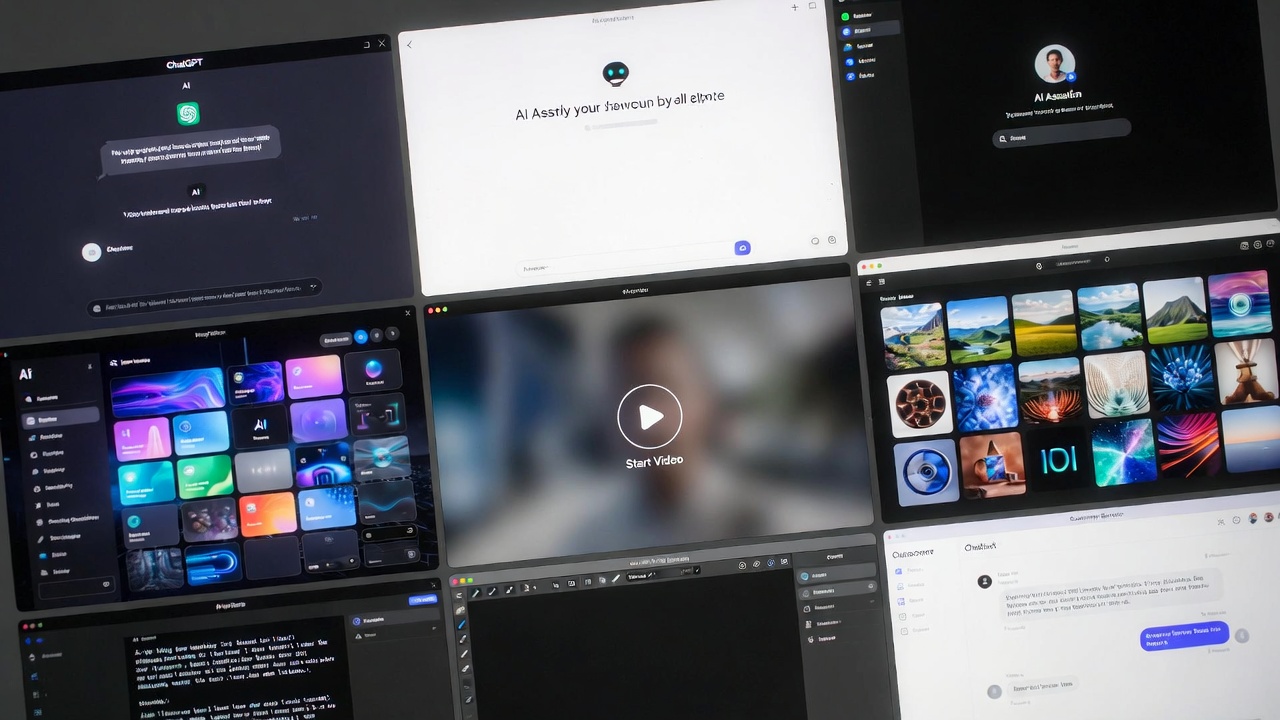
A couple of years ago, “free AI” usually meant limited queries or outdated models. That’s changed. The competition between OpenAI, Google, Anthropic, and a wave of open-source projects has pushed the baseline quality way up. Now, the free versions often run on the same core models as the paid ones—you just get fewer monthly messages or slower speeds during peak times.
For most of us—writing emails, brainstorming content, summarizing articles, or tweaking code—the free tiers are genuinely enough. I’ve been running my personal workflow on free tools for two months now, and I haven’t felt the urge to resubscribe to anything. 📌 Don’t forget to save this post—I’ll update it if that changes.
The Big Three Chatbots: Free Tiers Compared
You can’t talk about AI tools without starting here. These are the general-purpose brains you’ll use for writing, research, and problem-solving.
ChatGPT (Free Tier)
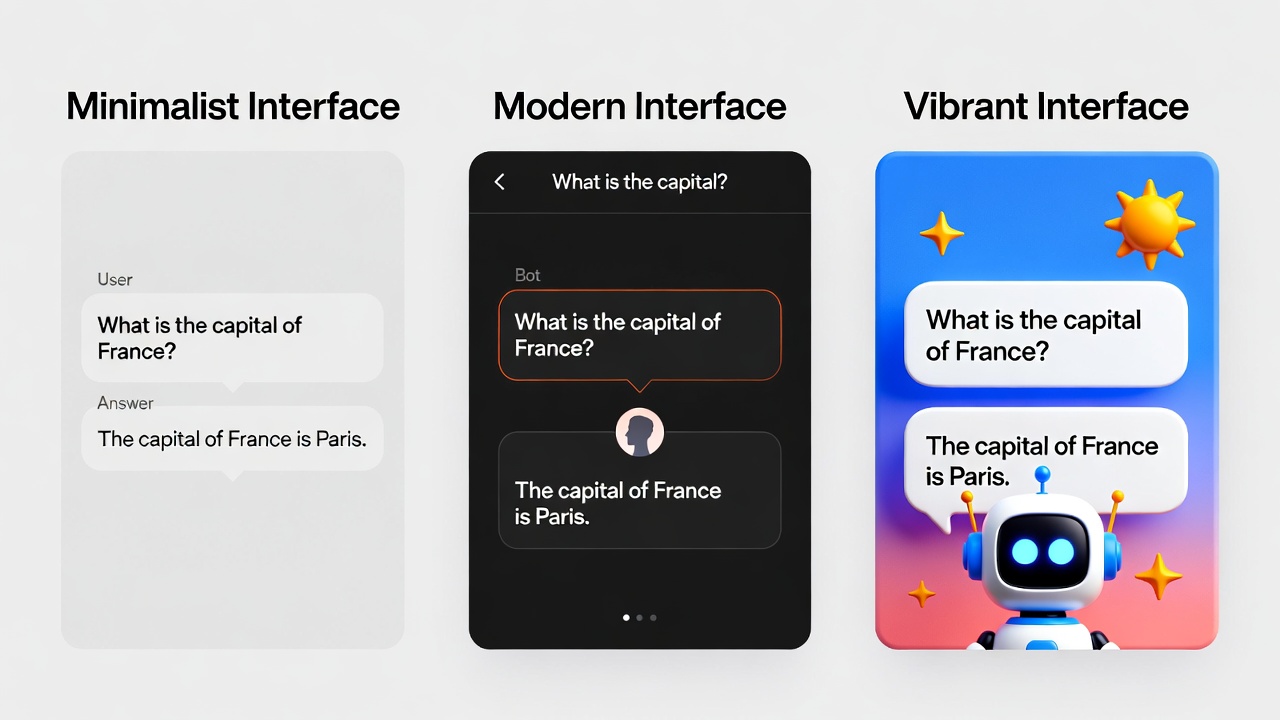
OpenAI’s free version still runs on GPT-4, but with a catch: you’re limited to a certain number of messages before it drops down to a simpler model. In practice, I get about 30-40 messages before the slowdown hits. That’s plenty for a day’s work. The voice mode is still here, and the responses are as sharp as ever. What it doesn’t do well: upload files or browse the web consistently. If you need to analyze a PDF, you’ll hit the paywall.
Google Gemini
Gemini’s free tier is surprisingly generous. You get full access to the latest model, longer context windows (meaning it can digest entire books or massive code files), and direct integration with Google’s ecosystem. If you’re deep in Gmail, Docs, or YouTube, it’s a no-brainer. The catch: it can be overly cautious with its responses, and creative writing sometimes feels stiff compared to ChatGPT.
Claude (Free Tier)
Anthropic’s Claude is my go-to for long-form writing and editing. The free tier gives you access to Claude 3.5 Sonnet, which has a 200k context window. That’s enough to upload an entire novel or a dense technical document. Where it falls short: it’s not connected to the internet, so don’t ask for real-time info. Also, the free tier limits you to a handful of messages every few hours, so you can’t lean on it all day.
💡 Save this guide for later—I’ll show you how to rotate between them to stay free.
Specialized Free Tools That Beat Paid Alternatives
Beyond the chatbots, there’s a whole ecosystem of specialized AI tools that are completely free and shockingly good.
Perplexity AI
For research, Perplexity is still unmatched. It’s like a search engine that writes you a report with citations. The free tier gives you unlimited quick searches and a few “pro” searches per day that dig deeper into academic papers. I use it constantly to fact-check specs and find original sources. If you’re writing about smartphone accessories or need to verify a charging speed claim, this is the tool.
Leonardo.ai
Image generation has gotten expensive, but Leonardo.ai remains free with a daily token system. You get 150 tokens a day, and each image costs anywhere from 2 to 8 tokens depending on quality. That’s enough to generate 20-30 solid images daily. The quality rivals Midjourney for most prompts. The limitation: you can’t generate at the highest resolutions without paying, but for social media graphics or blog headers, it’s perfect.
Notion AI (Limited Free Access)
Notion recently added a free tier that includes a handful of AI actions per month. It’s not unlimited, but if you’re already using Notion for notes, having the ability to summarize meeting notes or generate task lists without leaving your workspace is a huge time-saver. Once you hit the limit, it stops—no surprise bills.
Hidden Gems for Productivity
These tools fly under the radar but have saved me hours.
Otter.ai (Free Tier)
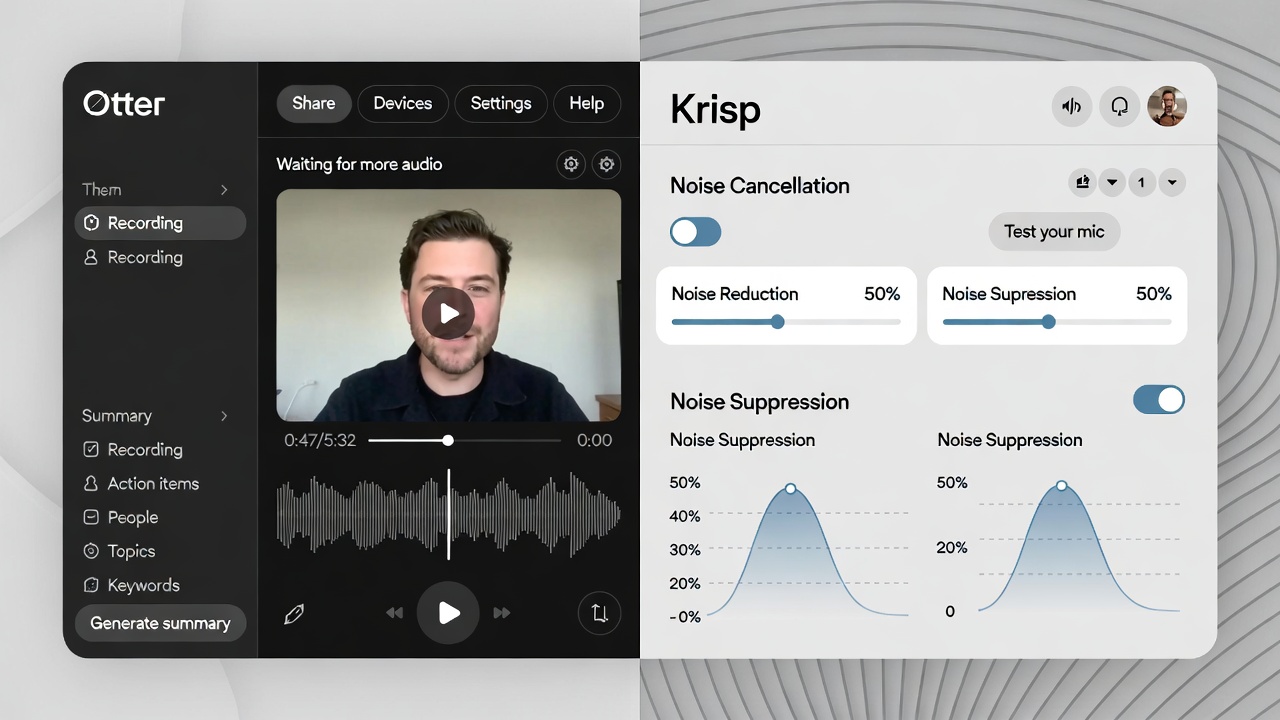
Otter gives you 300 minutes of transcription per month for free. That’s five hours of meeting recordings, interview transcripts, or voice notes. The accuracy is excellent, and it identifies different speakers automatically. The downside: you can only upload a limited number of files, and longer recordings get cut off. For quick transcriptions, it’s unbeatable.
Krisp.ai
Krisp removes background noise from calls in real time, and the free version gives you 60 minutes of noise cancellation per day. If you take calls from coffee shops or have noisy roommates, this is a lifesaver. It works with any conferencing app—Zoom, Google Meet, Discord. The limitation is the daily cap, but 60 minutes covers most people’s meeting loads.
Pair these with a solid device. Check our PC builds guide if your current machine struggles with multitasking.
The Open-Source Powerhouse: Local AI
If you’re willing to tinker a bit, the open-source scene offers completely free, unlimited AI that runs on your own hardware. Tools like LM Studio let you download and run models like Llama 3 or Mistral locally. No subscriptions, no rate limits, no data leaving your computer.
What it doesn’t do well: it requires a decent GPU. On a laptop with integrated graphics, you’ll get slow responses and might be limited to smaller models. But if you’ve built a mid-range PC, you can run models that rival GPT-3.5 completely offline. It’s privacy-first and future-proof.
What You Actually Give Up with Free Tiers
I’m not going to pretend free is always better. Here’s what you lose:
- Speed: During peak hours, free tiers get deprioritized. A response that takes 2 seconds on paid might take 10 seconds on free.
- Multimodal features: Uploading images, PDFs, or voice files is often locked behind paid plans.
- Consistency: Free tiers sometimes switch to older, dumber models when the servers are busy. You won’t always know.
- Integrations: Connecting AI to your calendar, email, or other apps usually requires a subscription.
For most personal use, these trade-offs are manageable. For business-critical work, you might still need to pay. ❤️ Bookmark this post to try these ideas later and see if they cover your needs.
The Verdict: Do You Really Need to Pay?
I started this experiment expecting to feel limited. Instead, I realized that the best free AI tools 2026 have quietly become good enough for 90% of what people actually do. I’m writing this article using only free tools—Gemini for research, Claude for editing, Leonardo for the header image, and Otter to transcribe an interview I did for another piece.
If you’re a casual user, a student, a blogger, or even a small business owner just getting started, save your money. Rotate between the free tiers based on what you need. Use ChatGPT for brainstorming, Gemini for research, Claude for writing, and Perplexity for fact-checking. It’s a little more work to switch tabs, but it costs exactly zero dollars.
My recommendation: start with Gemini for its generous limits and Google integration. If you hit a creative wall, switch to Claude for fresh prose. Use Leonardo for visuals. That’s your 2026 stack.
Want to dive deeper into specific tools? We’re covering AI tools and chatbots regularly, and I’ll be updating this guide as the free landscape shifts.
- What Is Quantum Computing
 What Is Quantum Computing? A Practical Guide (2026) | Sanso Uka Tech What Is Quantum Computing?… Read more: What Is Quantum Computing
 - Best AI Image Generators in 2026
 Best AI Image Generators in 2026: Which One Is Actually Worth It? Best AI Image Generators… Read more: Best AI Image Generators in 2026
 - Is AI Replacing Jobs
 Is AI Replacing Jobs? The 2026 Data on What’s Actually Happening By Sanso Uka The question… Read more: Is AI Replacing Jobs
 - Tech Trends 2026
 Tech Trends to Watch in 2026: What’s Actually Worth Your Attention Tech Trends to Watch in… Read more: Tech Trends 2026
 - Best Free AI Tools 2026
 Best Free AI Tools 2026: My Honest Stack for $0 By Sanso Uka Let’s cut through… Read more: Best Free AI Tools 2026
 - What Is Generative AI
 What Is Generative AI? A Plain-English Guide for 2026 What Is Generative AI? A Plain-English Guide… Read more: What Is Generative AI
 - Future of Artificial Intelligence 2026
 Future of Artificial Intelligence 2026: From Chatbots to Personal Agents By Sanso Uka If 2025 was… Read more: Future of Artificial Intelligence 2026
 - Best AI Tools 2026
 Best AI Tools 2026: ChatGPT, Claude, Gemini & More Compared Updated · March 2026 Best AI… Read more: Best AI Tools 2026
 - How to Set Up Smart Lighting at Home
 How to Set Up Smart Lighting at Home: Complete Beginner’s Guide (2026) How to Set Up… Read more: How to Set Up Smart Lighting at Home
 - IoT Devices for Beginners
 Best IoT Devices for Beginners in 2026: Where to Start Best IoT Devices for Beginners in… Read more: IoT Devices for Beginners
 - Best Smart Smoke Detector 2026
 Best Smart Smoke Detector 2026: Which One Actually Protects Your Home? By Sanso Uka Let’s be… Read more: Best Smart Smoke Detector 2026
 - How to Control Your Smart Home with Your Phone
 How to Control Your Smart Home with Your Phone: A Practical Setup Guide By Sanso Uka… Read more: How to Control Your Smart Home with Your Phone