
Best AI Image Generators in 2026: Which One Is Actually Worth It?
By Sanso Uka
The best AI image generators in 2026 have reached a point where choosing between them is less about raw quality and more about what you actually need. A year ago, the difference between tools was obvious — one clearly outperformed the others. Now the top five or six are all genuinely impressive, and the real question is: which one fits your workflow, budget, and creative goals? This guide cuts through the noise and gives you a straight answer based on real use cases.
How the Landscape Has Changed
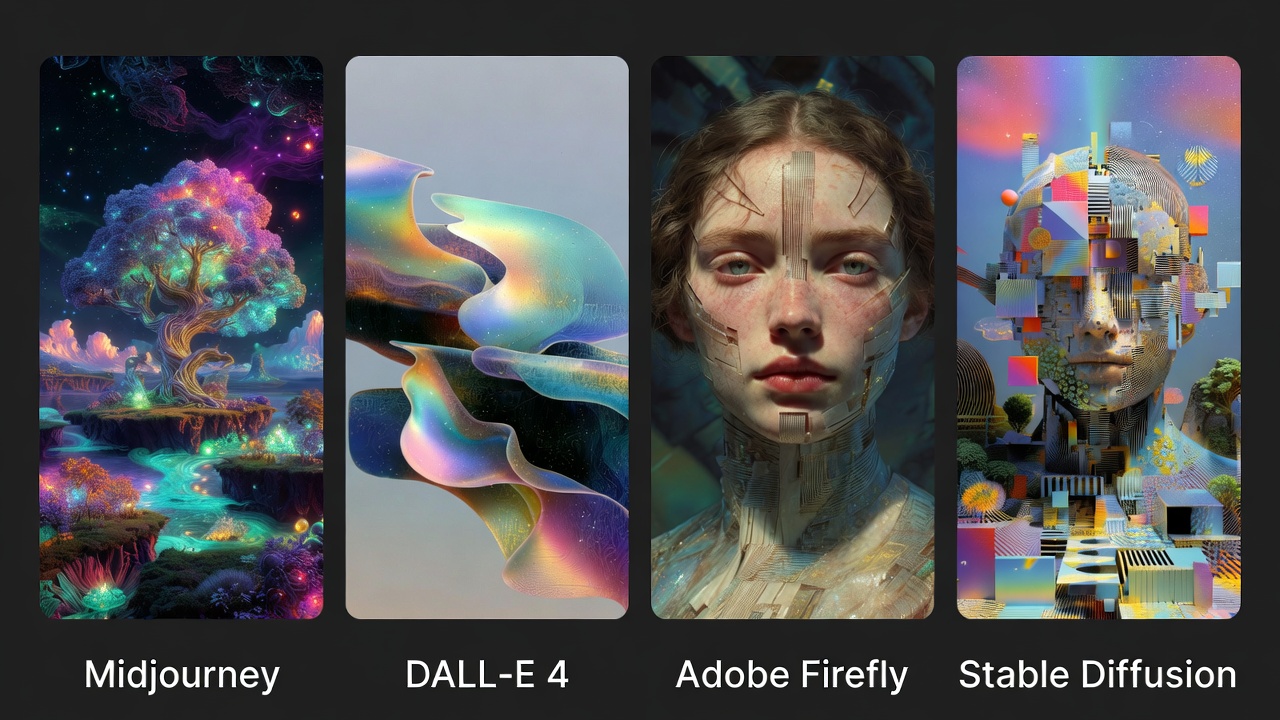
Two years ago, Midjourney was the clear king of artistic output and DALL-E was the reliable workhorse. Since then, the field has exploded. Adobe Firefly matured into a serious professional tool. Stable Diffusion spawned a second generation with Flux 2 Max that brings open-source image generation back into serious contention. Google entered with Gemini’s image capabilities. And OpenAI pushed deep into photorealistic territory.
The result: there’s no single “best” tool anymore. There’s a best tool for you. The sections below break down who each one is really built for — including the trade-offs each one forces you to accept.
📌 Don’t forget to save this post — it covers all the major tools so you can come back and compare when you’re ready to pick one.
Midjourney V7 — Still the Artistic Benchmark
Best for: Concept artists, designers, mood boards, editorial visuals
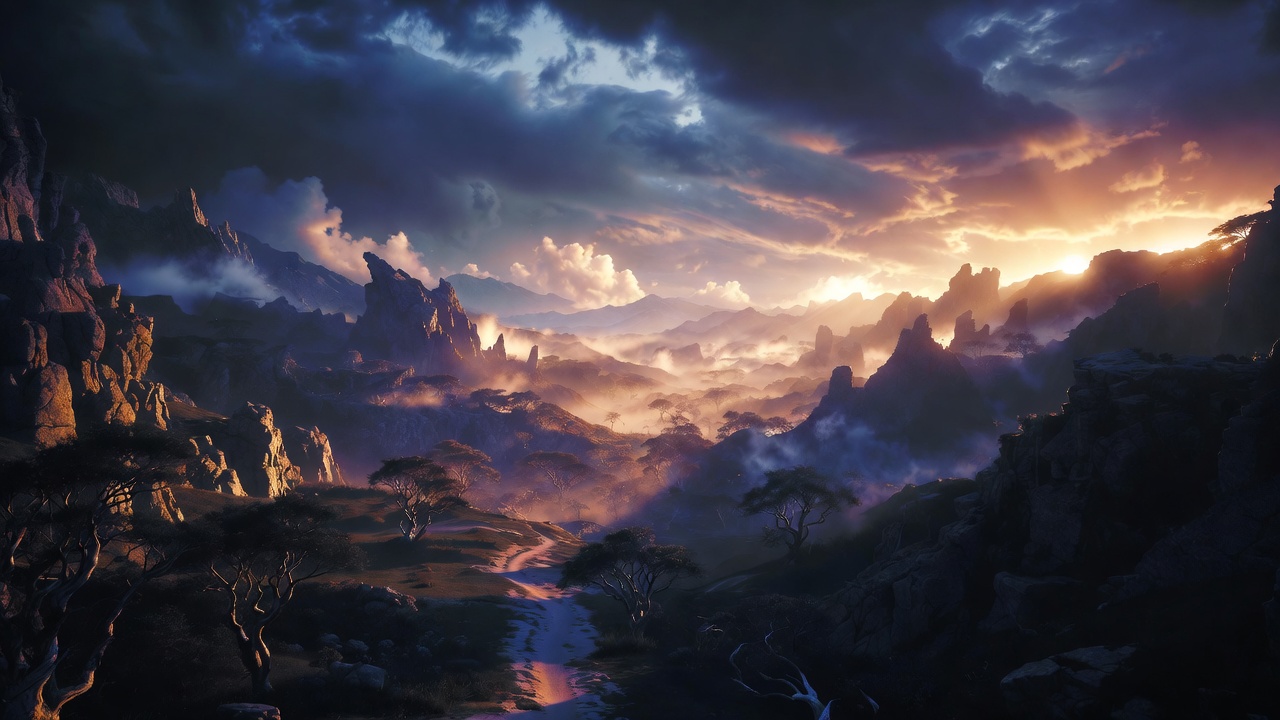
Midjourney remains the tool that produces images with the most visual personality — painterly atmospheres, dramatic lighting, and compositions that feel intentional rather than mechanical. If you’re creating concept art, editorial illustrations, brand mood boards, or anything where aesthetic punch matters more than photographic accuracy, it’s still the reference point everyone else is measured against.
The platform now has a proper web interface at midjourney.com, so you’re no longer forced into Discord — though the Discord workflow is still available for users who prefer it. Midjourney V7 improved anatomy accuracy and prompt adherence compared to earlier versions, which were both common pain points.
Where it falls short: Text rendering inside images is inconsistent. Photorealistic product shots aren’t its strength. And there’s no free tier — Midjourney is entirely subscription-based, starting at $10/month for the Basic plan (roughly 200 fast images per month). The Standard plan at $30/month unlocks Relax Mode for unlimited generations at slower speeds. Privacy (Stealth Mode) only kicks in at the Pro tier — $60/month. If your company earns over $1 million annually, the Pro or Mega plan is required by their terms of service.
For pure creative work where you want images that look like they came from a human artist’s sketchbook, Midjourney still earns its price. For commercial product photography or anything requiring readable text in the image, look elsewhere.
DALL-E 4 (via ChatGPT) — Best for Text in Images and Conversational Editing
Best for: Marketers, social media creators, anyone who needs text accurately rendered in visuals
DALL-E 4 inside ChatGPT flipped the image generation workflow on its head. Instead of crafting a perfect upfront prompt and hoping for the best, you generate an image and then describe what you want changed in plain conversation: “move the logo to the upper left,” “make the background darker,” “add the word SALE in bold red text.” The AI understands and revises accordingly — which in practice saves enormous amounts of time.
Text rendering is where DALL-E 4 genuinely separates itself from the competition. Generating posters, banners, branded mockups, or any image where legible text is required is far more reliable here than in Midjourney or Stable Diffusion. If you’re creating content for Instagram, YouTube thumbnails, or marketing collateral, this matters a lot.
Where it falls short: The visual style tends toward clean, polished illustration rather than the gritty artistic depth Midjourney delivers. Highly stylized or cinematic outputs aren’t its strong suit. Access comes through a ChatGPT Plus subscription ($20/month), which gives you more than just image generation — but if image work is your primary need, you’re paying for capabilities you may not use.
For anyone already using ChatGPT for writing, research, or coding, DALL-E 4 is essentially a free upgrade to your existing subscription.
Adobe Firefly — The Safe Choice for Professional Commercial Work
Best for: Marketing teams, brand designers, professionals in the Adobe ecosystem
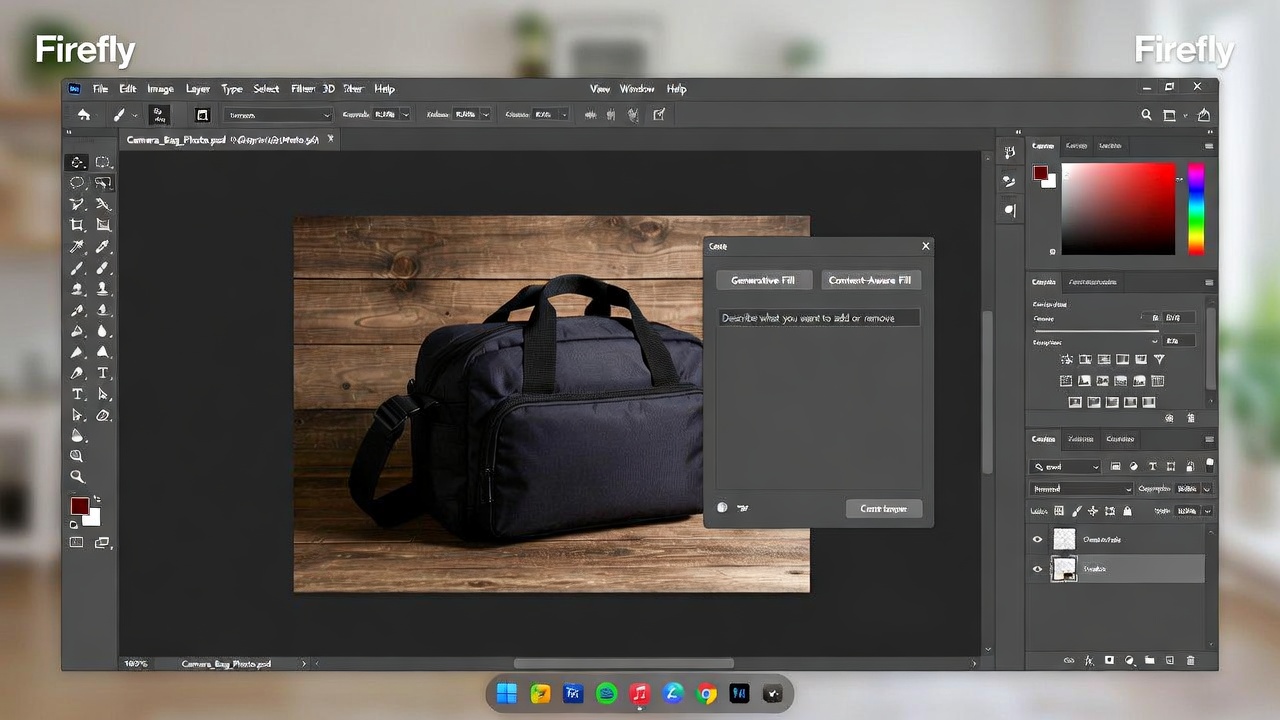
Adobe Firefly has one advantage no other tool on this list can claim: it was trained exclusively on licensed content, which means images generated through Firefly come with commercial indemnification. For brand teams, agencies, and anyone producing visuals that will end up in paid campaigns, that’s not a small detail — it’s the whole reason to choose it.
Firefly is also deeply embedded into Photoshop, Illustrator, and Adobe Express, meaning you can use it for generative fill, background replacement, object removal, and text effects without leaving your existing design tools. The workflow integration alone makes it practical in ways that standalone generators simply aren’t.
Learn more about AI tools and creative workflows if you’re building a professional content pipeline.
Where it falls short: The creative ceiling is lower than Midjourney. Firefly produces technically clean, brand-safe images, but they don’t have the same artistic soul. It’s more reliable than it is exciting. Pricing depends on your Adobe Creative Cloud tier — Firefly credits are included in most plans, but heavy users will burn through them quickly and need to purchase additional credits.
If you work in a team that requires safe, predictable, commercially usable images and already uses Adobe tools, Firefly is the obvious choice. If you’re a solo creator looking for visual impact, you’ll probably find it underwhelming.
Flux 2 Max (Stable Diffusion’s Next Chapter) — Best for Developers and Power Users
Best for: Developers, technically advanced users, privacy-conscious creators, custom model training
Flux 2 Max, built by Black Forest Labs (the team behind the original Stable Diffusion), is the best open-weight image generation model available right now. Unlike every other tool in this list, Flux 2 Max can be downloaded and run locally on your own hardware — which means no subscription fees, no content filters unless you impose them yourself, and complete data privacy.
Image quality has taken a significant jump from the previous Stable Diffusion models. Photorealism and prompt adherence are both noticeably better. The main catch users report is over-sharpening in some outputs, which can make images look slightly artificial on close inspection.
Where it falls short: Running Flux 2 Max locally requires a capable GPU — at minimum an NVIDIA RTX 3080 with 10GB VRAM for reasonable generation speeds. If you don’t have the hardware or technical knowledge to set it up, cloud-hosted versions are available through providers like Replicate or RunPod, but at that point you’re paying per generation. For non-technical users, this is simply the wrong tool.
For developers building applications on top of image generation, or advanced users who want total control and zero recurring costs (assuming they own the hardware), Flux 2 Max is the most powerful option on the market.
Canva AI — The Easiest On-Ramp for Non-Designers
Best for: Small business owners, educators, social media managers who need fast results without a learning curve
Canva’s AI image generation doesn’t win any awards for output quality compared to Midjourney or Flux, but it wins on something else entirely: getting from idea to finished, publishable graphic in under five minutes. The image generation is built directly into Canva’s broader design environment, so you generate an image and immediately drop it into a social post, presentation, or flyer template — no downloading, re-uploading, or switching apps.
Where it falls short: The image quality ceiling is lower. Complex prompts don’t always land, and stylistic control is limited compared to more specialized tools. Canva Pro runs $15/month (or $120/year), and the AI features are included — but if you’re already a Canva user, you’re essentially already paying for it.
This is the right pick if your goal is volume and speed over precision. For one-off, carefully crafted images, you’ll be frustrated. For daily social content at scale, it’s hard to beat.
Gemini Image Generation — Strong for Google Ecosystem Users
Google’s Gemini image tools have improved substantially, and the multimodal understanding behind them means they handle complex, context-rich prompts well. Cinematic realism and scene-setting are genuine strengths. Gemini is available through Google AI Studio and integrated into some Workspace plans.
The trade-off: it’s harder to recommend as a standalone image tool when it’s tied so closely to the Google ecosystem. If you’re already building workflows inside Google tools or using the Gemini API for other tasks, the image generation capabilities are a natural complement. Otherwise, other tools give you more focused image-specific features.
💡 Save this guide for later — the AI image generation landscape is moving fast, and it’s worth revisiting these comparisons every few months.
What About Free Options?
If budget is the real constraint, a few genuinely usable free options exist. Microsoft Designer (powered by DALL-E technology) offers free image generation through a Microsoft account with a reasonable daily limit. Meta AI’s image generation is free through meta.ai in many regions. Google’s ImageFX, accessed through Google Labs, is also free for personal use.
None of these match the top paid tools on quality or control — but for occasional use, personal projects, or testing whether AI image generation is useful for your workflow before spending money, they’re legitimate starting points.
For more context on how to evaluate whether any AI tool is worth the subscription cost, this breakdown of AI tool trends gives useful framing for the decision.
How to Choose: A Quick Framework
Rather than picking a winner, here’s the honest breakdown by use case:
- Artistic and creative work (illustrations, concepts, mood boards): Midjourney V7
- Marketing visuals and text in images: DALL-E 4 via ChatGPT
- Commercial use with licensing protection: Adobe Firefly
- Maximum control, open-source, no subscriptions: Flux 2 Max (local) or Stable Diffusion
- Fast content for non-designers: Canva AI
- Free and occasional use: Microsoft Designer or Meta AI
The worst approach is picking one tool because it topped a benchmark list and expecting it to cover every use case. Many professionals now run two tools in parallel — one for raw creative exploration (usually Midjourney), one for production-ready commercial outputs (Firefly or DALL-E 4). The extra subscription cost is often worth it when it eliminates hours of back-and-forth editing.
Final Recommendation
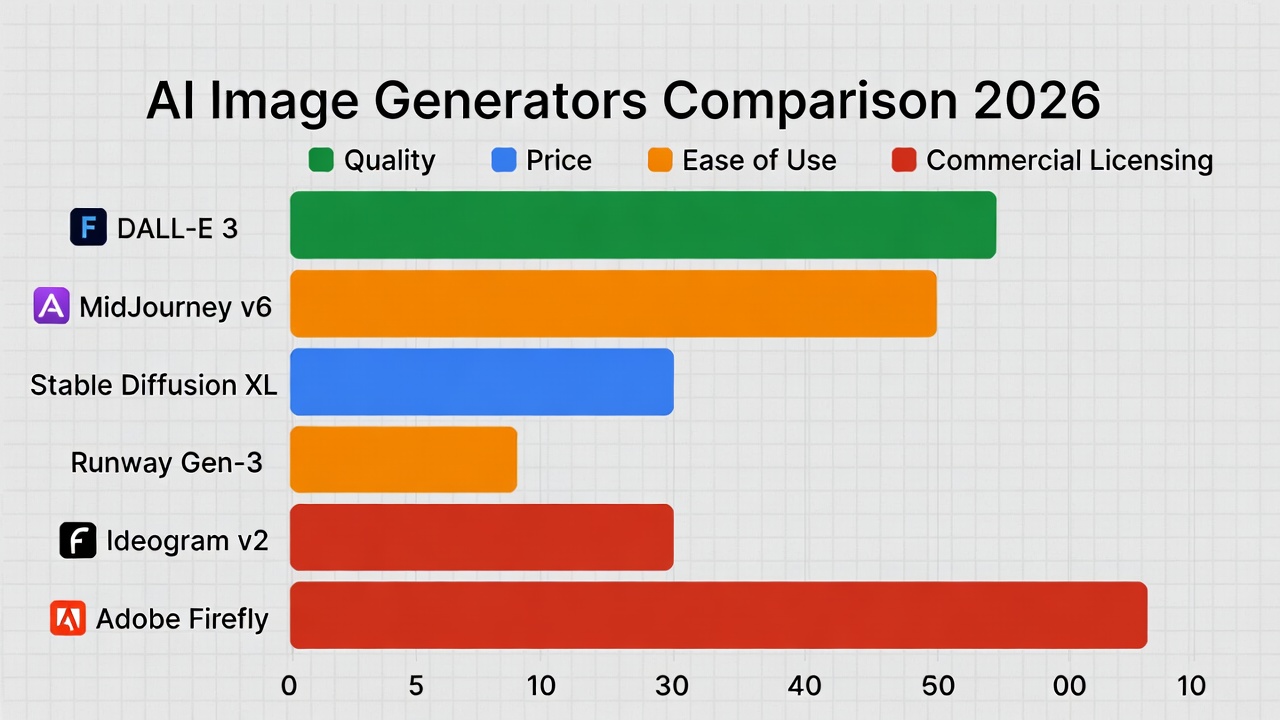
If you can only pick one tool and you’re not sure where to start, start with DALL-E 4 through ChatGPT Plus at $20/month. The conversational editing workflow, reliable text rendering, and the fact that you’re getting a capable AI assistant alongside the image tool makes it the most practical entry point for most people. Once you know what you actually need from image generation, you’ll have a much better sense of whether Midjourney’s artistic output or Firefly’s commercial safety is worth adding to your stack.
If artistic output is your priority from day one, pay the $10/month for Midjourney Basic and start there. The quality jump you’ll see compared to free tools is immediate and obvious.
For more on building out a creative tech workflow that works for you, check out the AI tools and chatbots section for hands-on breakdowns of the tools that are actually making a difference.
❤️ Bookmark this post to try these ideas later — this page will be updated as the tools evolve through 2026.
- What Is Quantum Computing
 What Is Quantum Computing? A Practical Guide (2026) | Sanso Uka Tech What Is Quantum Computing? A Practical Guide… Read more: What Is Quantum Computing
 - Best AI Image Generators in 2026
 Best AI Image Generators in 2026: Which One Is Actually Worth It? Best AI Image Generators in 2026: Which… Read more: Best AI Image Generators in 2026
 - Is AI Replacing Jobs
 Is AI Replacing Jobs? The 2026 Data on What’s Actually Happening By Sanso Uka The question of whether AI… Read more: Is AI Replacing Jobs
 - Tech Trends 2026
 Tech Trends to Watch in 2026: What’s Actually Worth Your Attention Tech Trends to Watch in 2026: What’s Actually… Read more: Tech Trends 2026
 - Best Free AI Tools 2026
 Best Free AI Tools 2026: My Honest Stack for $0 By Sanso Uka Let’s cut through the noise. I’ve… Read more: Best Free AI Tools 2026
 - What Is Generative AI
 What Is Generative AI? A Plain-English Guide for 2026 What Is Generative AI? A Plain-English Guide for 2026 By… Read more: What Is Generative AI
 - Future of Artificial Intelligence 2026
 Future of Artificial Intelligence 2026: From Chatbots to Personal Agents By Sanso Uka If 2025 was the year we… Read more: Future of Artificial Intelligence 2026
 - Best AI Tools 2026
 Best AI Tools 2026: ChatGPT, Claude, Gemini & More Compared Updated · March 2026 Best AI Tools 2026:The Ones… Read more: Best AI Tools 2026
 - How to Set Up Smart Lighting at Home
 How to Set Up Smart Lighting at Home: Complete Beginner’s Guide (2026) How to Set Up Smart Lighting at… Read more: How to Set Up Smart Lighting at Home
 - IoT Devices for Beginners
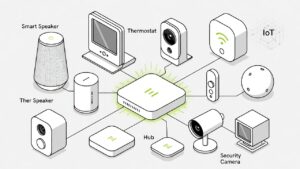 Best IoT Devices for Beginners in 2026: Where to Start Best IoT Devices for Beginners in 2026: Where to… Read more: IoT Devices for Beginners
 - Best Smart Smoke Detector 2026
 Best Smart Smoke Detector 2026: Which One Actually Protects Your Home? By Sanso Uka Let’s be honest—most of us… Read more: Best Smart Smoke Detector 2026
 - How to Control Your Smart Home with Your Phone
 How to Control Your Smart Home with Your Phone: A Practical Setup Guide By Sanso Uka Learning how to… Read more: How to Control Your Smart Home with Your Phone