
The best AI tools of 2026 aren’t the ones with the flashiest marketing — they’re the ones that quietly save you hours every week. Over the past year, the gap between genuinely useful AI and expensive novelty has widened fast. ChatGPT, Claude, and Gemini have each matured into real workhorses, while a wave of specialized tools for image generation, coding, video, and research have carved out niches that the generalists can’t fill. This guide cuts through the noise and tells you exactly which tool does what best — and where each one falls short.
Don’t forget to save this post. The AI landscape shifts constantly — bookmark it so you can revisit when the next round of updates drops.
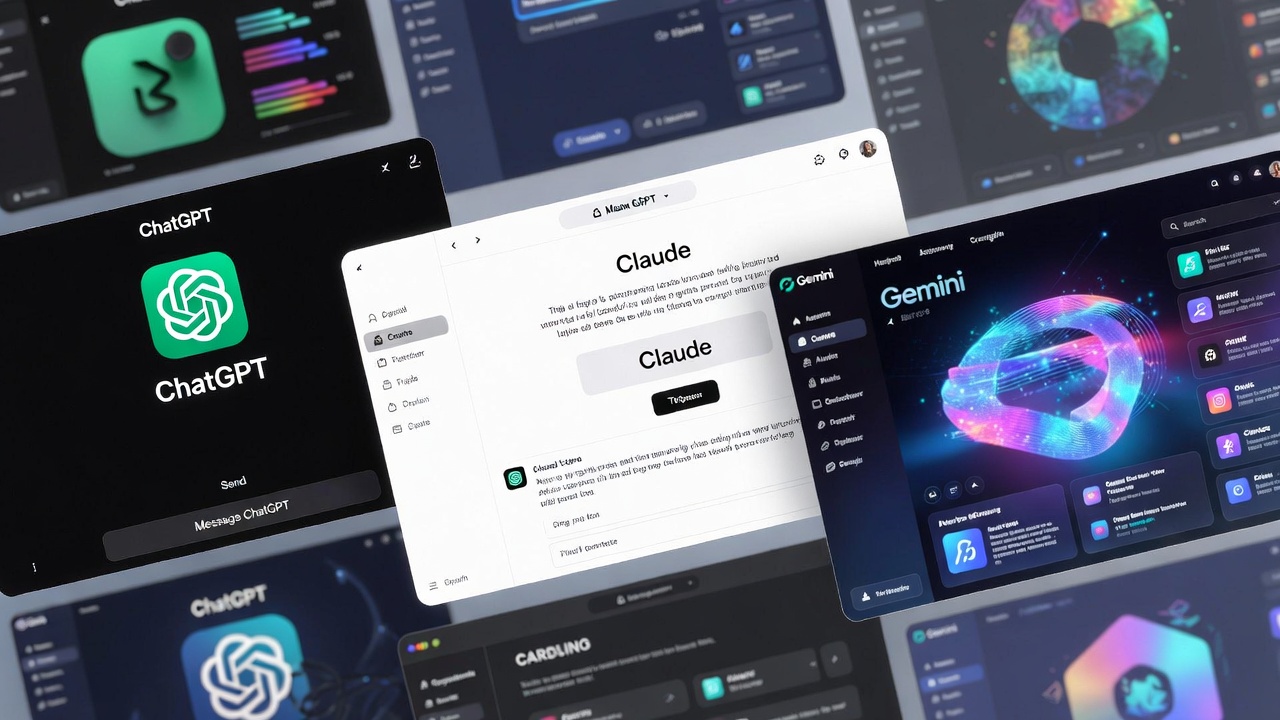
The Big Three: ChatGPT, Claude, and Gemini
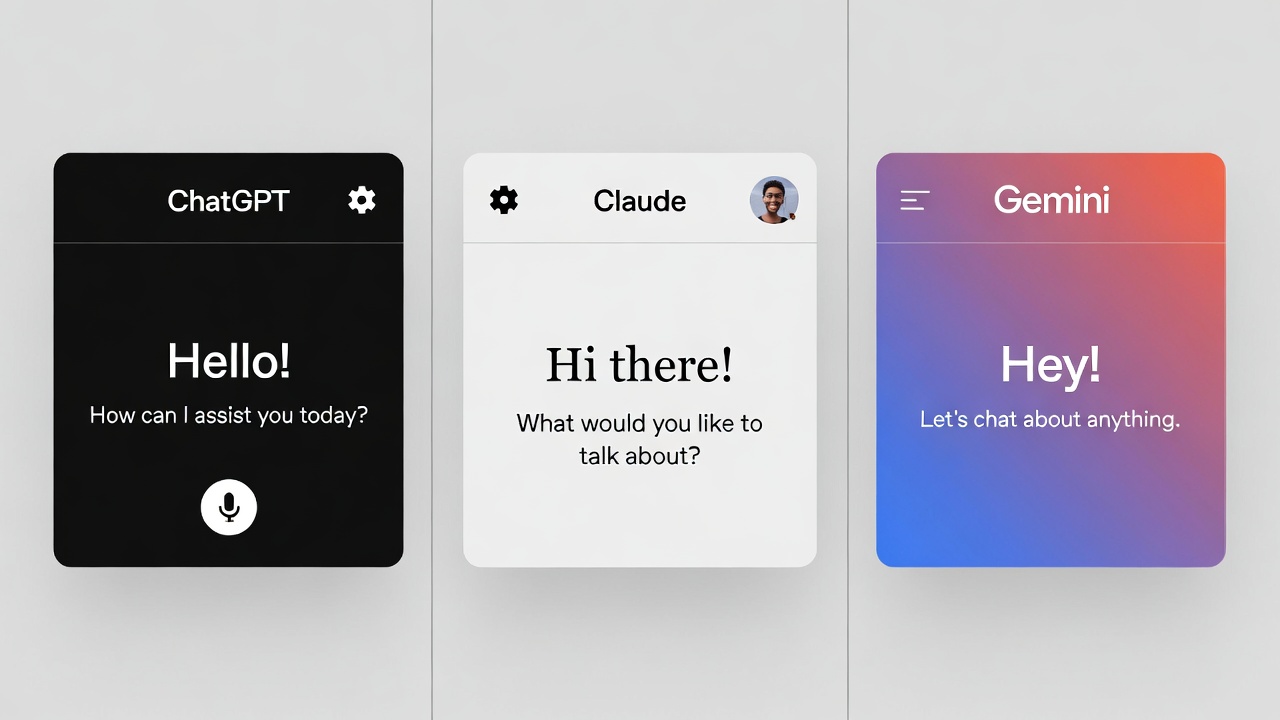
These three dominate the conversation — and for good reason. All three offer free tiers, all three have paid plans around the $20/month mark, and all three have improved dramatically in the past 12 months. But they’ve also grown more distinct. Picking the wrong one for your workflow is a real cost in time and money.
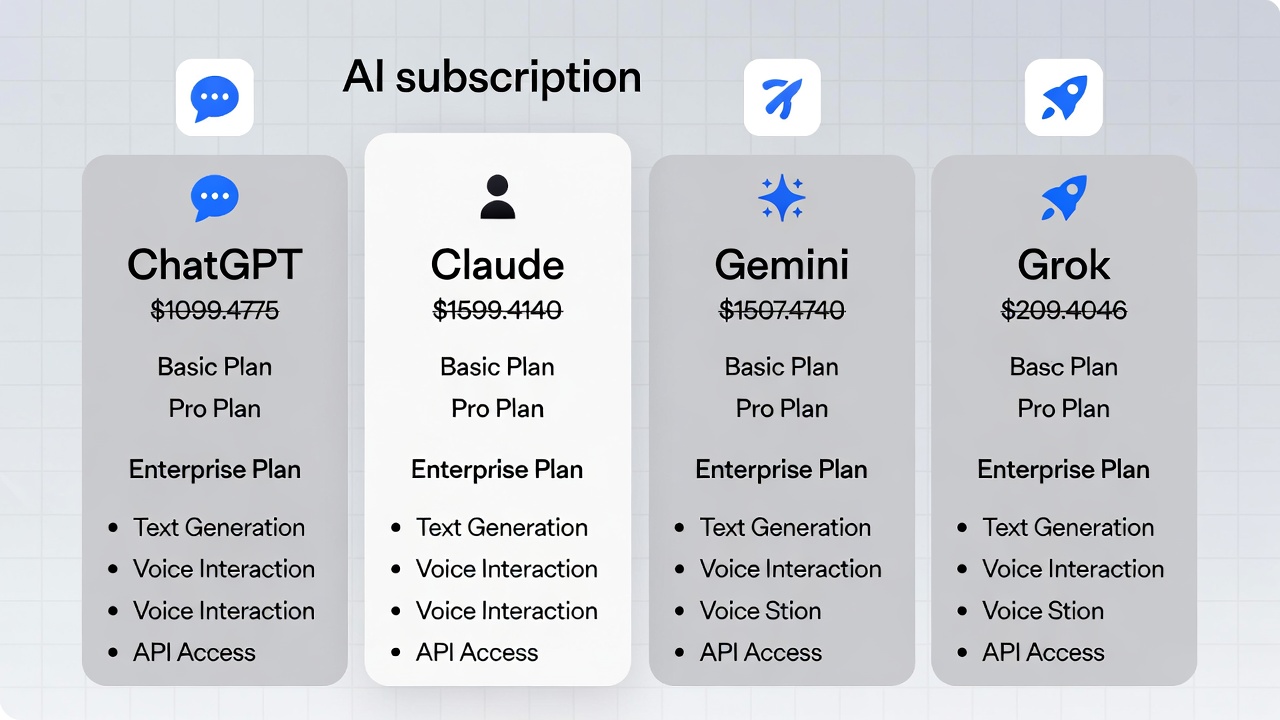
Here’s the current pricing at a glance, verified against official provider pages:
| Tool | Free Tier | Standard Paid | Premium |
|---|---|---|---|
| ChatGPT (OpenAI) | Yes limited | Plus — $20/mo | Pro — $200/mo |
| Claude (Anthropic) | Yes daily caps | Pro — $20/mo | Max — $100–200/mo |
| Gemini (Google) | Yes limited | AI Pro — $19.99/mo | AI Ultra — $249.99/mo |
| Grok (xAI) | Yes limited | SuperGrok — $30/mo | SuperGrok Heavy — $300/mo |
ChatGPT — Best for general-purpose mixed workflows
ChatGPT remains the most versatile option. It handles writing, analysis, image generation via DALL-E, file work, and structured tasks within a single session. If you need one assistant to do a bit of everything without switching tabs, ChatGPT Plus at $20/month is still the most sensible default for most people. The plugin ecosystem is broader than any competitor, and the conversational memory has improved enough to actually feel persistent across sessions.
The limitation worth knowing: ChatGPT can feel unfocused on tasks that require sustained, methodical reasoning — like auditing a long document paragraph-by-paragraph or maintaining consistency across a 5,000-word draft. It also hits rate limits on GPT-4o at 80 messages per 3 hours on the Plus plan, which becomes noticeable during heavy research sessions.
Claude — Best for long documents, code, and careful writing
Claude has cemented itself as the go-to for anything involving long-form text or complex code. Its 200K-token context window handles reliably — meaning you can actually paste an entire codebase or lengthy research paper and get coherent, consistent output back. Developers specifically have gravitated toward it: over 53% of developers surveyed report using Claude for code work, according to recent industry data.
What Claude doesn’t do: generate images natively. If your workflow depends on visual output, you’ll need to pair it with a separate tool. It also skews heavily toward English — other languages work, but the quality gap shows for complex writing tasks. The free tier exists but the daily caps are tight enough that heavy users will hit the ceiling fast.
For anyone doing serious document work or iterative writing — drafting, reviewing, refining — Claude Pro at $20/month is the clearest value on this list. You can read more about how to choose the right AI chatbot for your workflow on the AI tools section of this site.
Gemini — Best for Google Workspace users and video generation
Gemini’s real advantage isn’t the model itself — it’s the integration. If your day runs through Gmail, Google Docs, Drive, and Meet, Gemini AI Pro at $19.99/month essentially plugs an AI into every surface you already use. The “copy-and-paste tax” — constantly moving text between your assistant and your actual documents — mostly disappears. Google Veo 3.1 also places Gemini ahead of every competitor for AI video generation, with cinematic text-to-video quality that ChatGPT and Claude simply don’t offer at any price.
The downside: outside the Google ecosystem, Gemini offers less reason to choose it over Claude or ChatGPT. For pure reasoning quality on ambiguous or nuanced writing, it still trails Claude. The Google AI Ultra tier at $249.99/month is hard to justify unless you need the video generation ceiling raised significantly.
Save this guide for later. The $20/month tier is nearly identical across ChatGPT Plus, Claude Pro, and Gemini AI Pro — the right choice comes down entirely to your workflow, not the price tag.
Best AI Image Generators in 2026
Image generation has moved past the “this is impressive for a computer” phase. The tools that matter now are judged on consistency, commercial rights, and how well they fit into a real production workflow — not just whether they can render a dragon in a suit.
One useful benchmark: the LM Arena Image Generation Leaderboard uses blind human preference testing to rank models — it’s one of the more reliable signals available, since it strips out marketing and measures actual user preference at scale. You can check the current standings directly — rankings shift as new models release.
If you’re producing images for commercial use, Adobe Firefly is the safest choice. If you want the best artistic output without restrictions, Midjourney is still the creative leader. If you need control and privacy, FLUX 2 via self-hosting is in a category of its own — but plan for the technical overhead.
For more on the gadgets and accessories that pair with creative workflows, see our smartphones and accessories section for hardware that keeps up with AI-intensive work.
Best AI Tools for Specific Use Cases
For writing and content creation
Claude handles long-form writing better than any competitor right now — particularly when a piece needs multiple revision passes to get tone, structure, and argument coherence right simultaneously. For quick social content, marketing copy, or emails, ChatGPT’s broader template-awareness makes it slightly faster to use. Jasper (from $39/month) and Writesonic (from $9/month) remain relevant for teams that want workflows built around content pipelines rather than open-ended chat.
For coding and development
Claude Code — Anthropic’s command-line tool for agentic coding tasks — has become a serious part of professional developer workflows. It handles large codebases with fewer hallucinations than competitors and maintains context across multi-file changes. GitHub Copilot ($10/month for individuals) remains the most seamlessly integrated option for developers already inside VS Code or JetBrains IDEs. For anything that requires deep reasoning about architecture, Claude’s edge is meaningful. You can explore more on our essential software guide for complementary developer tools.
For research and web-grounded answers
Perplexity AI ($20/month Pro) stands apart from the chatbot crowd because it’s built around search first. Every answer comes with cited sources. If you’re doing research, fact-checking, or need to stay current on a fast-moving topic, Perplexity’s focused approach beats asking a general-purpose assistant to “browse the web.” Gemini’s Deep Research mode is a legitimate alternative if you’re already on the Google AI Pro plan — it produces detailed multi-source reports, though the interface is less polished.
For video generation
Google Veo 3.1 currently leads on output quality. Runway Gen 4.5 gives more control over camera movement and cinematic style for users who want to direct rather than just describe. Neither is cheap when you push volume — expect to budget carefully if video generation is a core part of your workflow rather than occasional experimentation.

What to Actually Pay For in 2026
The free tiers across every major tool are genuinely useful for casual use. But they have real limits: slower responses, daily message caps, and no access to the stronger model variants. If you use AI for more than an hour a day on actual work, the math on a $20/month plan is straightforward — it usually pays for itself within the first week of productive use.
Where it gets complicated is the premium tier. ChatGPT Pro at $200/month, Gemini AI Ultra at $249.99/month, and Claude Max at $200/month are all aimed at power users and small teams who hit the usage walls of standard plans constantly. For most individuals, these tiers are overkill. Businesses spending $100–$5,000/month on AI tools are typically running multiple subscriptions strategically — one for chat, one for image generation, one for code — rather than maxing out a single platform.
One pattern that works: start with a single $20/month plan that fits your primary use case, use the free tiers on everything else, and only upgrade when you’re consistently hitting rate limits. Adding a second paid subscription is almost always more efficient than jumping to a $200/month tier on one platform.
Bookmark this post to try these ideas later. The right AI stack for your workflow is worth testing across a few weeks before committing to annual billing.
Limitations Worth Knowing
No AI tool in 2026 is reliable for real-time information unless it has web access built in. ChatGPT (with browsing), Gemini, and Perplexity can pull current data — Claude’s base model cannot, though it can be used with external tools via the API. Hallucinations — confident wrong answers — are still a real issue across all models, particularly on niche topics, recent events, or specific numerical data. Never use any of these tools to verify facts without a second source.
Language quality outside English remains uneven. ChatGPT holds a slight edge for Spanish and Portuguese creative content. Claude’s quality in other languages has improved but is still most reliable in English. If your work is primarily in another language, test specifically with real tasks before committing to a paid plan.
Privacy is a legitimate consideration. Most providers use conversations to train models unless you opt out — both ChatGPT and Claude offer settings for this. For anything involving confidential business information, check the enterprise agreements and data retention policies before using a standard consumer subscription.
Final Verdict
If you can only pay for one tool: ChatGPT Plus at $20/month is the most flexible starting point for mixed workflows. If your work is writing-heavy or involves long documents and code: Claude Pro at $20/month is the clearer value. If your life already runs on Google: Gemini AI Pro at $19.99/month removes more friction than either alternative.
For image generation, add Midjourney from $10/month or use DALL-E through your existing ChatGPT plan if commercial-safe licensing isn’t a concern. For research, Perplexity Pro at $20/month is worth it if you do this daily.
The honest bottom line: no single tool wins every category. The best AI setup in 2026 is usually two or three tools used deliberately — not one subscription pushed beyond its strengths. Start narrow, identify where you actually hit limits, and expand from there.
- What Is Quantum Computing
 What Is Quantum Computing? A Practical Guide (2026) | Sanso Uka Tech What Is Quantum Computing? A Practical Guide… Read more: What Is Quantum Computing
 - Best AI Image Generators in 2026
 Best AI Image Generators in 2026: Which One Is Actually Worth It? Best AI Image Generators in 2026: Which… Read more: Best AI Image Generators in 2026
 - Is AI Replacing Jobs
 Is AI Replacing Jobs? The 2026 Data on What’s Actually Happening By Sanso Uka The question of whether AI… Read more: Is AI Replacing Jobs
 - Tech Trends 2026
 Tech Trends to Watch in 2026: What’s Actually Worth Your Attention Tech Trends to Watch in 2026: What’s Actually… Read more: Tech Trends 2026
 - Best Free AI Tools 2026
 Best Free AI Tools 2026: My Honest Stack for $0 By Sanso Uka Let’s cut through the noise. I’ve… Read more: Best Free AI Tools 2026
 - What Is Generative AI
 What Is Generative AI? A Plain-English Guide for 2026 What Is Generative AI? A Plain-English Guide for 2026 By… Read more: What Is Generative AI
 - Future of Artificial Intelligence 2026
 Future of Artificial Intelligence 2026: From Chatbots to Personal Agents By Sanso Uka If 2025 was the year we… Read more: Future of Artificial Intelligence 2026
 - Best AI Tools 2026
 Best AI Tools 2026: ChatGPT, Claude, Gemini & More Compared Updated · March 2026 Best AI Tools 2026:The Ones… Read more: Best AI Tools 2026
 - How to Set Up Smart Lighting at Home
 How to Set Up Smart Lighting at Home: Complete Beginner’s Guide (2026) How to Set Up Smart Lighting at… Read more: How to Set Up Smart Lighting at Home
 - IoT Devices for Beginners
 Best IoT Devices for Beginners in 2026: Where to Start Best IoT Devices for Beginners in 2026: Where to… Read more: IoT Devices for Beginners
 - Best Smart Smoke Detector 2026
 Best Smart Smoke Detector 2026: Which One Actually Protects Your Home? By Sanso Uka Let’s be honest—most of us… Read more: Best Smart Smoke Detector 2026
 - How to Control Your Smart Home with Your Phone
 How to Control Your Smart Home with Your Phone: A Practical Setup Guide By Sanso Uka Learning how to… Read more: How to Control Your Smart Home with Your Phone