
Senior-Friendly Smartphones 2026: Best Overall Picks for Every Budget
By Sanso Uka
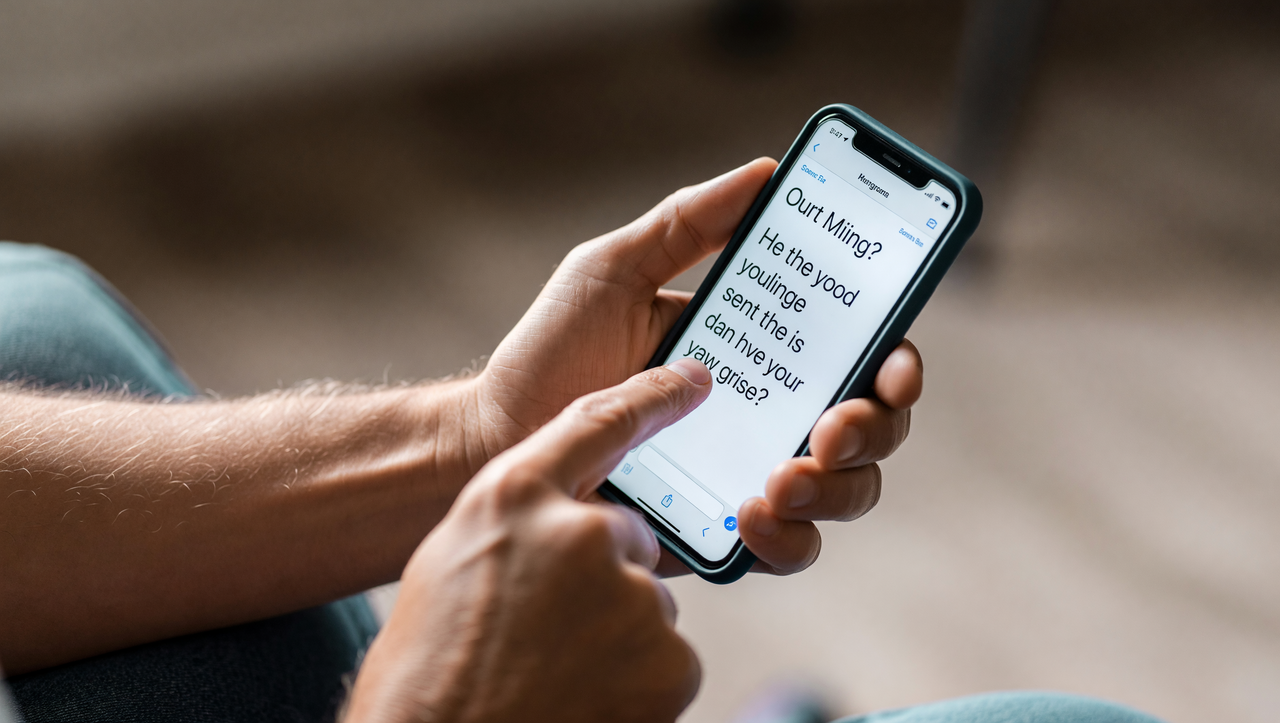
Senior-friendly smartphones in 2026 have come a long way from the oversimplified “big button” phones of a decade ago. The best options today combine genuine usability — large readable screens, loud clear speakers, intuitive interfaces — with real safety features like fall detection and emergency SOS. But with dozens of models on the market, knowing which ones are actually worth buying takes some filtering. This guide covers the top picks across budgets, what features matter most, and what to skip.
💡 Save this guide for later — it’s a useful reference to revisit before you or a family member heads to the store.
What Actually Makes a Smartphone Senior-Friendly?
Marketing loves to slap “easy to use” on any device aimed at older adults. In practice, a genuinely senior-friendly smartphone comes down to a specific set of traits that affect real daily use:
- Display size and brightness: A 6.1-inch screen is the practical minimum. Anything under that makes reading texts, emails, or news uncomfortable. Brightness of at least 800 nits ensures readability outdoors without straining.
- Built-in accessibility tools: Font scaling, high-contrast mode, and magnification gestures should be native, not afterthoughts. The best phones let you configure these during first-time setup.
- Speaker volume and call clarity: Hearing aid compatibility ratings of M3/T3 or higher (M4/T4 is best) matter significantly for seniors with hearing loss. Speakerphone quality on calls is equally important.
- Battery that lasts two days: Seniors often forget to charge overnight. A 4,500–5,000mAh battery eliminates that anxiety entirely.
- Physical durability: IP67 water resistance at minimum. Accidental spills and drops are facts of life, not edge cases.
- Emergency and safety features: Fall detection, emergency SOS calling, and the ability to share live location with family members are the features that earn their keep when it matters most.
- Software longevity: A phone that stops receiving security updates becomes a liability. Prioritize brands that commit to 5+ years of software support.
The Best Senior-Friendly Smartphones in 2026
1. Apple iPhone 16 Plus — Best Overall Pick
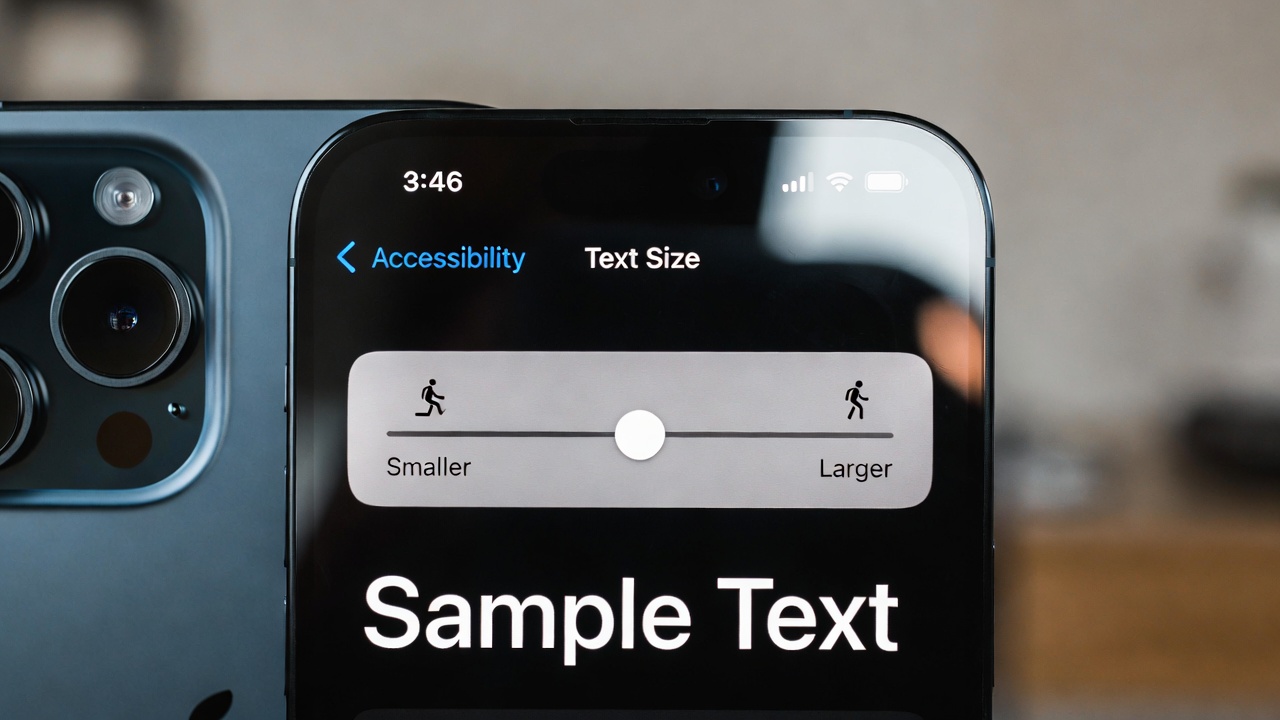
Price: $899 | Display: 6.7-inch Super Retina XDR, 2,000 nits peak | Software support: ~6 years
The iPhone 16 Plus earns the top spot for most seniors because it combines the largest display in Apple’s standard lineup with the most reliable software ecosystem available. iOS is consistent year over year — what a senior learns in 2026 will still work the same way in 2029. That predictability is underrated.
Apple’s accessibility suite is genuinely excellent: Display Zoom enlarges the entire UI, Spoken Content reads text aloud, Sound Recognition can alert users to doorbells or smoke alarms, and AssistiveTouch reduces reliance on physical buttons. All of it is built in and configured through one unified Accessibility menu — no third-party apps needed.
On the safety side, the iPhone 16 Plus includes Crash Detection, Fall Detection (via paired Apple Watch), and Emergency SOS via satellite — meaning it can summon help even without cell coverage. These are not gimmicks; they are documented, real-world life-safety tools.
The honest trade-offs: setup requires an Apple ID, which can confuse first-time users — a family member or Apple Store visit helps. It also starts at $899, making it the priciest recommendation in this guide. For seniors already using an iPad or Mac, that premium is easier to justify since everything syncs seamlessly.
→ Pair it with a protective case or MagSafe accessories at Sanso Uka Tech’s smartphone accessories section.
2. Google Pixel 9 — Best Android Pick for Seniors
Price: $799 | Display: 6.3-inch Actua OLED, 2,700 nits peak | Software support: 7 years
The Pixel 9 runs clean, unmodified Android — no manufacturer bloatware, no confusing custom menus layered on top. For seniors new to Android or switching from iPhone, it offers the gentlest learning curve on the platform.
Google promises 7 years of OS and security updates for the Pixel 9, which is the longest commitment in the Android world and means this phone remains safe and supported until 2031. The camera is excellent for point-and-shoot use — automatic scene optimization means there’s nothing to configure. Photos come out well without ever touching camera settings.
Google’s Personal Safety app covers emergency contacts, car crash detection, and crisis information. The Pixel’s call clarity is among the best on Android thanks to Google’s on-device audio processing, which actively reduces background noise during calls.
Where it falls short: battery life averages around 26 hours of mixed use — solid, but not the two-day endurance some seniors want. Pixel phones are also less available in certain regions than Samsung or Apple, and official repair options outside major cities can be limited.
3. Samsung Galaxy S24 FE — Best Value Flagship ($649)
Price: $649 | Display: 6.7-inch Dynamic AMOLED, 1,900 nits peak | Software support: 4 years OS, 6 years security
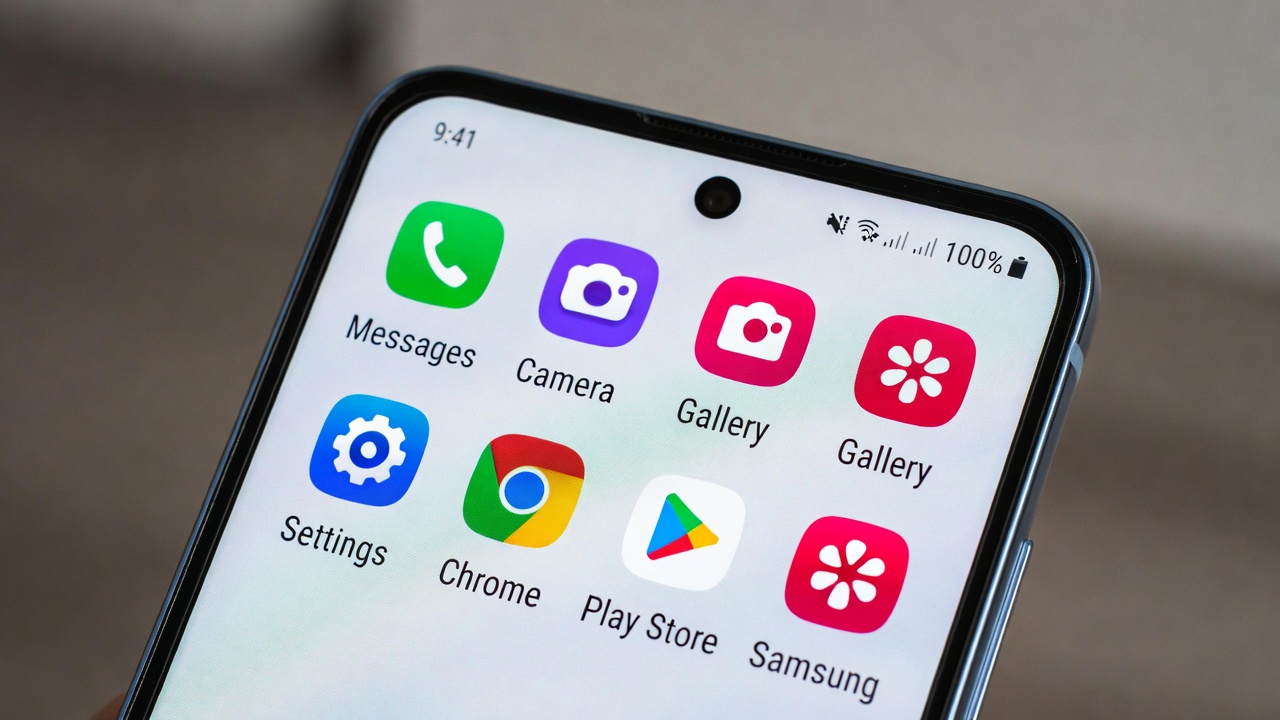
The Galaxy S24 FE hits a useful middle ground: a large 6.7-inch display, flagship-level camera, and Samsung’s One UI Easy Mode — which transforms the home screen into a simplified layout with larger icons, bigger text, and stripped-back navigation — all for $150 less than the Pixel 9.
The 4,700mAh battery reaches about 40 hours of standby time. For a senior who uses the phone lightly — calls, messages, the occasional photo — that realistically means two to three days between charges. The 25W wired charging fills the battery in under 75 minutes.
The honest limitation: Samsung’s One UI can feel cluttered when Easy Mode is turned off, and the full settings menu is one of the deeper Android interfaces to navigate. Stick with Easy Mode and it’s excellent. Venture out of it without help and it gets complicated quickly. Samsung also offers 4 years of Android OS updates — shorter than Apple or Google, though 6 years of security patches partially offset that concern.
4. Samsung Galaxy A55 — Best Budget Pick ($449)
Price: $449 | Display: 6.6-inch Super AMOLED, 1,000 nits peak | Battery: 5,000mAh
For families who need a capable phone without flagship pricing, the Galaxy A55 is the most practical choice under $500. The 5,000mAh battery is the standout feature — it reliably lasts two full days under typical senior use patterns (calls, WhatsApp, some browsing), which means missed overnight charges are never a crisis.
The 6.6-inch Super AMOLED screen is sharp and vibrant. One UI Easy Mode works the same as on the S24 FE. IP67 water resistance handles splashes and brief submersion. The 50MP main camera takes solid photos in good light, though low-light performance is noticeably weaker than flagship options.
Where the A55 compromises: the processor (Exynos 1480) is adequate but occasionally stutters with demanding apps. Software updates run 4 years of OS and 5 years of security patches — fine for the price, but shorter than the top picks. For a senior who mainly calls, texts, video calls on WhatsApp, and takes family photos, the A55 covers every practical need at a fair price.
5. Doro 8100 — Best for Absolute Simplicity ($199)
Price: $199 | Display: 5.7-inch HD+ | Special feature: Dedicated physical emergency button
Doro builds phones specifically for elderly users, and the 8100 reflects that focus directly. The most important feature isn’t on the spec sheet: a physical emergency button on the back of the phone that, when held for two seconds, sends the user’s GPS location to pre-set contacts and initiates a voice call. No app, no menu, no setup required in the moment — just press and hold.
The interface defaults to large text, simplified menus, and minimal visual clutter. The speaker is rated M4/T4 for hearing aid compatibility — the highest available rating. Setup takes about 20 minutes and doesn’t require an Apple ID or Google account familiarity.
The trade-offs are real: the 13MP camera is mediocre, the processor feels slow opening apps, and the 5.7-inch display is the smallest in this guide. If the senior you’re buying for wants to stream video, use social media apps regularly, or video call on Zoom, the Doro 8100 will frustrate them. If they want a reliable communication device with a safety net built in, it delivers exactly that for $199.
iPhone vs. Android: Which Is Easier for Seniors?
The short answer: iPhone for predictability, Android for flexibility and price.
iOS updates are incremental — the interface doesn’t change dramatically between versions, which means a senior doesn’t have to relearn the phone every year. The App Store is more curated, which reduces the chance of accidentally installing scam or low-quality apps. And Apple’s Genius Bar provides in-person help at no charge, which is valuable for older adults who prefer face-to-face assistance over phone support.
Android’s strength is range. You can get a genuinely capable phone for $449 (Galaxy A55) rather than $899 (iPhone 16 Plus). Google’s Pixel line offers clean Android with excellent accessibility tools and the longest software support in the Android ecosystem. The main risk with Android is fragmentation — different manufacturers customize the interface in inconsistent ways, which is why recommending stock Android (Pixel) or Easy Mode (Samsung) specifically matters for seniors.
If a senior is already using Apple products, keep them in the Apple ecosystem. If they’re starting fresh and budget is a priority, a Pixel 9 or Galaxy A55 is a sound choice.
❤️ Bookmark this post to try these ideas later — whether you’re comparing phones in-store or ordering online, having this breakdown handy saves time.
Features Worth the Extra Cost — and Features to Skip
Worth paying for:
- Fall detection and emergency SOS: The iPhone 16 series (with Apple Watch) and Pixel 9 both offer automated fall detection that calls emergency services if the user doesn’t respond within 60 seconds. For seniors living alone, this is a meaningful safety layer.
- Satellite emergency messaging: iPhone 16 models can send SOS messages via satellite when there is no cell or Wi-Fi signal. Important for seniors in rural areas or who travel.
- Longer software support: A phone that keeps receiving security updates for 6–7 years is safer and doesn’t require a costly replacement after three years. Apple and Google lead here.
- Larger display size: The step from 6.1 to 6.7 inches makes a visible difference for reading comfort. The iPhone 16 Plus and Galaxy S24 FE are the clear choices if display size is a priority.
Probably not worth it for most seniors:
- 120Hz high-refresh displays: The smoother scrolling is rarely something seniors notice or request, and it costs battery life.
- Multiple rear cameras (periscope telephoto): A single excellent camera serves seniors better than three cameras with complex shooting modes.
- Foldable phones: Folding screens add mechanical complexity and failure risk. At $1,400–$1,800, they’re expensive to repair and offer no meaningful benefit for typical senior use patterns.
For pairing a senior smartphone with a wearable safety device, see Sanso Uka Tech’s smartwatches and wearables coverage — fall detection on a wrist device complements phone-based safety features well.
How to Set Up Any Phone for a Senior
The best phone configured wrong will still frustrate. A few setup steps make an outsized difference:
- Increase text size immediately. On iPhone: Settings → Display & Brightness → Text Size → slide to largest comfortable setting. On Android: Settings → Accessibility → Font Size.
- Configure emergency contacts first. On iPhone, this is done through the Health app under Medical ID. On Android, through the Personal Safety or Emergency Information settings.
- Reduce the home screen to five apps. Phone, Messages, Camera, WhatsApp or FaceTime, and a browser. Move everything else into folders or remove it. Visual clutter is a genuine usability problem.
- Enable auto-brightness. Seniors rarely manually adjust screen brightness. Auto-brightness handles outdoor readability automatically.
- Set up automatic photo backup via iCloud or Google Photos before handing over the phone. This protects photos from day one without requiring any action from the user.
- Turn on spam call filtering. On iPhone, Settings → Phone → Silence Unknown Callers. On Android, the Phone app has built-in spam detection. This alone significantly reduces scam call stress.
Apple’s official accessibility guide covers every iPhone accessibility feature with clear, step-by-step instructions — a useful bookmark for family members doing initial setup.
For tips on getting the most from Android-specific accessibility features, Sanso Uka Tech’s Android tips section has practical walkthroughs.
Quick Comparison: Senior-Friendly Smartphones 2026
| Phone | Price | Display | Best For |
|---|---|---|---|
| iPhone 16 Plus | $899 | 6.7-inch | Overall best, Apple ecosystem users |
| Google Pixel 9 | $799 | 6.3-inch | Best Android, longest support |
| Samsung Galaxy S24 FE | $649 | 6.7-inch | Value flagship, large screen |
| Samsung Galaxy A55 | $449 | 6.6-inch | Budget pick, 2-day battery |
| Doro 8100 | $199 | 5.7-inch | Absolute simplicity, emergency button |
The Bottom Line
The best senior-friendly smartphone in 2026 is the one that matches the person’s actual daily habits and the family’s budget. For most seniors — especially those with any connection to the Apple ecosystem — the iPhone 16 Plus at $899 is the clearest all-around recommendation: big screen, long software support, excellent accessibility tools, and proven safety features. For Android households, the Google Pixel 9 at $799 offers comparable capability with seven years of updates. The Samsung Galaxy A55 at $449 handles the practical needs of most seniors at a much lower price. And for seniors who want maximum simplicity and a dedicated physical emergency button, the Doro 8100 at $199 is purpose-built for exactly that.
📌 Don’t forget to save this post — share it with family members who are helping an older adult choose their next phone. A well-chosen device makes the difference between technology that empowers and technology that frustrates.
- Best Cheap Smartwatch Under $50
 Best Cheap Smartwatch Under $50: 5 Reliable Picks for 2026 By Sanso Uka If you’re hunting for the… Read more: Best Cheap Smartwatch Under $50
 - Best Dash Cams of 2026
 Best Dash Cams of 2026: Top Picks for Every Driver and Budget By Wanderson Nogueira Martins Choosing the… Read more: Best Dash Cams of 2026
 - How to Transfer Data to New Phone
 How to Transfer Data to a New Phone: A Step-by-Step Guide for 2026 By Sanso Uka Upgrading to… Read more: How to Transfer Data to New Phone
 - Senior-Friendly Smartphones 2026
 Senior-Friendly Smartphones 2026: Best Overall Picks for Every Budget By Sanso Uka Senior-friendly smartphones in 2026 have come… Read more: Senior-Friendly Smartphones 2026
 - Best Mechanical Keyboards in 2026
 Best Mechanical Keyboards in 2026 Best Mechanical Keyboards in 2026: Top Picks for Every Budget and Use Case… Read more: Best Mechanical Keyboards in 2026
 - Best Monitor for Home Office 2026
 Best Monitor for Home Office 2026: Expert Picks & Buying Guide By Sanso Uka Your monitor is the… Read more: Best Monitor for Home Office 2026
 - How to Extend Smartphone Battery Life
 How to Extend Smartphone Battery Life: 12 Practical Tips That Actually Work By Sanso Uka You unplugged your… Read more: How to Extend Smartphone Battery Life
 - Best E-Readers in 2026
 Best E-Readers in 2026: Which One Is Actually Worth Buying? Best E-Readers in 2026: Which One Is Actually… Read more: Best E-Readers in 2026
 - Refurbished vs New Laptop
 Refurbished vs New Laptop: Which Should You Buy in 2026? By Sanso Uka When you’re in the market… Read more: Refurbished vs New Laptop
 - Best Gaming Headsets Under $100
 Best Gaming Headsets Under $100 in 2026: Top Picks for Every Platform By Sanso Uka Finding the best… Read more: Best Gaming Headsets Under $100
 - How Long Do Laptops Last
 How Long Do Laptops Really Last? A Practical Guide to Lifespan By Sanso Uka If you are shopping… Read more: How Long Do Laptops Last
 - Best Portable Charger 2026
 Best Portable Charger in 2026: Top Power Banks for Every Budget and Use Case By Wanderson Nogueira Martins… Read more: Best Portable Charger 2026