
Best E-Readers in 2026: Which One Is Actually Worth Buying?
By Sanso Uka
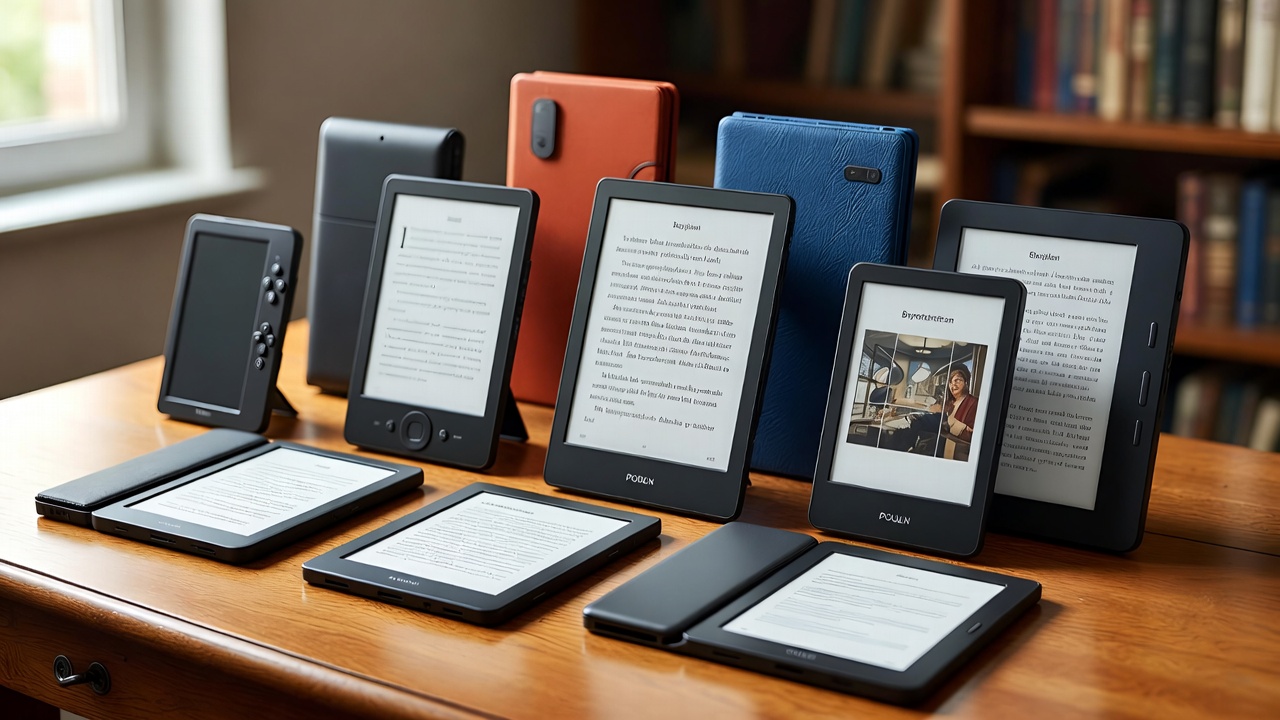
If you’re looking for the best e-reader in 2026, the honest answer is that the market has never been better — or more confusing. Kindle still dominates, Kobo keeps gaining ground, and a handful of Android-based options are pushing the category in new directions. Whether you read one book a year or one a week, there’s a device sized, priced, and built for how you actually read. This guide cuts through the noise and tells you what’s worth your money.
📌 Don’t forget to save this post — picking the wrong e-reader is an expensive mistake, and this breakdown will save you the research time.
What to Look for in an E-Reader
Before diving into specific models, a few specs actually matter and a few don’t. Screen size and resolution matter. Battery life matters. Waterproofing matters if you read near water. Storage mostly doesn’t — even 8GB holds thousands of books. And refresh rate improvements in 2025–2026 hardware have made page turns feel faster across the board, so that’s less of a differentiator than it used to be.
The bigger decision is ecosystem. Amazon Kindle locks you into the Kindle store and formats. Kobo works with ePub and integrates with library apps like Libby and OverDrive out of the box. If you borrow books from your local library regularly, that’s a meaningful difference. If you buy everything from Amazon, Kindle is fine.
For more on how these devices fit into your broader tech setup, see the laptops and tablets guide — e-readers complement rather than replace tablets for many people.
The Top E-Readers in 2026
Amazon Kindle Paperwhite (2025 Edition) — Best Overall
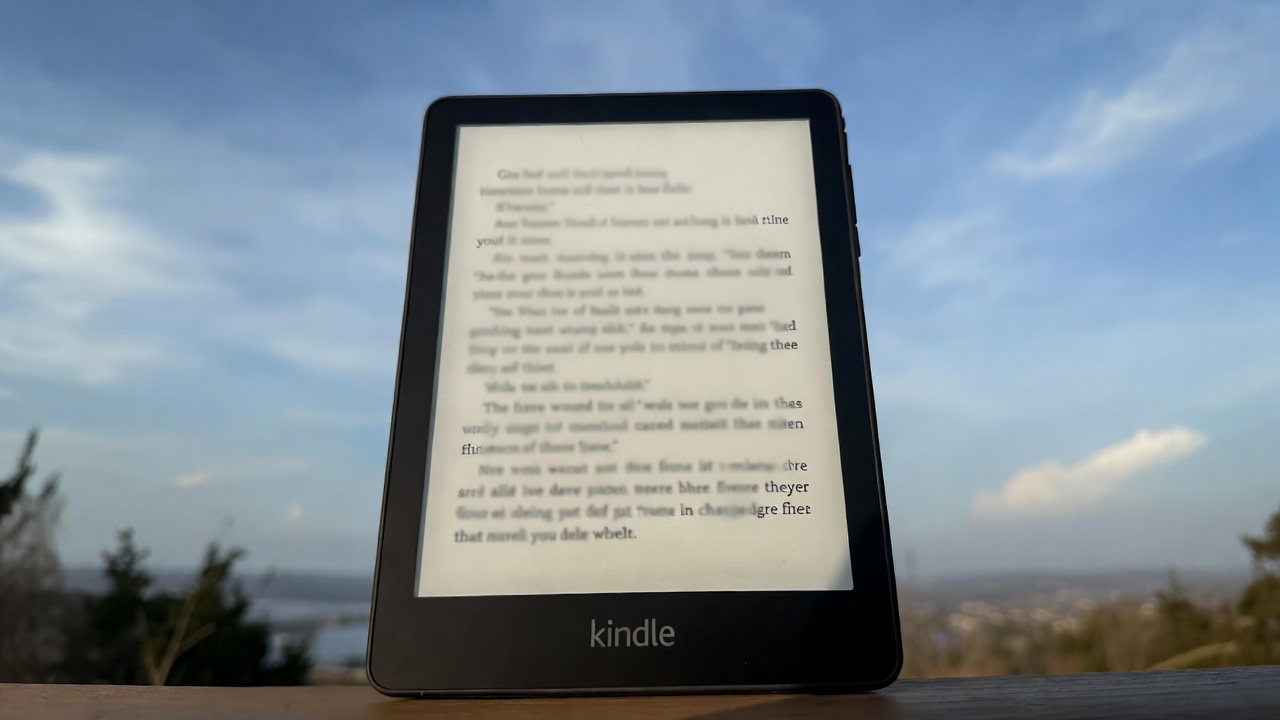
The Kindle Paperwhite remains the easiest recommendation for most people. The 2025 refresh kept the 6.8-inch, 300 PPI display and added USB-C charging (finally standard across the lineup), improved the front light to 17 LEDs for more even illumination, and bumped base storage to 16GB. Battery life still hits around 10–12 weeks of typical use. It’s IPX8 waterproof to 2 meters for 60 minutes.
Price sits at $149.99 for the base model and $189.99 for the Signature Edition, which adds wireless charging and auto-adjusting light. The main limitation: no warm light on the base model, and the Kindle store is the only native purchase option. Sideloading ePub files works but requires going through Amazon’s Send to Kindle service.
Kobo Libra Colour — Best for Library Readers and Color Fans
Kobo’s Libra Colour brought a 7-inch, 300 PPI color E Ink Kaleido 3 display to a $179.99 price point. Color on E Ink is still not vivid — think washed-out pastels rather than tablet-quality color — but it genuinely improves comic reading, illustrated books, and magazine layouts. For plain text, it’s identical to any good grayscale screen.
The real advantage over Kindle is Kobo’s open ecosystem. It natively supports ePub, supports Libby library borrowing without workarounds, and lets you browse your local library catalog directly from the device. Physical page-turn buttons on the sides are a bonus for one-handed reading. The one trade-off: Kobo’s store has slightly fewer titles than Amazon’s, and customer support is less robust if something goes wrong.
Amazon Kindle Scribe (2025) — Best for Note-Taking
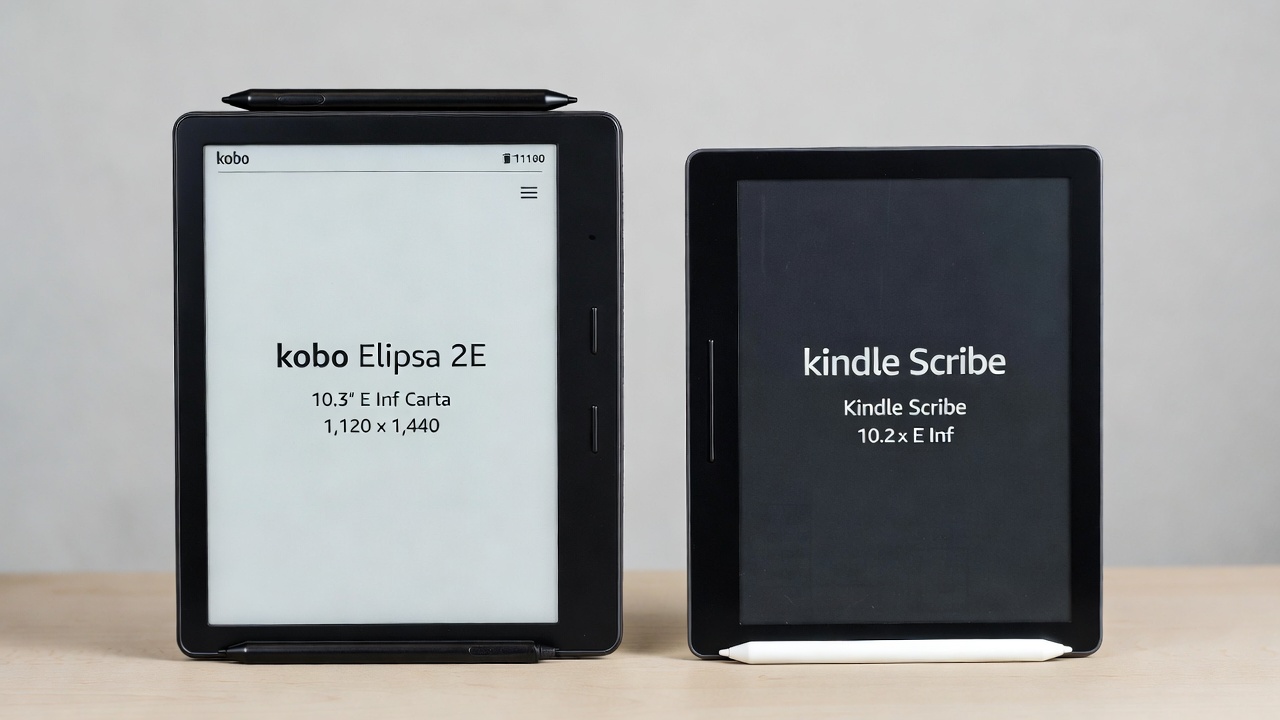
The Kindle Scribe’s 10.2-inch, 300 PPI display makes it the obvious pick if you want to annotate documents or take handwritten notes alongside reading. The 2025 update improved the pen latency noticeably, making handwriting feel closer to paper than the original. It handles PDF annotation well for work documents and academic papers.
At $369.99 with the Basic Pen included, it’s significantly more expensive than a Paperwhite. It’s worth the premium only if note-taking is a genuine use case — otherwise you’re paying for screen real estate you don’t need. The larger size also makes it less comfortable to hold one-handed for long reading sessions.
Kobo Elipsa 2E — Best Large-Screen Alternative
Kobo’s answer to the Kindle Scribe is the Elipsa 2E, with a 10.3-inch display, stylus included at $399.99, and the same open ecosystem advantages Kobo carries across its lineup. It supports OverDrive library loans natively, reads ePub without conversion, and the stylus-to-paper feel is competitive with the Scribe. It lacks the Scribe’s tighter Amazon integration if you’re embedded in that ecosystem, but for library-heavy readers who also want to annotate, it’s the stronger choice.
BOOX Palma 2 — Best Pocket E-Reader for Power Users
If you want something radically different, the BOOX Palma 2 runs full Android 13 on a 6.13-inch E Ink screen in a phone-sized body. You can install Kindle, Kobo, Libby, Moon+ Reader, and any other reading app simultaneously. No ecosystem lock-in whatsoever. At $279.99, it’s expensive for its size, and the Android layer adds complexity — app updates, occasional performance hiccups, a learning curve.
It’s not the right pick for casual readers, but for anyone who buys books from multiple stores, reads manga and comics alongside prose, or wants a single pocket device that handles every format, the Palma 2 is genuinely impressive. For more on Android-based productivity tools, check the Android tips and tricks section.
E-Reader Comparison at a Glance
| Device | Screen | Price | Best For |
|---|---|---|---|
| Kindle Paperwhite (2025) | 6.8″ / 300 PPI | $149.99 | Most readers, Amazon users |
| Kobo Libra Colour | 7″ / 300 PPI Color | $179.99 | Library borrowers, comics |
| Kindle Scribe (2025) | 10.2″ / 300 PPI | $369.99 | Note-takers, annotators |
| Kobo Elipsa 2E | 10.3″ / 300 PPI | $399.99 | Library readers + annotation |
| BOOX Palma 2 | 6.13″ / 300 PPI | $279.99 | Multi-store power users |
Common Questions Worth Answering
Is a Kindle still worth it in 2026?
Yes, if you buy most of your books from Amazon. The Paperwhite’s hardware is genuinely excellent at its price point, the ecosystem is massive, and Kindle Unlimited ($11.99/month) adds value if you read more than two or three books a month. If you primarily borrow from libraries or buy from non-Amazon sources, Kobo is the better fit — not because Kindle is bad, but because Kobo’s open ecosystem removes friction that Kindle deliberately introduces.
How does an e-reader compare to reading on a tablet?
E Ink screens produce no backlight flicker and reflect ambient light like paper, which most people find easier on the eyes during extended reading sessions. Battery life on a dedicated e-reader is measured in weeks, not hours. A tablet does more things, but for pure reading — especially outdoors or in bright light — a dedicated e-reader wins. The two devices aren’t really competing; they serve different moments.
For more on how tablets fit the equation, see the tablets and laptops guide.
Do e-readers work with library books?
Kobo devices work with Libby and OverDrive natively from the device menu. Kindle devices support Kindle library loans through participating libraries, but the selection is more limited and the process runs through Amazon’s system. If library borrowing is a priority, Kobo’s implementation is meaningfully smoother. The OverDrive/Libby platform supports thousands of public libraries worldwide.
Final Recommendation
For most people, the Kindle Paperwhite (2025) at $149.99 is the right call. It’s well-built, has excellent battery life, handles glare well outdoors, and the reading experience is hard to fault. If you borrow from libraries regularly or want color for comics, step up to the Kobo Libra Colour at $179.99 — the extra $30 buys you a more open ecosystem and physical page buttons.
Only go large-screen (Scribe or Elipsa) if you genuinely need to annotate or work with PDFs. And only consider the BOOX Palma 2 if you’re a multi-ecosystem reader who values flexibility over simplicity.
💡 Save this guide for later — when a deal on one of these comes up, you’ll want to know exactly which model fits your reading habits.
- Best Cheap Smartwatch Under $50
 Best Cheap Smartwatch Under $50: 5 Reliable Picks for 2026 By Sanso Uka If you’re hunting for the best cheap… Read more: Best Cheap Smartwatch Under $50
 - Best Dash Cams of 2026
 Best Dash Cams of 2026: Top Picks for Every Driver and Budget By Wanderson Nogueira Martins Choosing the best dash… Read more: Best Dash Cams of 2026
 - How to Transfer Data to New Phone
 How to Transfer Data to a New Phone: A Step-by-Step Guide for 2026 By Sanso Uka Upgrading to a new… Read more: How to Transfer Data to New Phone
 - Senior-Friendly Smartphones 2026
 Senior-Friendly Smartphones 2026: Best Overall Picks for Every Budget By Sanso Uka Senior-friendly smartphones in 2026 have come a long… Read more: Senior-Friendly Smartphones 2026
 - Best Mechanical Keyboards in 2026
 Best Mechanical Keyboards in 2026 Best Mechanical Keyboards in 2026: Top Picks for Every Budget and Use Case By Sanso… Read more: Best Mechanical Keyboards in 2026
 - Best Monitor for Home Office 2026
 Best Monitor for Home Office 2026: Expert Picks & Buying Guide By Sanso Uka Your monitor is the window to… Read more: Best Monitor for Home Office 2026
 - How to Extend Smartphone Battery Life
 How to Extend Smartphone Battery Life: 12 Practical Tips That Actually Work By Sanso Uka You unplugged your phone at… Read more: How to Extend Smartphone Battery Life
 - Best E-Readers in 2026
 Best E-Readers in 2026: Which One Is Actually Worth Buying? Best E-Readers in 2026: Which One Is Actually Worth Buying?… Read more: Best E-Readers in 2026
 - Refurbished vs New Laptop
 Refurbished vs New Laptop: Which Should You Buy in 2026? By Sanso Uka When you’re in the market for a… Read more: Refurbished vs New Laptop
 - Best Gaming Headsets Under $100
 Best Gaming Headsets Under $100 in 2026: Top Picks for Every Platform By Sanso Uka Finding the best gaming headset… Read more: Best Gaming Headsets Under $100
 - How Long Do Laptops Last
 How Long Do Laptops Really Last? A Practical Guide to Lifespan By Sanso Uka If you are shopping for a… Read more: How Long Do Laptops Last
 - Best Portable Charger 2026
 Best Portable Charger in 2026: Top Power Banks for Every Budget and Use Case By Wanderson Nogueira Martins Finding the… Read more: Best Portable Charger 2026