
Refurbished vs New Laptop: Which Should You Buy in 2026?
By Sanso Uka
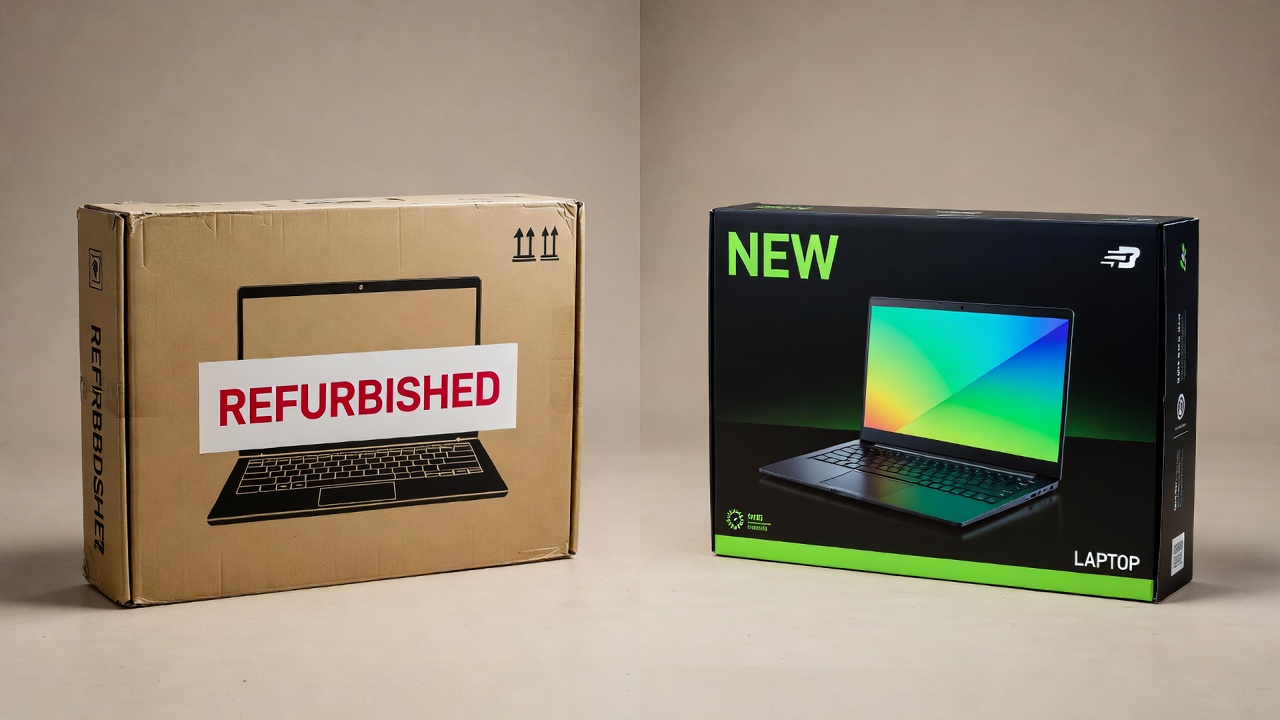
When you’re in the market for a laptop, the first fork in the road is choosing between a refurbished vs new laptop. It’s a decision that affects your wallet, your daily performance, and how long you’ll keep the machine. In this guide, we’ll compare prices, performance, warranties, and long‑term value so you can confidently pick the right path in 2026.
What “Refurbished” Actually Means (and What It Doesn’t)
Not every used laptop qualifies as refurbished. A genuine refurbished unit has been returned to the manufacturer or a certified reseller, gone through diagnostic testing, had faulty components replaced, and been cleaned. It should function like new. The most reliable are “manufacturer refurbished” or “certified refurbished” — these usually include a warranty (often 90 days to one year). “Seller refurbished” can be more hit‑or‑miss, so you need to read the grading carefully.
Refurbished laptops generally fall into three cosmetic grades:
- Grade A: Like new, no visible scratches, often comes with original accessories.
- Grade B: Light scuffs or minor dents, fully functional.
- Grade C: Noticeable wear, maybe a dent, but hardware works.
📌 Don’t forget to save this post — it’ll help you remember the grading differences when you’re shopping.
New Laptop: Paying for the Latest Tech
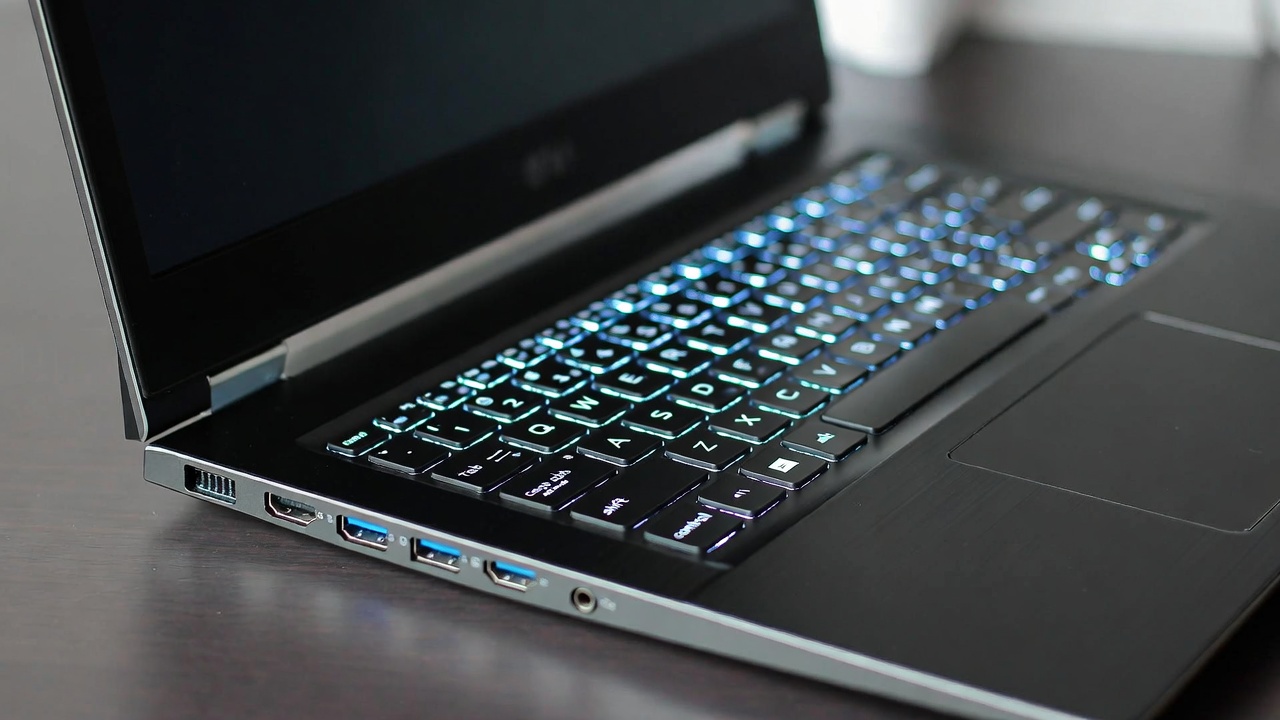
A brand‑new laptop gets you the newest processors (Intel Core Ultra 200V or AMD Ryzen AI 300 series), faster RAM standards (LPDDR5X), and the latest connectivity like Wi‑Fi 7 and Thunderbolt 5. The battery is fresh — you’ll get the advertised 10‑12 hours of life right out of the box. Warranties are standard (one year, parts and labour) and you can often buy extended coverage.
If you’re a gamer who needs ray tracing performance, a video editor working with 8K footage, or someone who keeps laptops for five‑plus years, new hardware ensures you won’t feel obsolete next year. But that comes at a cost: a decent new ultrabook runs $850–$1,600, and gaming rigs easily hit $2,000+. You’re also paying for the latest design, which sometimes means soldered RAM or fewer ports.
Refurbished Laptop: The Smart Budget Play

A high‑quality refurbished laptop lets you skip the steep depreciation that hits new devices. A business laptop like a Lenovo ThinkPad X1 Carbon that cost $2,500 two years ago can now be found certified refurbished for around $1,100–$1,300. That gets you a premium build, excellent keyboard, and more than enough power for Office, coding, and media consumption.
The trade‑offs? You’re getting a previous‑gen CPU (maybe Intel 12th or 13th gen instead of the latest Core Ultra), and battery health might be at 85‑90% — still usable, but you may need a replacement after 18 months. Cosmetics depend on the grade. Always buy from a source that offers at least a 90‑day warranty so you can test the machine thoroughly. For students or as a secondary travel laptop, refurbished is often the smarter financial move.
💡 Save this guide for later — check the warranty terms before you buy.
Head‑to‑Head: What You Actually Get
- Price: New – full retail ($$$); Refurbished – 30–50% less ($$).
- Performance: New – latest CPUs/GPUs, faster AI acceleration; Refurbished – previous generation, still fine for 90% of users.
- Battery: New – 100% capacity; Refurbished – 80–95% (varies).
- Warranty: New – 1 year (often extendable); Refurbished – 90 days to 1 year (certified).
- Cosmetics: New – flawless; Refurbished – ranges from mint to light wear (Grade A/B).
- Repairability: New – may have glued components; Refurbished – older models are often easier to fix and upgrade.
If you’re looking for accessories to pair with your new (or new‑to‑you) laptop, browse our laptop and tablet section for bags, docks, and cleaning kits.
Where Refurbished Falls Short
Let’s be honest: refurbished isn’t for everyone. You won’t find the absolute latest screen technology (like tandem OLED or 120Hz on every model) unless you buy a recent high‑end refurb, and those are rare. Driver support for older integrated graphics may end sooner — Intel and AMD typically provide updates for about three to four years after a chip’s release. Also, if you need the longest possible battery life for all‑day field work, a new laptop with a low‑power display and efficiency cores will outlast any refurbished model with a worn battery.
Another hidden catch: some refurbished units come with the original power adapter, which might show wear or be a generic replacement. Check the listing carefully. And while sites like Apple’s refurb store or Dell Outlet are gold standards, third‑party sellers on Amazon or eBay require more scrutiny. Verified customer reviews help.
Which One Should You Pick?
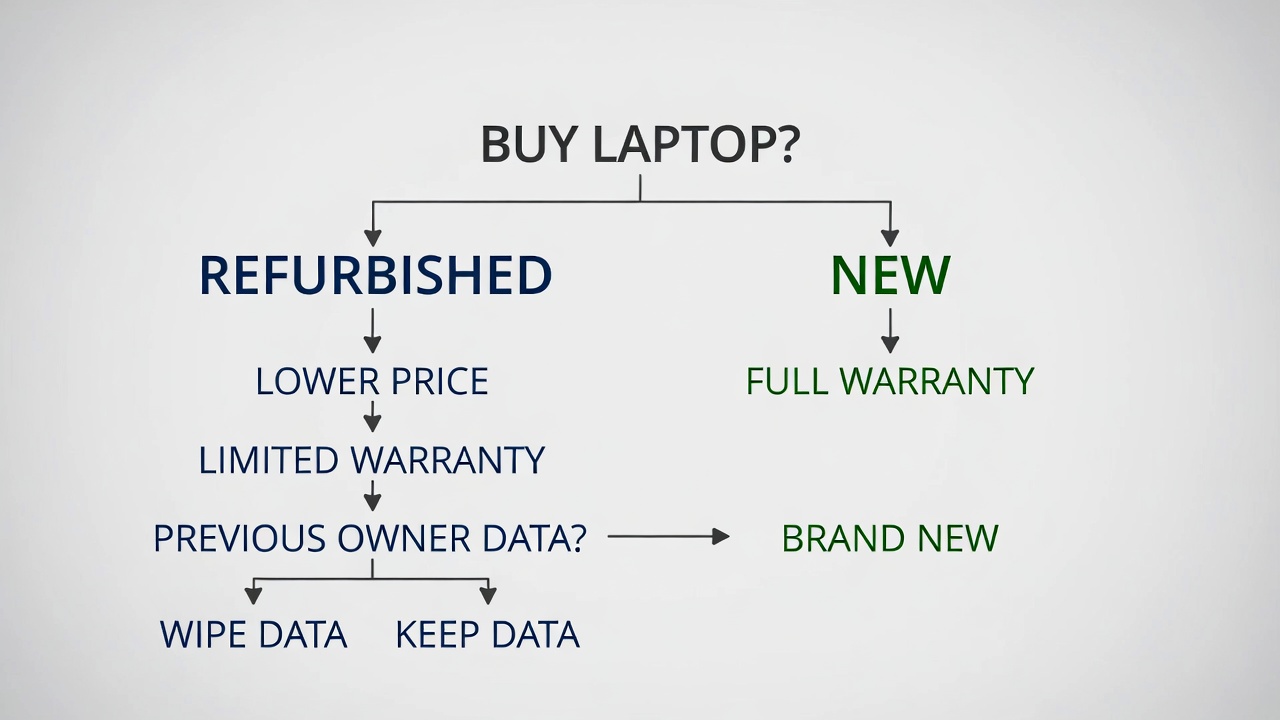
Your choice between a refurbished vs new laptop comes down to three questions:
- What’s your budget? Under $700? Refurbished will get you a much better machine than a cheap new laptop.
- Do you need the absolute latest performance? For AI development, high‑end gaming, or professional 4K video editing, go new.
- How long do you plan to keep it? If you replace laptops every two to three years, refurbished saves you money with minimal compromise. If you want five to six years, a new laptop with the latest processor will stay relevant longer.
For most students, remote workers, and general users, a certified refurbished laptop from a reputable seller (Apple, Dell Refurbished, or Amazon Renewed with a warranty) offers the best value. You get a machine that looks and works almost like new at a fraction of the price. Just remember to factor in a possible battery replacement down the road — a cost that still keeps you under the price of a new equivalent.
If you’re also shopping for a smartphone or tablet to go with that laptop, check out our smartphone accessories for power banks and cases that work with both devices.
For more on getting the most out of your tech, including software tips, read our essential software guide — it covers must‑have apps for any laptop, new or refurbished.
Final Verdict
There’s no universal “best” choice — only the right choice for your situation. New laptops give you peace of mind, the latest tech, and a full warranty. Refurbished laptops stretch your dollar further and keep perfectly good hardware out of landfills.
My recommendation: If you can find a certified refurbished model from a trusted source that’s less than two years old, buy it. Put the money you save toward an extended warranty or a high‑quality external monitor. You’ll end up with a setup that outperforms what you could have afforded buying new.
❤️ Bookmark this post to try these ideas later — your future wallet will thank you.
- Best Cheap Smartwatch Under $50
 Best Cheap Smartwatch Under $50: 5 Reliable Picks for 2026 By Sanso Uka If you’re hunting for the best… Read more: Best Cheap Smartwatch Under $50
 - Best Dash Cams of 2026
 Best Dash Cams of 2026: Top Picks for Every Driver and Budget By Wanderson Nogueira Martins Choosing the best… Read more: Best Dash Cams of 2026
 - How to Transfer Data to New Phone
 How to Transfer Data to a New Phone: A Step-by-Step Guide for 2026 By Sanso Uka Upgrading to a… Read more: How to Transfer Data to New Phone
 - Senior-Friendly Smartphones 2026
 Senior-Friendly Smartphones 2026: Best Overall Picks for Every Budget By Sanso Uka Senior-friendly smartphones in 2026 have come a… Read more: Senior-Friendly Smartphones 2026
 - Best Mechanical Keyboards in 2026
 Best Mechanical Keyboards in 2026 Best Mechanical Keyboards in 2026: Top Picks for Every Budget and Use Case By… Read more: Best Mechanical Keyboards in 2026
 - Best Monitor for Home Office 2026
 Best Monitor for Home Office 2026: Expert Picks & Buying Guide By Sanso Uka Your monitor is the window… Read more: Best Monitor for Home Office 2026
 - How to Extend Smartphone Battery Life
 How to Extend Smartphone Battery Life: 12 Practical Tips That Actually Work By Sanso Uka You unplugged your phone… Read more: How to Extend Smartphone Battery Life
 - Best E-Readers in 2026
 Best E-Readers in 2026: Which One Is Actually Worth Buying? Best E-Readers in 2026: Which One Is Actually Worth… Read more: Best E-Readers in 2026
 - Refurbished vs New Laptop
 Refurbished vs New Laptop: Which Should You Buy in 2026? By Sanso Uka When you’re in the market for… Read more: Refurbished vs New Laptop
 - Best Gaming Headsets Under $100
 Best Gaming Headsets Under $100 in 2026: Top Picks for Every Platform By Sanso Uka Finding the best gaming… Read more: Best Gaming Headsets Under $100
 - How Long Do Laptops Last
 How Long Do Laptops Really Last? A Practical Guide to Lifespan By Sanso Uka If you are shopping for… Read more: How Long Do Laptops Last
 - Best Portable Charger 2026
 Best Portable Charger in 2026: Top Power Banks for Every Budget and Use Case By Wanderson Nogueira Martins Finding… Read more: Best Portable Charger 2026